Setup and Survey
Topcon HiPer Lite and HiPer Lite+ Operator’s Manual
3-18
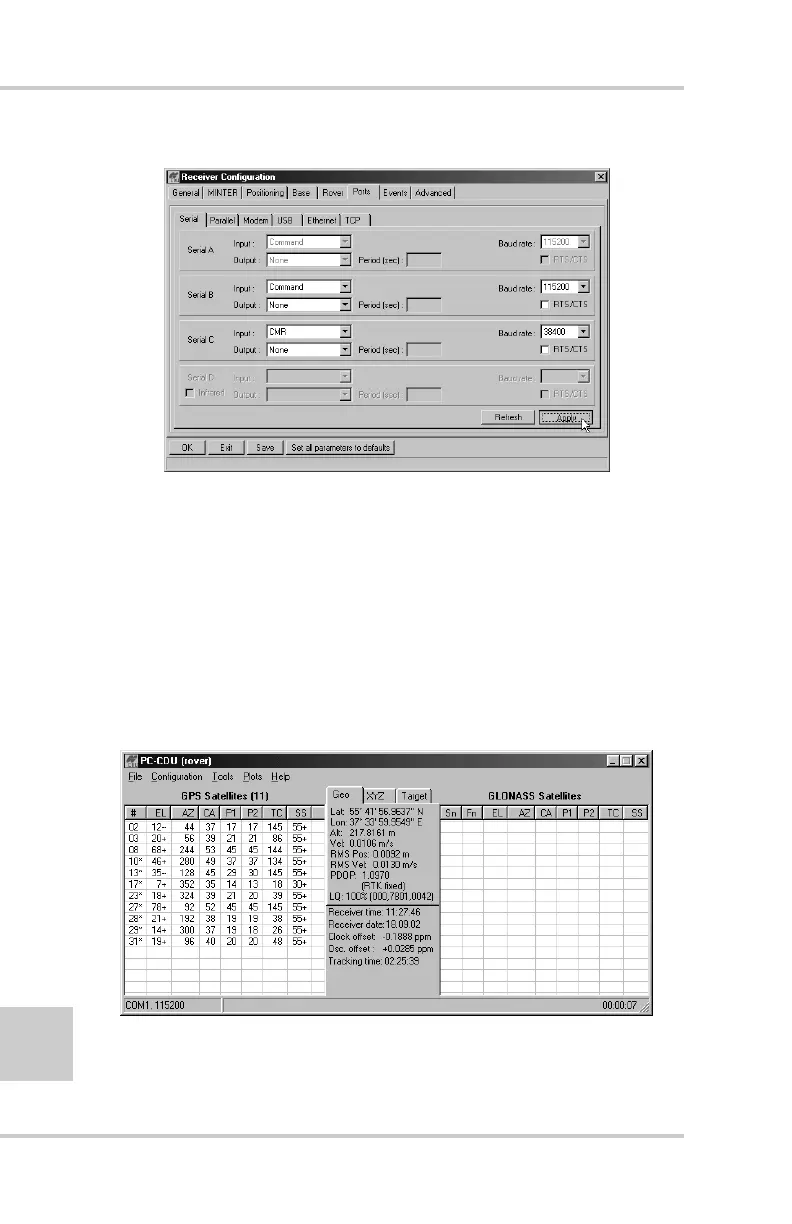
Figure 3-12. Rover Configuration – Ports
7. Click Apply.
8. Click OK to close the Receiver Configuration screen.
9. On the main screen (Figure 3-13), check the LQ field to
ensure the receiver obtains differential corrections.
Usually, the receiver will start to output the coordinates
of the antenna’s phase center along with the solution
type within 10–30 seconds. However, spread spectrum
radios may take as long as 60 seconds to synchronize.
Figure 3-13. PC-CDU Main Screen



 To Next Page