E6582062
6. [Advanced] How to use parameters 6-128
4
4
6
9
6. 30. 7 Undercurrent detection
<F610: Undercurrent trip>
<F609: Undercurrent detection hysteresis>
<F611: Undercurrent detection level>
<F612: Undercurrent detection time>
■ Function
Trips or outputs an alarm when the output current falls to the value set in <F611: Undercurrent
detection level> or less for the time specified in <F612: Undercurrent detection time>.
Hysteresis can be set by <F609: Undercurrent detection hysteresis> The trip display is "UC".
■ Parameter setting
■ Difference depending on the setting of <F610: Undercurrent trip>
0: Disabled
A trip does not occur. (Failure signal FL disabled)
Undercurrent (UC) alarm can be output from the output terminal.
Assign "26: Undercurrent (UC) alarm" to an unused output terminal.
1: Enabled
When a current level set in <F611: Undercurrent detection level> or less is detected for the period of
time set in <F612: Undercurrent detection time> or more, the inverter trips and "UC" is displayed.
(Failure signal FL enabled)
■ Setting example
Set "26: Undercurrent (UC) alarm" to the unused output terminal.
In the case of <F610: Undercurrent trip> = "0: Disabled", the signal can be output from the output
terminal as follows.
Title Parameter name Adjustment range Unit Default setting
F610 Undercurrent trip 0: Disabled
1: Enabled
0
F609 Undercurrent detection
hysteresis
1 - 20 % 10
F611 Undercurrent detection
level
0 - 150 % 0
F612 Undercurrent detection
time
0 - 255 s 0
0.0HzSTOP
13:55
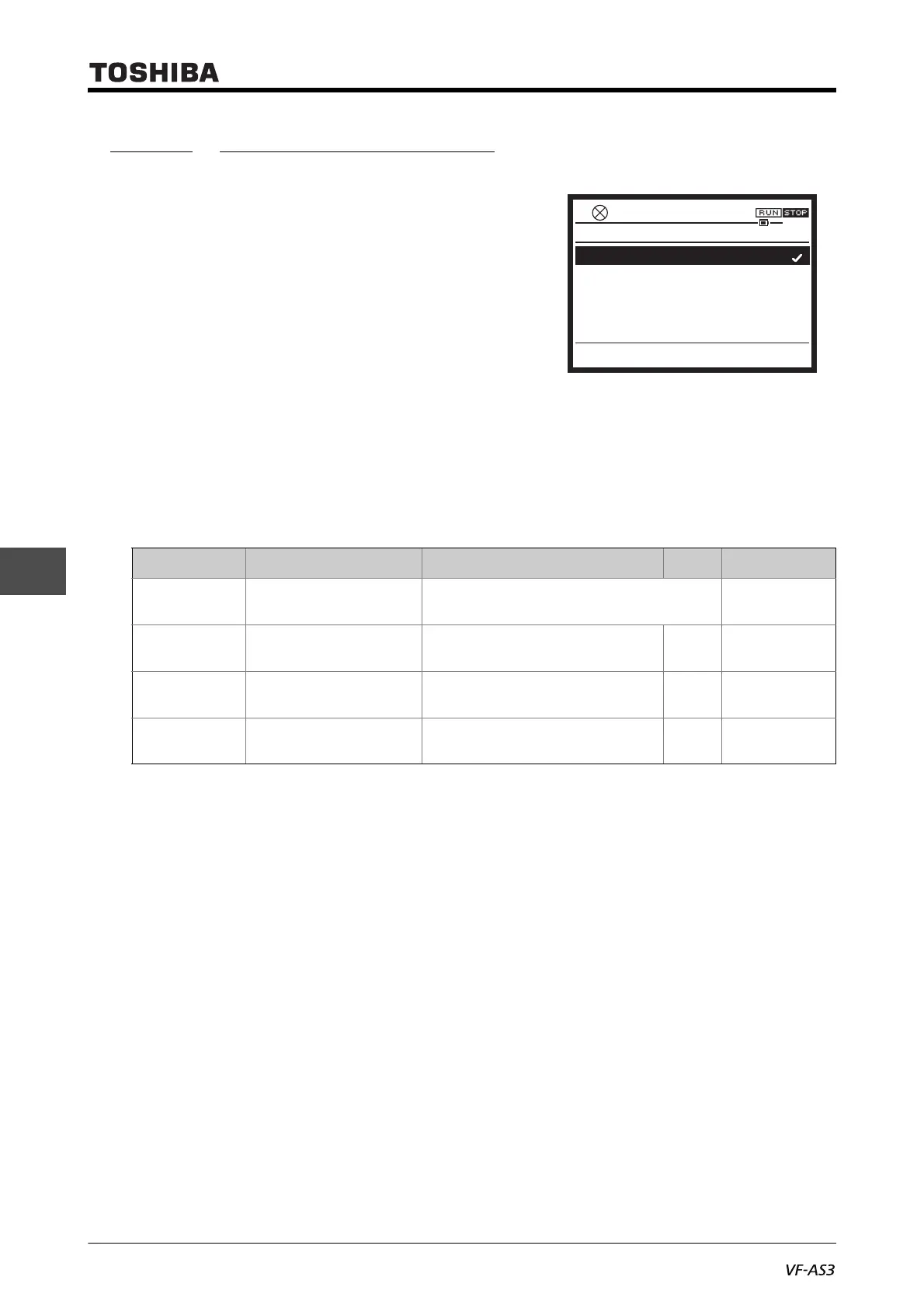
F610 : Undercurrent trip
0: Disabled
1: Enabled



 To Next Page
 Loading...











