E6582062
6. [Advanced] How to use parameters 6-20
4
4
6
9
You can set the frequency commands in various methods. Select a frequency command setting method
according to operation. You can also switch the frequency commands using signals to the terminals.
6. 6. 1 Switching two types of frequency commands
<F200: Frequency command priority select>
<FMOd: Frequency command select 1>
<F207: Frequency command select 2>
<F208: Frequency command switching frequency>
Refer to [5. 4. 1].
6. 6. 2 Setting frequency command characteristics by
analog signals
<F107: Terminal RX input voltage select>
<F108: Terminal RR input select>
<F148: Terminal AI4 input select>
<F149: Terminal AI5 input select>
<F201: RR point 1 input value>
<F202: RR point 1 frequency>
<F203: RR point 2 input value>
<F204: RR point 2 frequency>
<F205: RR point 1 rate>
<F206: RR point 2 rate>
<F209: Analog input filter>
<F210: RX point 1 input value>
<F211: RX point 1 frequency>
<F212: RX point 2 input value>
<F213: RX point 2 frequency>
<F214: RX point 1 rate>
<F215: RX point 2 rate>
<F216: II point 1 input value>
<F217: II point 1 frequency>
<F218: II point 2 input value>
<F219: II point 2 frequency>
<F220: II point 1 rate>
<F221: II point 2 rate>
<F222: AI4 point 1 input value>
<F223: AI4 point 1 frequency>
<F224: AI4 point 2 input value>
<F225: AI4 point 2 frequency>
<F226: AI4 point 1 rate>
<F227: AI4 point 2 rate>
<F228: AI5 point 1 input value>
6. 6 Setting the frequency commands
0.0HzSTOP
12:54
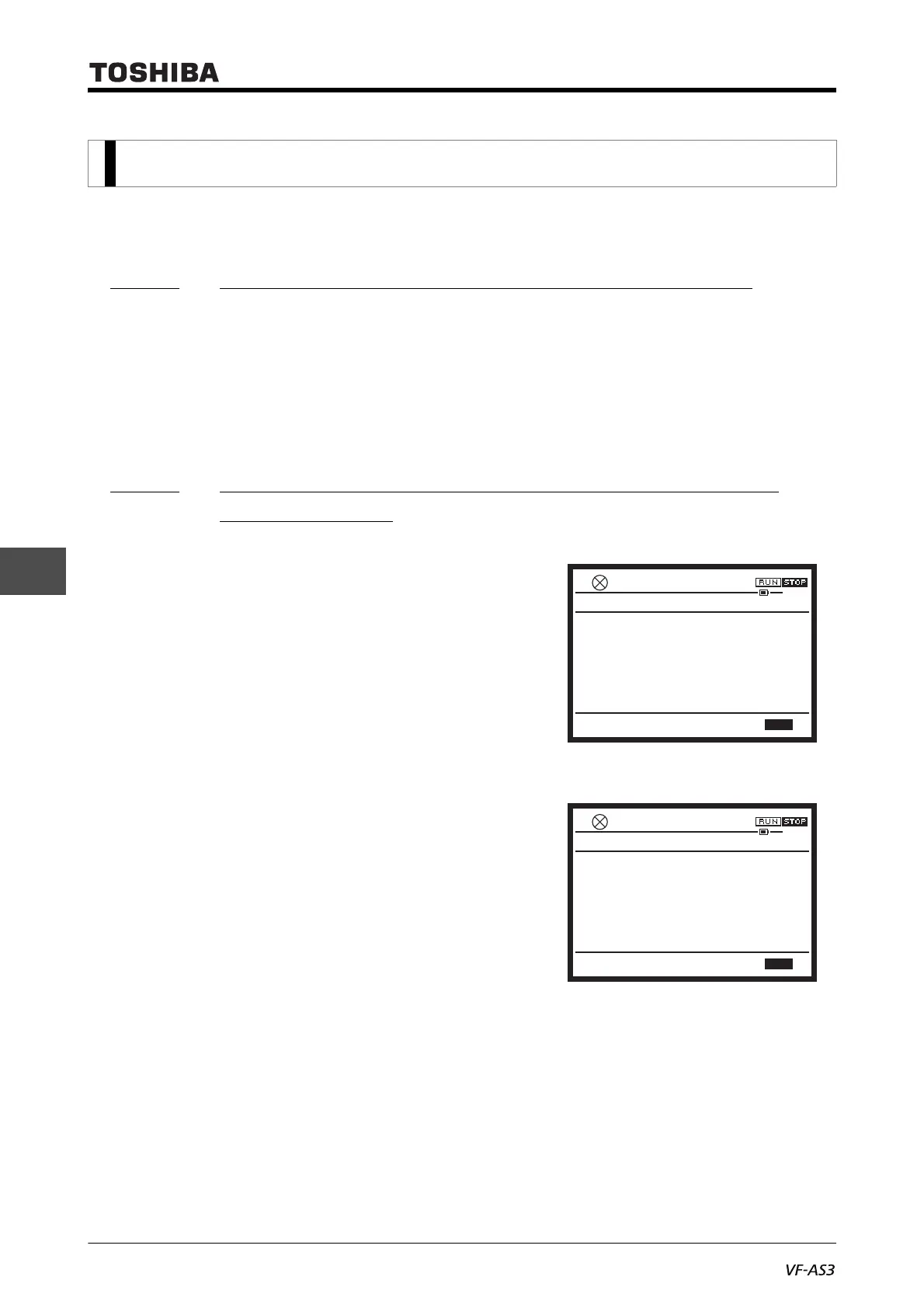
F201 : RR point 1 input value
Min: 0 Max: 100
X1000 X100 X10 X1
%
0
F209 : Analog input filter
0.0HzSTOP
12:54
Min: 1 Max: 1000
X1000 X100 X10 X1
ms
1



 To Next Page
 Loading...











