E6582062
3-17 3. [Basic operation] Operation panel and screen display
3
9
10
This section explains the screen display of the operation panel.
When operation such as parameter setting is not performed, the top screen of [Standard mode] is
displayed. During run, output frequency, etc. are displayed, and the status of alarm and trip is displayed
when an error occurs.
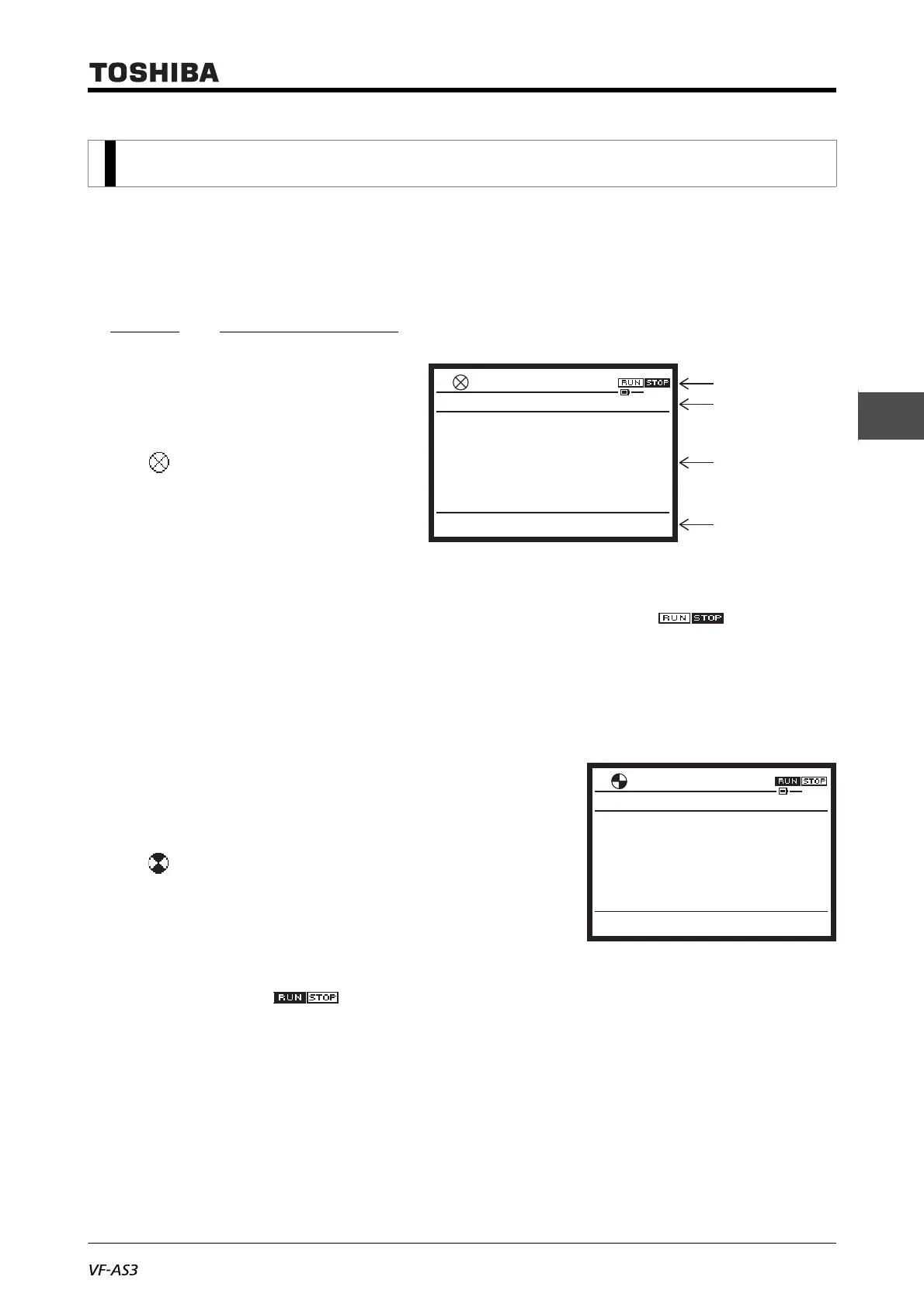
3. 2. 1 Normal display
When the inverter is stopped, the screen
on the right is displayed.
Status area
• at the left end is stopped
• As status, "STOP" is displayed.
• The frequency command value
"20.0 Hz" is displayed
(<F723: Status area display of
operation panel> = "1: Frequency
command value")
• The run command is selected from operation panel, Extension panel ( ).
Main area
• The output frequency "0.0 Hz" is displayed (<F710: Standard mode display> = "0: Output
frequency")
During run of the motor, the screen shown on the right is
displayed.
Status area
• at the left end rotates
• As status, "RUN" is displayed
• The frequency command value "20.0 Hz" is displayed
(<F723: Status area display of operation panel> = "1:
Frequency command value")
• The run command is selected from operation panel,
Extension panel ( ).
Main area
• The output frequency "20.0Hz" is displayed (<F710: Standard mode display> = "0: Output
frequency")
3. 2 Normal/emergency screen display
Standard Mode
Screen Copy Setting Monitor
Hz
20.0HzSTOP
0.0
17:12
Status area
Mode name area
Main area
Function area
Screen Copy Setting Monitor
Hz
20.0HzRUN
20.0
17:18
Standard Mode



 To Next Page
 Loading...











