E6582062
3. [Basic operation] Operation panel and screen display 3-18
3
9
Even if [Standard mode] is switched to other display mode,
you can grasp the operation status from the display in the
status area.
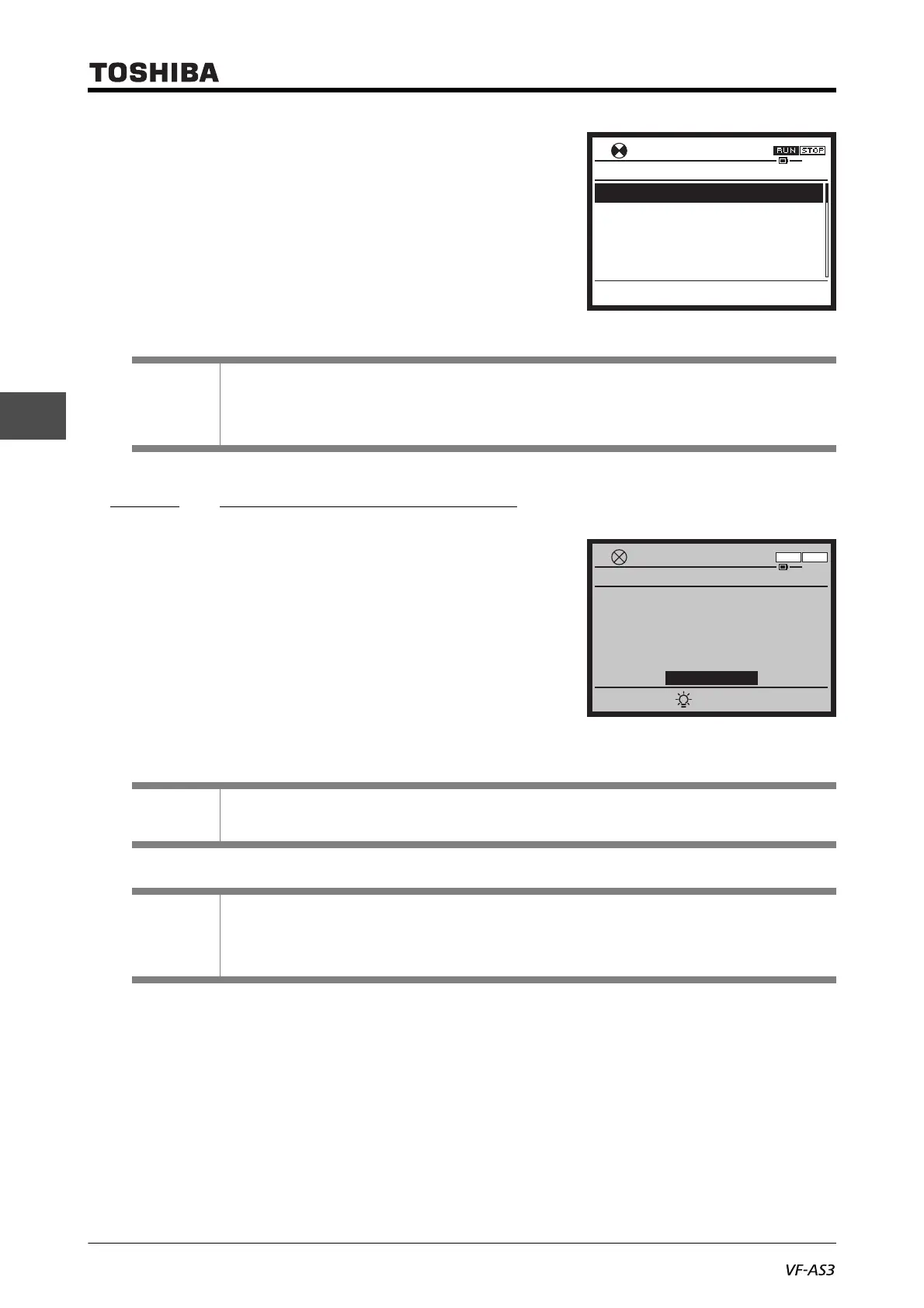
3. 2. 2 Display at the time of trip
When a trip occurs, the trip title and trip name blink, and the
backlight of the LCD screen turns red to inform you of a trip.
Check the cause of the trip and eliminate it.
When you press the [i] key, necessary information is displayed.
For details, refer to [
3. 1. 1].
Reference
• When the LCD screen is dark -> Refer to [3. 1. 3]
• To check the output current, input/output voltage, etc. -> Refer to [3. 1. 2], [8. 1. 1]
• To check the setting value of the parameter -> Refer to [3. 1. 2], [4. 2]
Memo
• If you want to return only the backlight from red to white, press the [F2] key.
Reference
• To reset from the operation panel -> Refer to [3. 2. 4]
• To know details of the display at the time of alarm/trip, causes, and measures -> Refer to
[Chapter 13]
Direction of rotation
Output frequency
Output current
Input voltage (DC detection)
Output voltage
Top Easy Setting
20.0Hz
17:18
Forward
20.0Hz
0%
116%
34%
Monitor Mode
RUN
Setting
20.0HzTrip
17:19
Standard Mode
E
Screen
Emergency off
Monitor
F R



 To Next Page
 Loading...











