E6582062
6-157 6. [Advanced] How to use parameters
3
4
6
9
■ Guideline for the setting
The override functions calculate the frequency command value by means of the following
expression:
• Frequency command value × (1+<F661> Input (%)/100) + <F660> Input (Hz)
<F661> is limited to -100 to +100
However, when the setting value of <F661: Override multiplying input select> is *1 in the table, use
the following expression.
• Frequency command value × (<F661> Input (%)/100) + <F660> Input (Hz)
<F661> is not limited
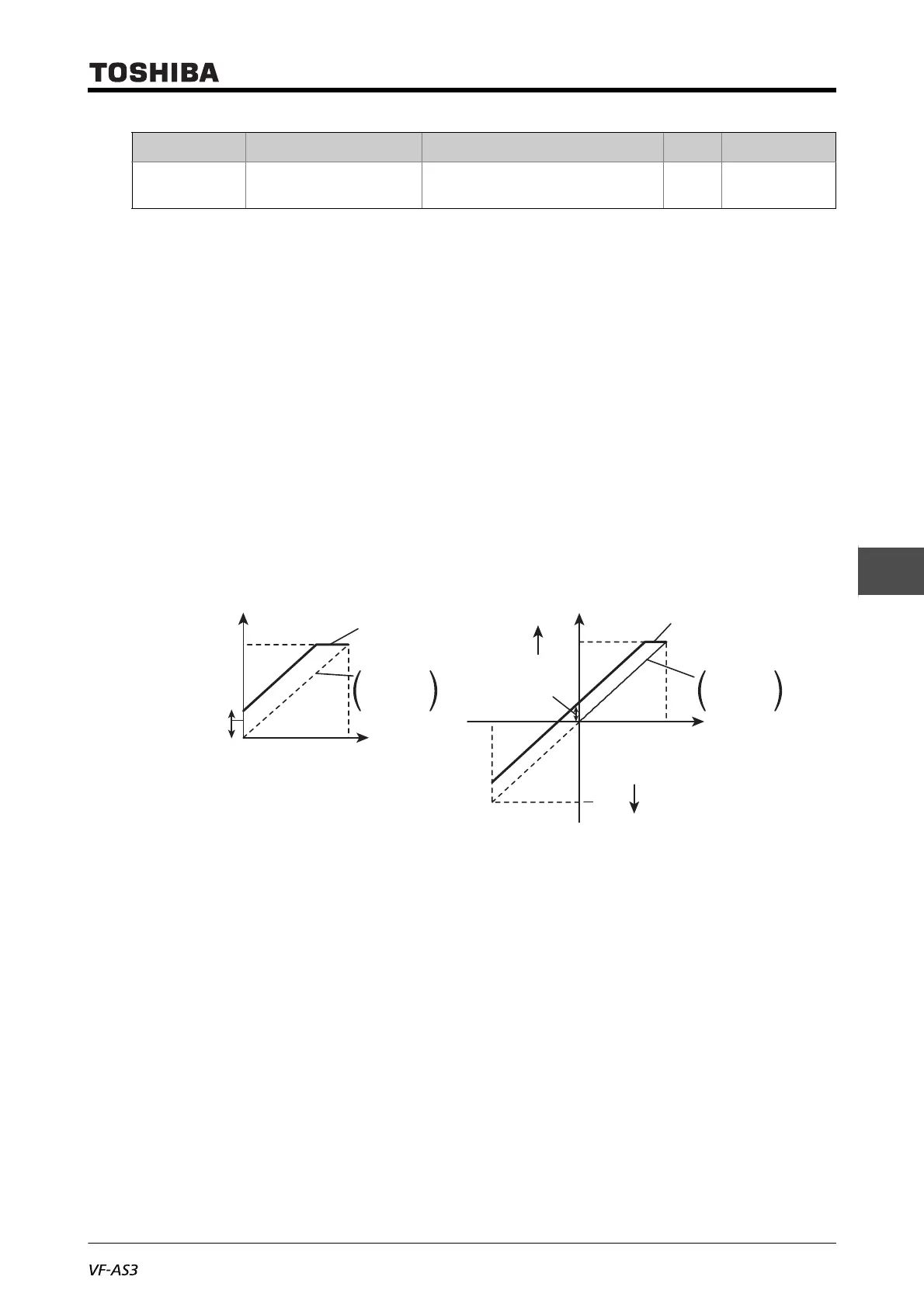
■ Additive override
An input override frequency is added to the frequency command value externally.
Example 1: <F660>= "3: Terminal II", <F661>= "0: Disabled"
Output frequency = Reference frequency + Override (terminal [II] input (Hz))
Example 2: <F660>= "1: Terminal RR", <F661>= "0: Disabled"
Output frequency = Reference frequency + Override (terminal [RR] input (Hz))
■ Multiple override
An input override frequency is added to the frequency command value externally.
F729 Panel override
multiplication gain
-100 to +100 % 0
Title Parameter name Adjustment range Unit Default setting
Output frequency Output frequency
Frequency after
override
Frequency after override
Fwd
Rev
Example 1: Terminal [RR]
(Reference frequency command)
Terminal [II] (override input)
Example 2: Terminal [RX]
(Reference frequency command)
Terminal [RR] (override input)
Override
([II] input)
Override
([II] input)
[RR] input
(Reference
frequency)
[RX] input
(Reference
frequency)
0 10V
10V
0
-10V
<FH>
<FH> <FH>



 To Next Page
 Loading...











