E6582062
6. [Advanced] How to use parameters 6-160
4
4
6
9
6. 33. 2 Pulse train output
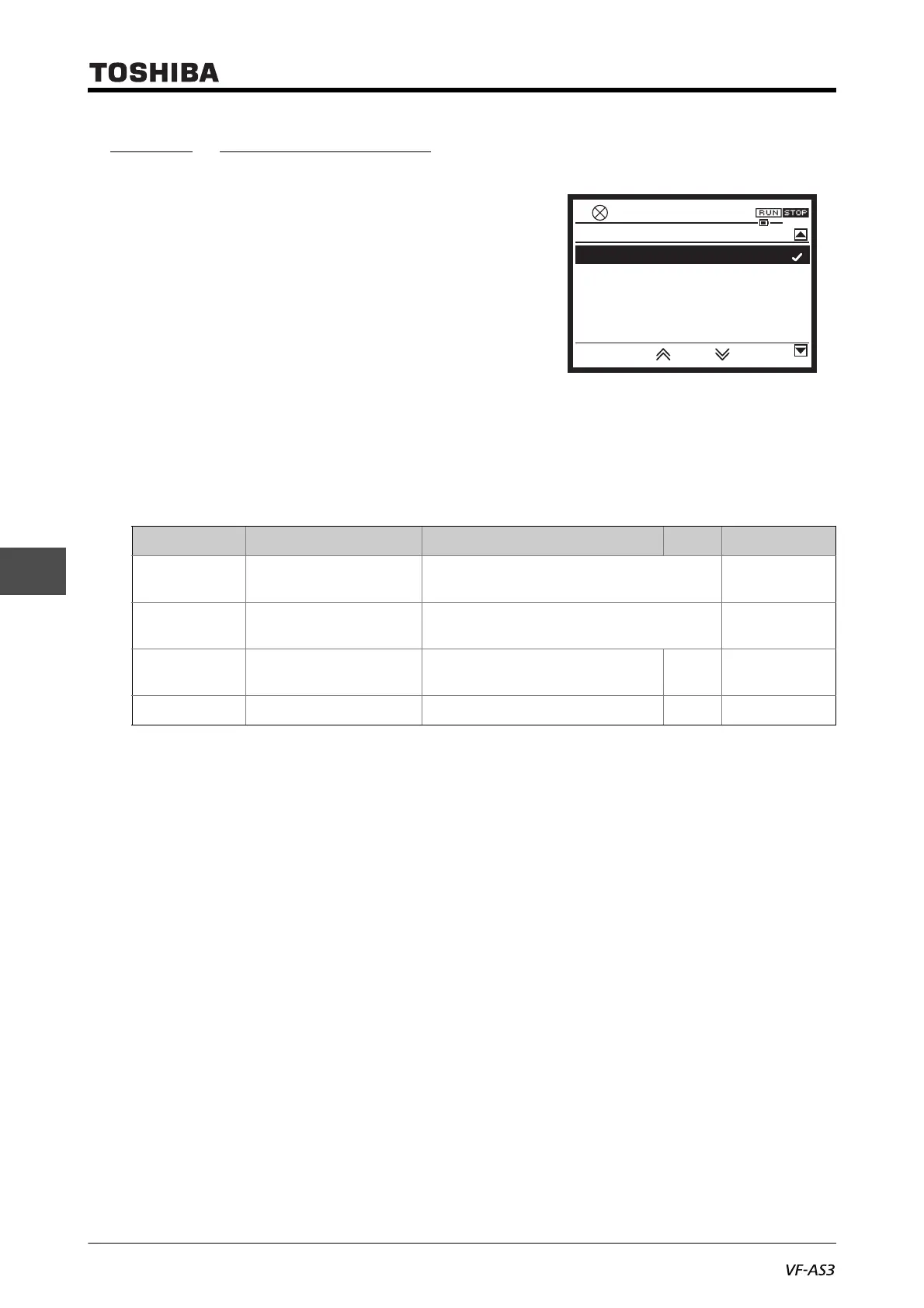
<F669: Terminal FP switching>
<F676: Terminal FP pulse train output function>
<F677: Maximum pulse number of pulse train output>
<F678: Pulse train output filter>
■ Function
Pulse trains can be output from terminal [FP]. Set the pulse output function and the number of
pulses.
■ Parameter setting
■ Setting method
For example, to output frequency (0 - 60Hz) at 0 - 600 pulse, set as follows.
<FH>= "60.0", <F669>= "1", <F676>= "0", <F677>= "0.60"
When the item selected by <F676> has reached the value of the reference of maximum value, the
number of pulse set by <F677: maximum pulse number of pulse train output> is output.
ON pulse width is a fixed width. When outputting the maximum number of pulses set by <F677>, the
width is fixed at a value, where the duty ratio is 50%.
Therefore, the duty ratio varies according to the output pulse.
For example,
• <F677>="0.80" (kpps), ON pulse width = approx. 0.6 (ms)
• <F677>="1.00" (kpps), ON pulse width = approx. 0.5 (ms)
• <F677>="1.60" (kpps), ON pulse width = approx. 0.3 (ms)
Pulses below 15pps cannot be output.
Title Parameter name Adjustment range Unit Default setting
F669 Terminal FP switching 0: Digital output
1: Pulse output
0
F676 Terminal FP pulse train
output function
0-149
*1
*1 For details, refer to [11. 7].
0
F677 Maximum pulse number
of pulse train output
0.50 - 30.00 kpps 8.00
F678 Pulse train output filter 1 - 1000 ms 64
1: Pulse output
0.0HzSTOP
14:10
0: Digital output
F669 : Terminal FP switching



 To Next Page
 Loading...











