E6581158
G-1
7
7. Applied operation
7.1 Setting the operation frequency
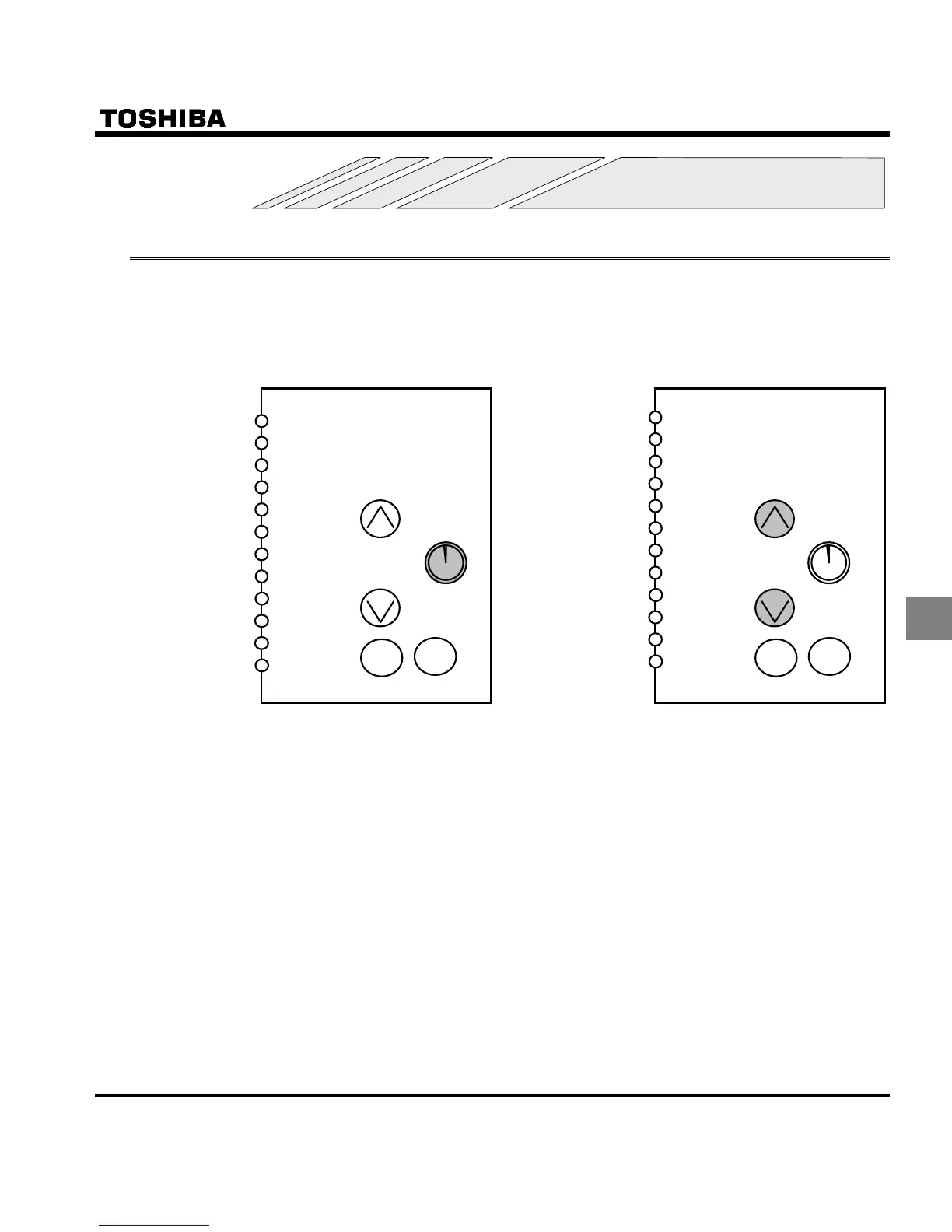
Applied operation can be performed by selecting the inverter frequency setting. To make settings for applied op-
eration, use the basic parameter HOQF (selection of frequency setting mode 1), and the extended parameters
H (frequency priority selection) and H (selection of frequency setting mode 2).
(1) Internal potentiometer setting (2) Operation panel key setting
RUN STOP
F
R
RES
S1
S2
S3
CC
PLC
PP
VIA
VIB
CC
F
R
RES
S1
S2
S3
CC
PLC
PP
VIA
VIB
CC
RUN STOP
HOQF:
H:
HOQF:
H:
Enter the number with the operation panel
keys, then press the ENT key to conform.
(Save the setting)



 To Next Page
 Loading...











