TRACKMASTER Ch. 10 Removal and Replacement of Components
317-160-406 Rev 4 TMX428 TMX428CP & TMX58 Service Manual 107
May 2021
Circuit Breaker Replacement
Tools Required
1/4” Hex nut driver or
3/32” Flat blade electronic screwdriver
Approximate time to complete 20 min
1. Turn the treadmill main power switch to the off position.
2. Unplug treadmill plug from the wall receptacle.
3. Allow treadmill to discharge for 3 minutes.
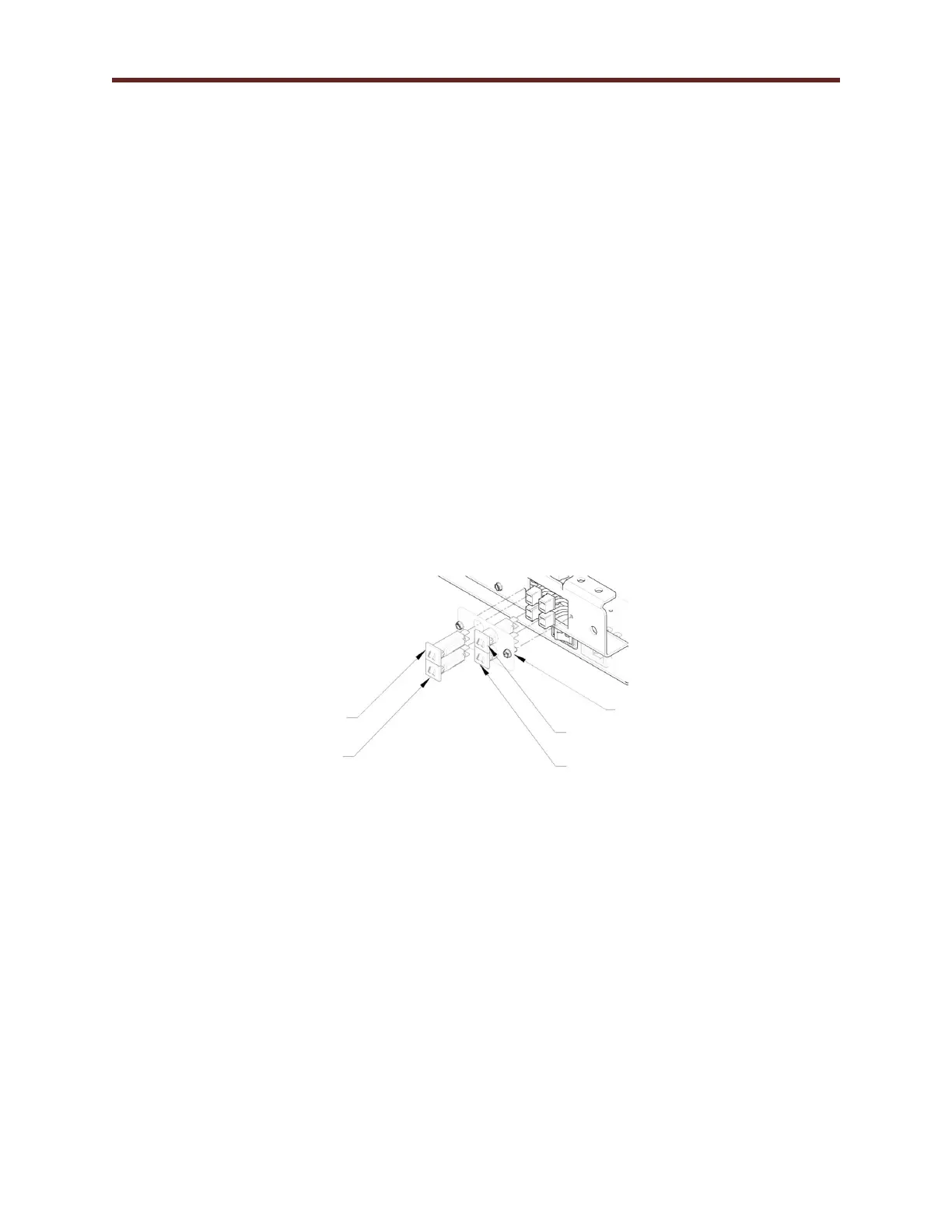
4. Remove the (2) screws retaining the circuit breaker mounting plate.
5. Gently pull the plate out allowing wires to feed through the hole.
6. Unplug the (2) wire connectors off the circuit breaker to replace. When replacing more than one,
perform the replacement one at a time to keep the wires on the correct value of circuit breaker.
7. Using a small electrical flat blade screwdriver push the holding clips on the sides of the breaker in to
allow it to slide out of the plate. These are located on the backside of the plate (made as part of the
breaker housing).
8. Install the new circuit breaker by sliding it into the hole until it snaps into place.
9. Reattach the wire connector by sliding them on to the terminals.
10. Once all desired breakers have been replaced, reinstall the plate with the (2) screws.
11. After installation check the unit for proper operation.
1/4 AMP Fuse (BLK & RED Wires)
Circuit Board Mounting Plate
1/4 AMP Fuse (BRN & BLUE Wires)
3 AMP Fuse
(BLK & WHT Wires)
3 AMP Fuse
(BRN & BRN Wires)



 To Next Page