TRACKMASTER Ch. 9 Troubleshooting
317-160-406 Rev 4 TMX428 TMX428CP & TMX58 Service Manual 77
May 2021
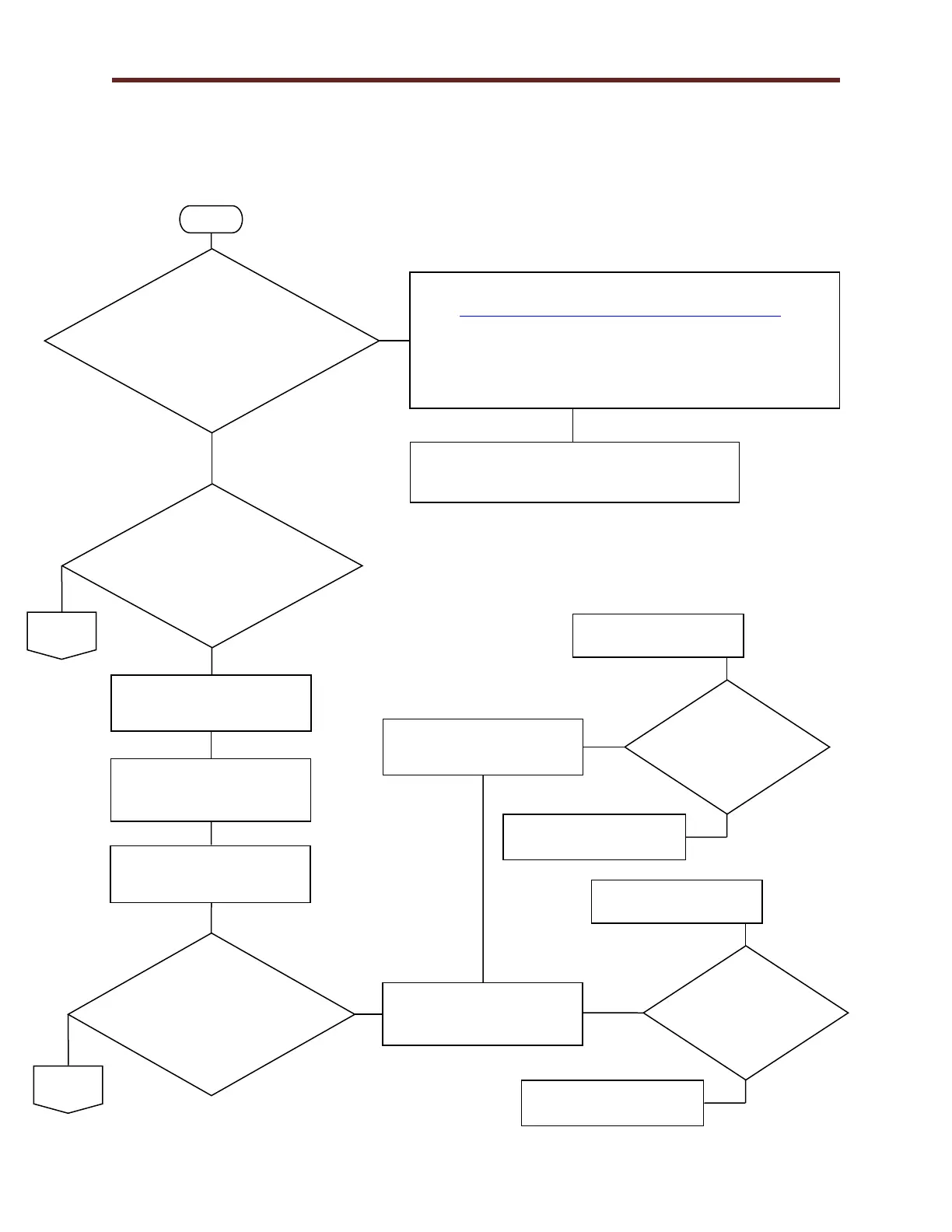
Communication RS232 Flow Chart 1H
When connecting Full
Vision Treadmill PS
New Cal Software are
you Recd and Sent
information?
Verify treadmill power switch
is in the off (0) position.
Verify the Emergency Stop
Button is released or Pull
Tether missing.
Press connect on the
Full Vision Treadmill
PS New Cal Software
are you Recd and Sent
information?
Turn treadmill power switch in
the on (1) position.
Verify Communication cable
has not been damaged.
Verify Communication cable
is connected at both ends.
Is
Communication
Cable
Damaged?
Replace Communication
Cable.
Communication should be
restored Reference 1G.
Is
Communication
Cable
Connected?
Connect Communication
Cable.
Communication should be
restored Reference 1G.
When connecting Stress
System or Full Vision
Treadmill PS New Cal
Software, you received
missing driver error code.
Download the appropriate drive based on your computer
OS at http://www.ftdichip.com/Drivers/VCP.htm or
refer to the TRACKMASTER
®
owner’s manual. When
connecting to the USB port, ensure port configuration
matches with your software port identification.
After installing USB driver and configured
the port setting, Reference 1H.



 To Next Page