TRACKMASTER Ch. 12 Removal and Replacement of Components
317-160-406 Rev 4 TMX428 TMX428CP & TMX58 Service Manual 117
May 2021
Calibration TMX428 Series
Belt Speed Calibration Procedure (Calibration Program)
Tools Required
Calibration Program (Full Vision Treadmill PS New Cal)
Stop watch or watch with a second hand
Chalk or some other temporary marking device
Computer or laptop
Serial Communication Cable
USB Communication Cable
1. Plug treadmill to power supply.
2. Connect computer or laptop to treadmill RS232 port or USB mini port.
3. Turn ON Treadmill.
4. Open Full Vision Treadmill PS New Cal software.
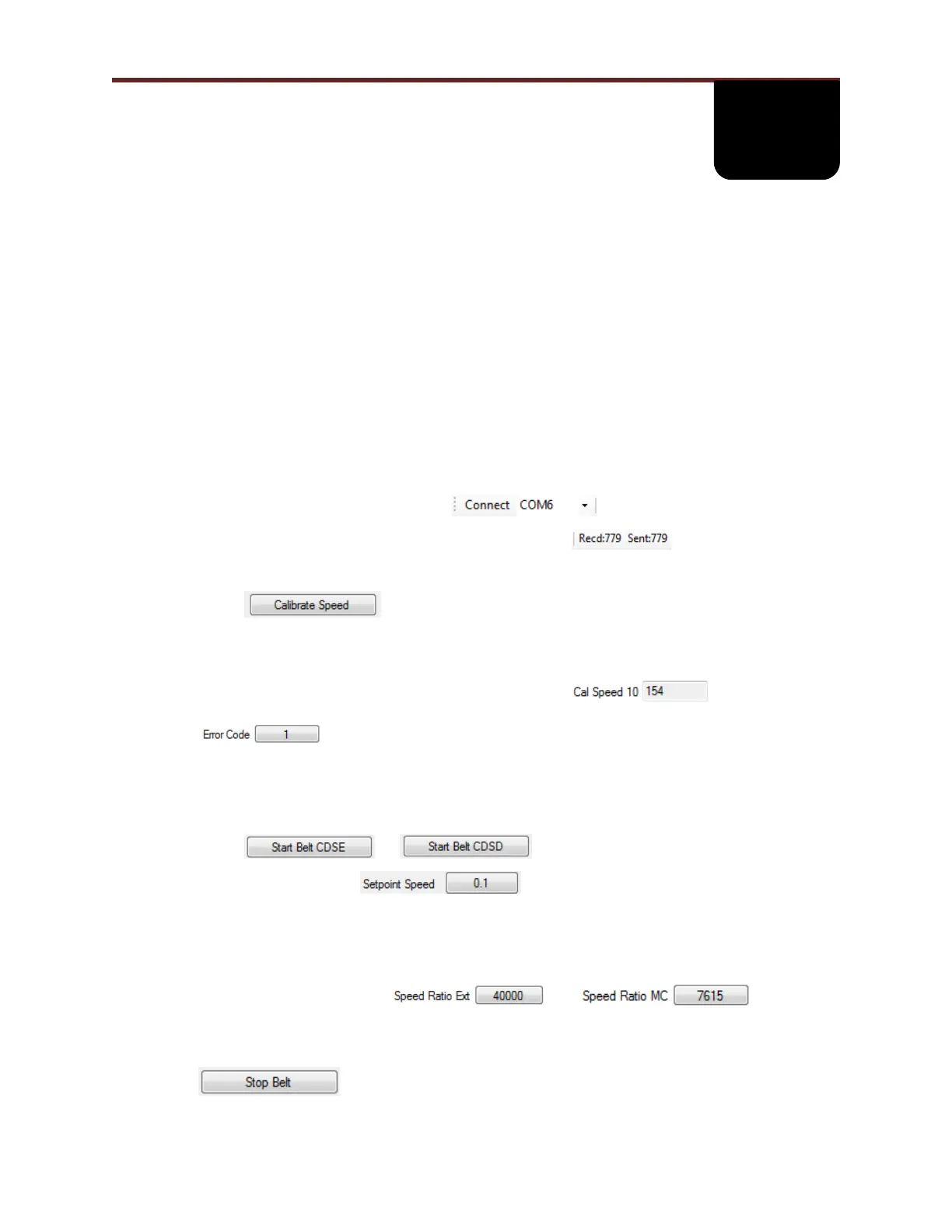
5. Select Comport and press Connect.
6. Verify communications is receiving and sending data.
7. Remove all tools from running belt and stand clear of running surface.
8. Select
9. Observe: Running belt will pause for approximately 8 seconds and slowly increase speed
establishing multiple calibration points.
10. When calibration routing is complete and successful ( ) value will
automatically update Cal Speed Fields. When calibration routine fails (
), consult factory for assistance.
11. At this point running belt calibration is complete.
12. To set MPH versus KPH, position dip switch 1 when in the “OFF” position, units are set to
English, and in the “ON” position, units are set to Metric.
13. Select or and the running belt will start at 0.1 MPH.
14. To change speed select and type desired speed.
15. Measure belt with MPH/KPH gauge or using “Verifying Belt Speed Calibration (in the
field)”. Verify within specification +/- 2%.
16. Repeat process for 2, 3, 5, 7, & 12 MPH or 4, 6, 8, 12 & 19 KPH.
17. If not with tolerance, verify and , then
recalibrate belt.
18. Repeat steps 13 thru 16 until within tolerance.
19.



 To Next Page