Troubleshooting Ch. 9 TRACKMASTER
76 TMX428 TMX428CP & TMX58 Service Manual 317-160-406 Rev 4
May 2021
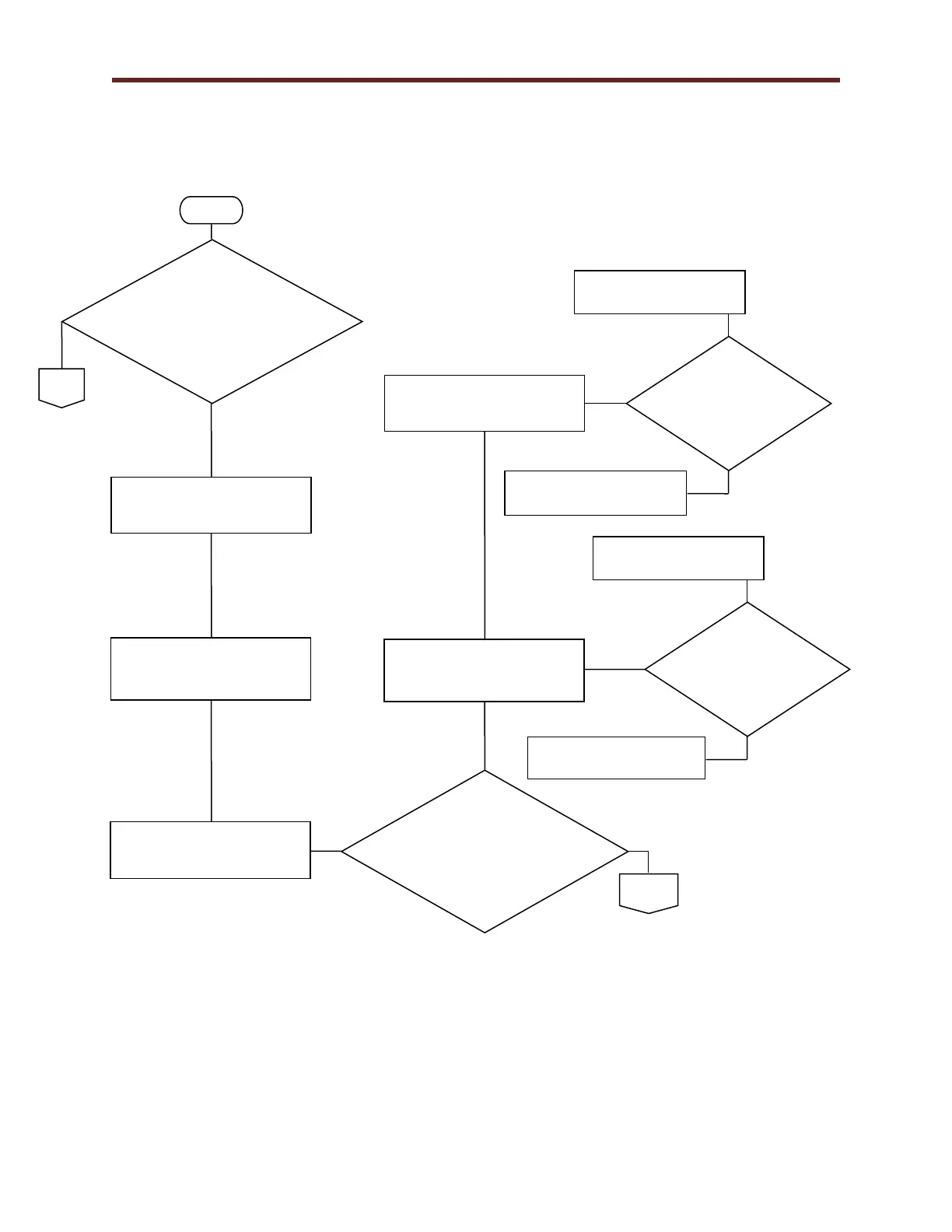
Communication RS232 Flow Chart 1G
When connecting Full
Vision Treadmill PS
New Cal Software, are
you Recd and Sent
information?
Verify treadmill power switch
is in the off (0) position.
Verify the Emergency Stop
Button is released or Pull
Tether missing.
Press connect on the
Full Vision Treadmill
PS New Cal Software
are you Recd and Sent
information?
Turn treadmill power switch is
in the on (1) position.
Verify Communication cable
has not been damaged.
Verify Communication cable
is connected at both ends.
Is
Communication
Cable
Damaged?
Replace Communication
Cable.
Communication should be
restored Reference 1G.
Is
Communication
Cable
Connected?
Connect Communication
Cable.
Communication should be
restored Reference 1G.



 To Next Page