TRACKMASTER Ch. 12 Established Component Replacement Times
120 TMX428 TMX428CP & TMX58 Service Manual 317-160-406 Rev 4
May 2021
Elevation Calibration Procedure (Calibration Program)
Tools Required
Calibration Program (Full Vision Treadmill PS New Cal)
Tape Measure
¼” Nut Driver or Flat Headed Screw Drive
T15 Torx Screw Driver
Computer or laptop
Serial Communication Cable
USB Communication Cable
1. Plug treadmill to power supply.
2. Connect computer or laptop to treadmill RS232 port or USB mini port.
3. Turn ON Treadmill.
4. Open Full Vision Treadmill PS New Cal software.
5. Select Comport and press Connect.
6. Verify communications is receiving and sending data.
7. To set the 0% Elevation and Upper Elevation limits on travel.
8. Increase elevation to 5% and cycle treadmill power (by resetting the power the treadmill will
automatically find the lower limit position).
9. Using a tape measure, verify the 0% elevation (Refer to Elevation Chart TMX428,
TMX428CP, and TMX58).
9A. If the zero position requires adjustment, remove actuator top cover.
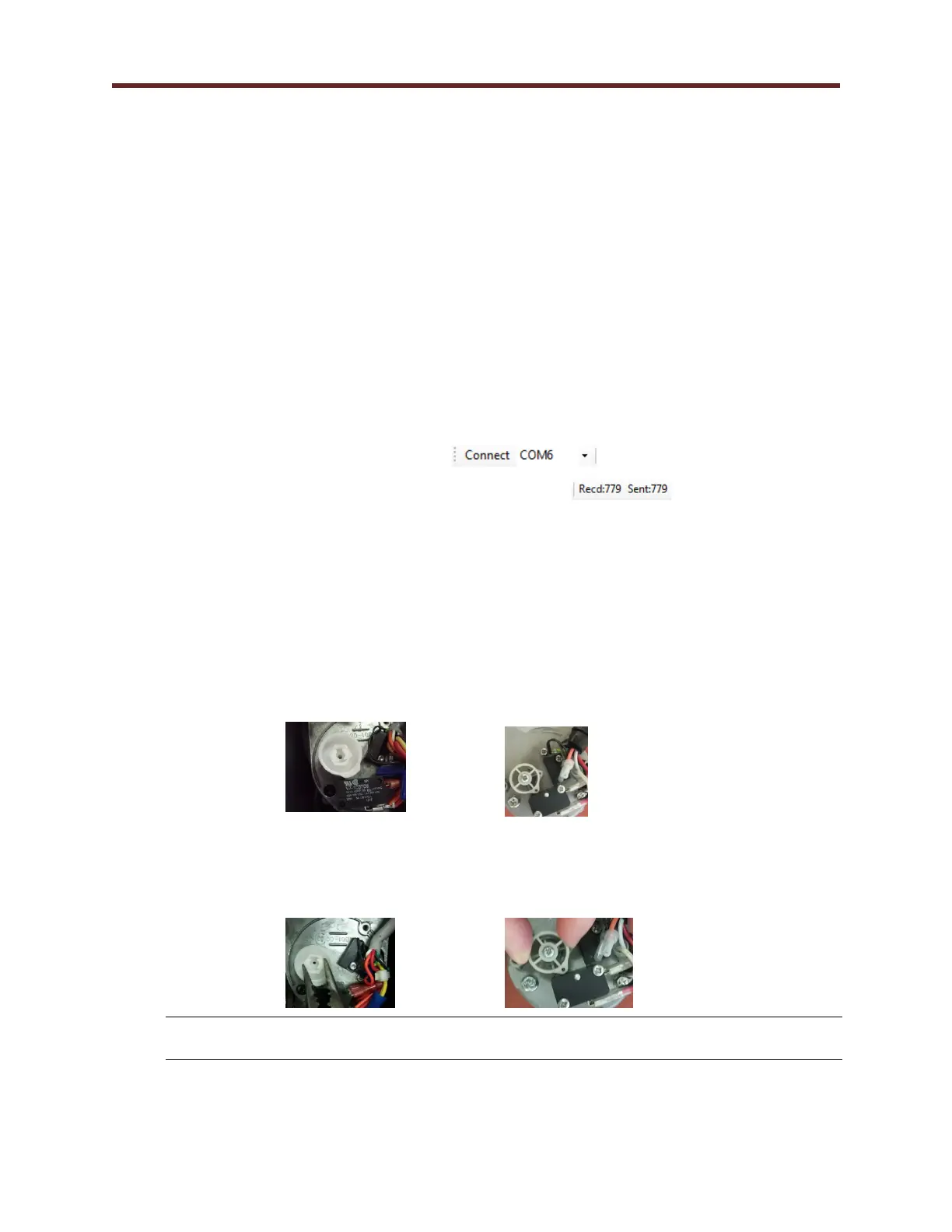
Note: The treadmill can have either Von Weise or MSI Actuator. The only difference
is how the zero position is adjusted.
Von Weise Actuator MSI Actuator
9B. If the zero position is low, adjust the upper cam clockwise into the limit switch.
If position is high adjust the upper cam counterclockwise away from limit switch.
Von Weise Actuator MSI Actuator
NOTE: When adjusting the upper cam on the Von Weise Actuator, an audible click will
be heard. Make adjustments in small increments, preferably a single click at time.



 To Next Page