TRACKMASTER Ch. 9 Troubleshooting
317-160-406 Rev 4 TMX428 TMX428CP & TMX58 Service Manual 75
May 2021
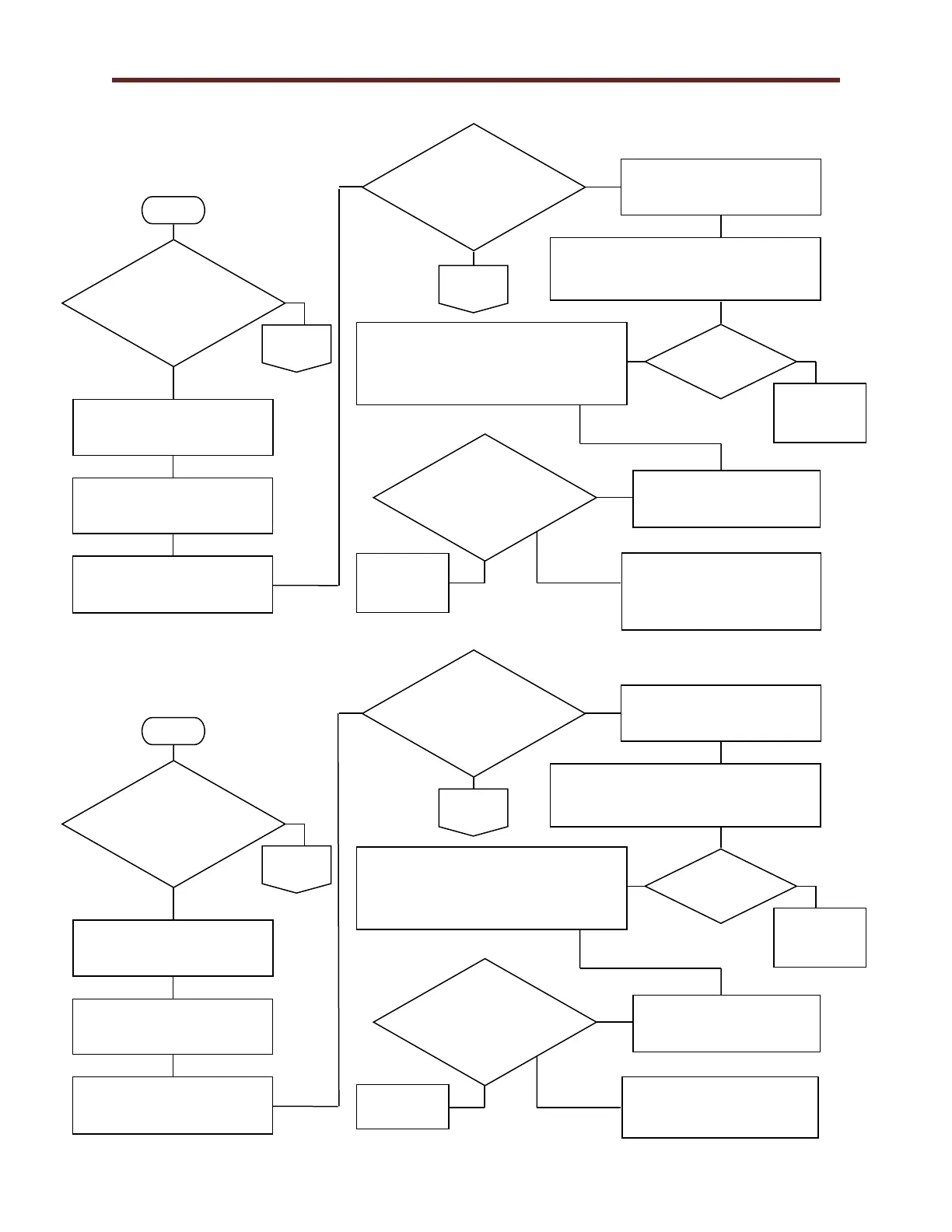
Emergency Stop Flow Chart 1E
Pull Tether Flow Chart 1F
Is the Red D13
LED lit on Smart
Power Supply
FG0495?
Verify treadmill power switch
is in the off (0) position.
Verify the Emergency Stop
Button is released.
Is the Red D13
LED lit on Smart
Power Supply
FG0495?
Turn treadmill power switch in
the on (1) position.
Verify treadmill power switch
is in the off (0) position.
Verify the continuity of the Emergency
Stop Harness with an OHM meter to
ensure the wire is not damaged.
Turn treadmill power switch
in the on (1) position.
Verify wire connectors on the Emergency
Stop and quick disconnect on connector
J4 & J5 are a secure connection on Smart
Power Supply FG0495.
Is the Red D13
LED lit on Smart
Power Supply
FG0495?
Replace
Emergency
Stop Button.
Red D13 LED Light should be
lit on Smart Power Supply
FG0495 Reference 1E.
Is the Red D12
LED lit on Smart
Power Supply
FG0495?
Verify treadmill power switch
is in the off (0) position.
Verify the Pull Tether Clip
connected to Pull Tether.
Turn treadmill power switch in
the on (1) position.
Replace
Emergency
Stop Harness.
Is the Red D12
LED lit on Smart
Power Supply
FG0495?
Verify treadmill power switch
is in the off (0) position.
Verify the continuity of the Emergency
Stop Harness with an OHM meter to
ensure the wire is not damaged.
Turn treadmill power switch
in the on (1) position.
Verify wire connectors on the Emergency
Stop and quick disconnect on connector
J6 & J7 are a secure connection on Smart
Power Supply FG0495.
Is the Red D12
LED lit on Smart
Power Supply
FG0495?
Red D12 LED Light should
be lit on Smart Power Supply
FG0495 Reference 1E.
Replace
Emergency
Stop Harness.



 To Next Page