TRACKMASTER Ch. 12 Established Component Replacement Times
128 TMX428 TMX428CP & TMX58 Service Manual 317-160-406 Rev 4
May 2021
Log File Retrieval FGLF0495-3 (4
th
Edition Smart Power Supply)
1. Turn Power Switch to the “OFF” position on the treadmill.
2. Remove the motor pan hood screws to gain access to the Smart
Power supply circuit board.
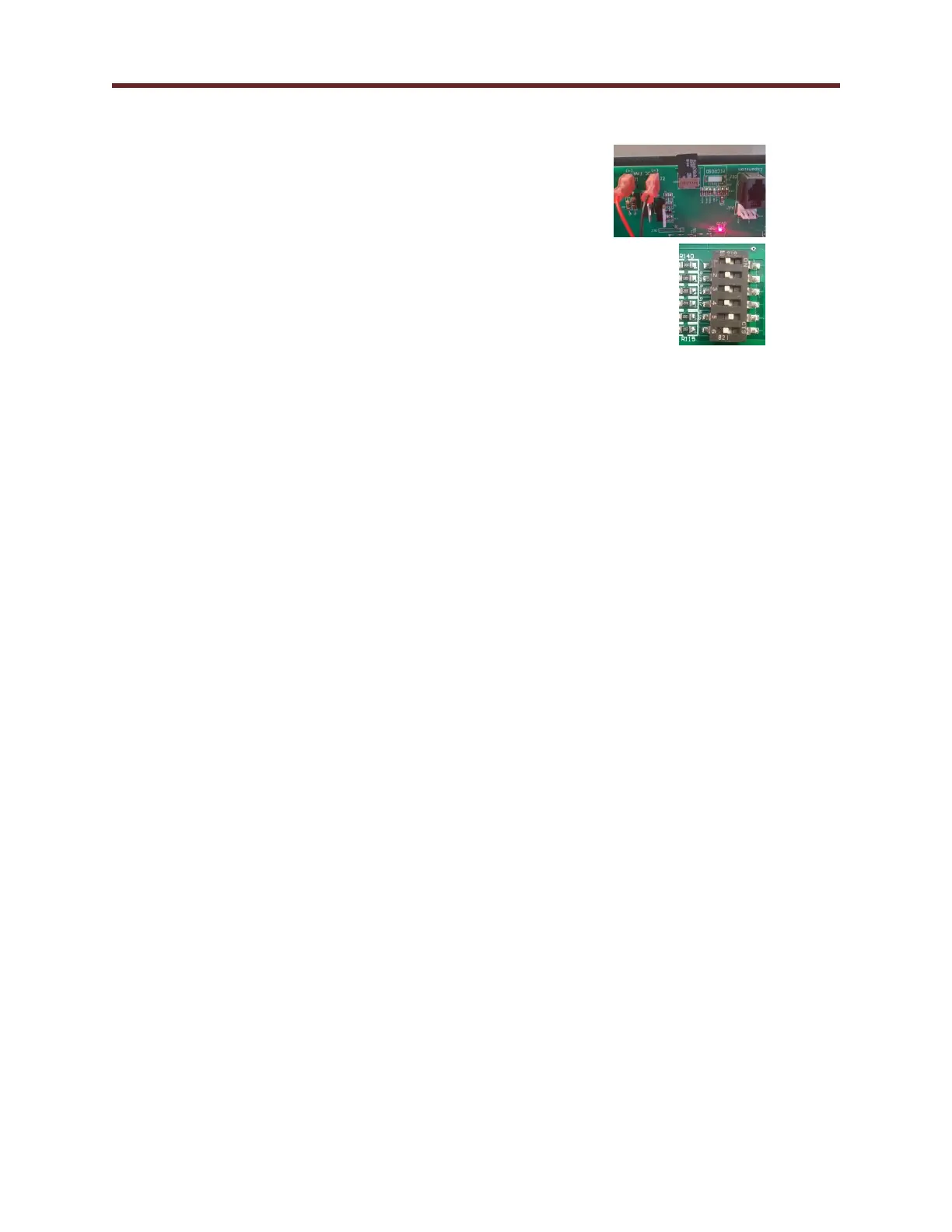
3. Insert a blank Mini Micro SD card into IC3 card reader slot.
4. Record the position of the switch configuration.
5. Set switch configuration 1,2,3,4 and 6 are in the “OFF” position
and switch 5 is in the “ON” position.
6. Switch the main power switch to the ON position. Be sure to keep
hands away from electrical components, which may cause a shock hazard.
Depending on the number of records to be written, it can take up to
5 minutes to finish. When complete the treadmill begins power initialization sequence.
7. Once the program is loaded, the D13 LED light should light solid.
8. Turn Power Switch to the “OFF” position on the treadmill and retrieve the Mini Micro SD card.
9. Reset the switch configuration to the previous position (Step 4).
10. Cycle the Power Switch.
11. Provide the downloaded log file “FVFLASH.BIN” for content review.
12. Contact Trackmaster Service.



 To Next Page