TRACKMASTER Ch. 10 Removal and Replacement of Components
317-160-406 Rev 4 TMX428 TMX428CP & TMX58 Service Manual 105
May 2021
Replacing the Speed Sensor 3 Wire to 3 Wire
Tools Required
1/4” Hex Nut Driver or Flat Blade Screwdriver
Grounding Wrist Strap
Approximate time to complete: 20 min
1. Turn the treadmill main power switch to the OFF position.
2. Unplug the treadmill power cord from the wall receptacle.
3. Allow the treadmill to discharge for 1 minute.
4. Remove existing 3 wire sensor.
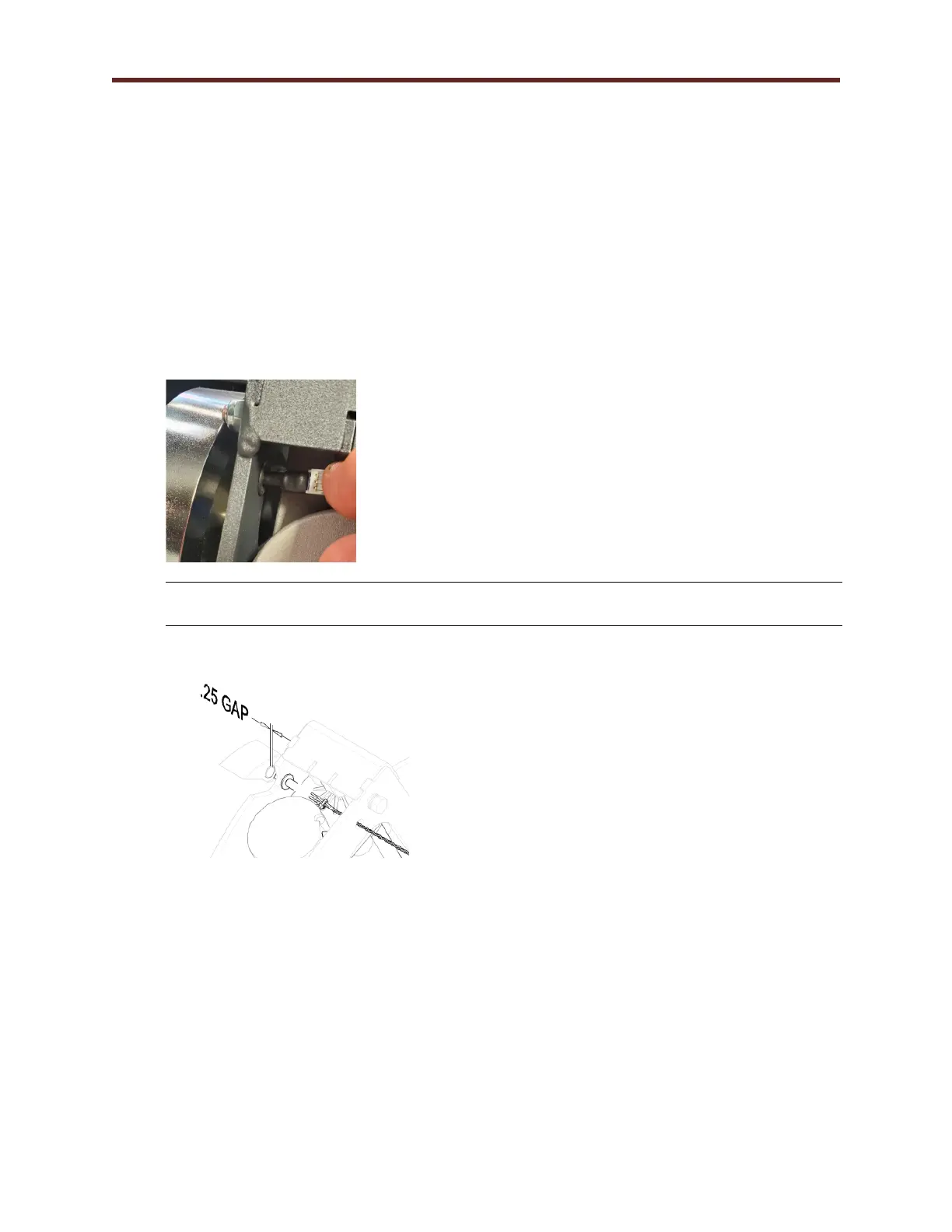
5. Slide replacement 3 Wire Speed Sensor thru rubber grommet.
CAUTION: Use ESD precautions, including wearing a grounding wrist strap that is
connected to an exposed metal connection point on the treadmill chassis.
6. Adjust the speed sensor to the magnet on the flywheel to approximately 1/4”
7. After replacing Speed Sensor, Perform Belt Speed Calibration Procedure (Calibration
Program)



 To Next Page