TRACKMASTER Ch. 12 Removal and Replacement of Components
317-160-406 Rev 4 TMX428 TMX428CP & TMX58 Service Manual 123
May 2021
to highlight .
8. Adjustment to with any + or – key.
9. Using the ENTER or PROGRAM SELECT ,
highlight .
10. Increase elevation to 25% (verify with a tape measure that the value is 18.0” to 18.2”).
11. The lower Cam should almost be in contact with limits switch.
12. If the Upper Elevation Cam comes in contact with limit switch, the treadmill will
automatically reset to the 0% elevation.
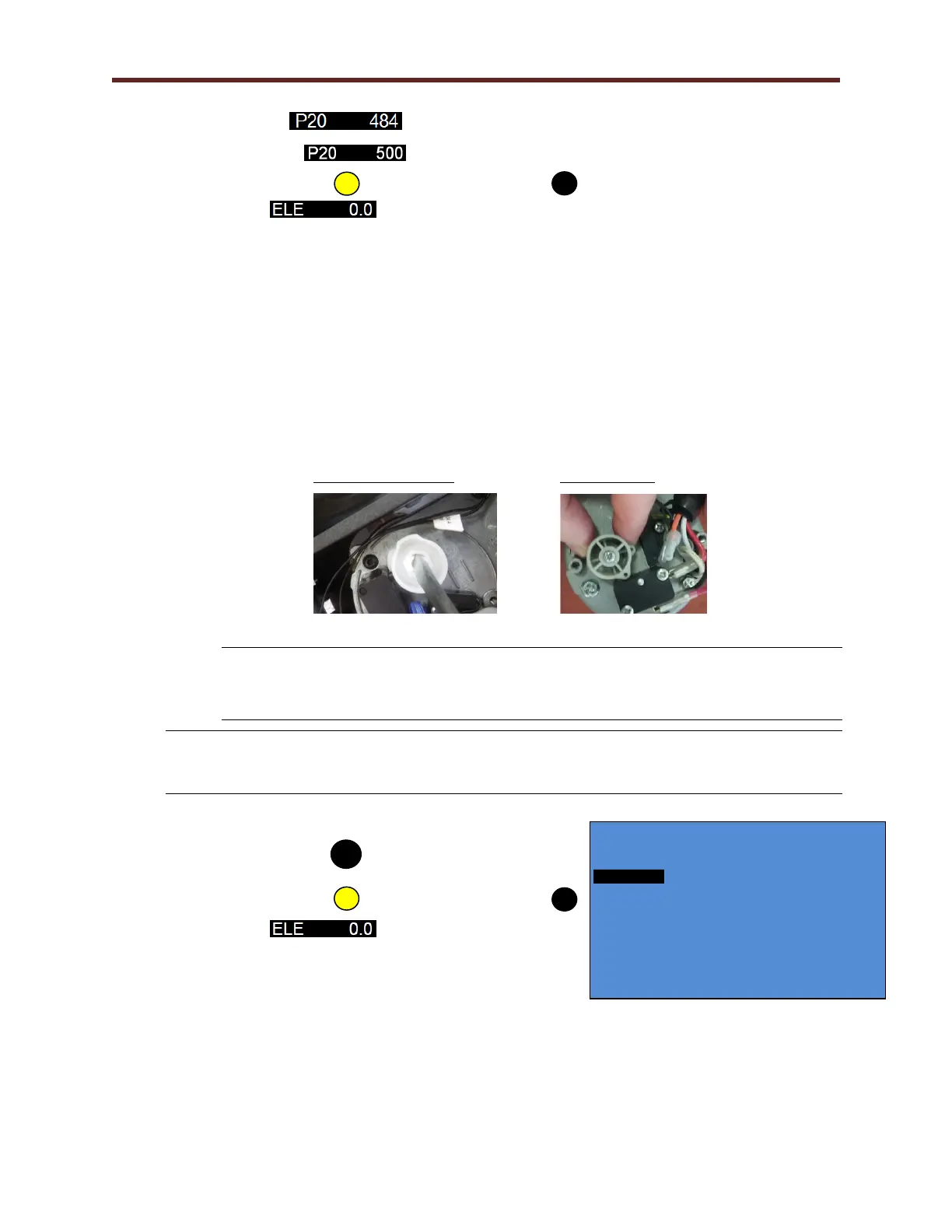
On the Von Weise Actuator use a large (3/8” wide) flat blade screw driver,
rotate the lower switch cam counterclockwise the proper amount to assure
the treadmill will not elevate past 25%.
On the MSI Actuator loosen screw to relieve tension then position lower
cam. This is a friction fit be careful to move in small increments, tighten
screw when complete.
Von Weise Actuator MSI Actuator
WARNING
If the cam was turned to adjust the lower switch, the upper cam will need to be reset
to zero to allow the treadmill to part in the correct position. Repeat Step 8 to
reestablish 0% elevation.
NOTE: When adjustments are made to the lower cam, on the Von Weise Actuator, the
upper cam moves in tandem. When adjustments are made to the lower cam on the
MSI Actuator, the upper cam does not move in tandem.
13. To gain access to the parameter screen, hold down
on QUICK SPEED for approximately 4 seconds.
14. Using the ENTER or PROGRAM SELECT ,
highlight .
15. To adjust elevation use any + or – key to .5% grade.
16. Using the tape measure verify the angle (Refer to Elevation Chart TMX428,
TMX428CP, and TMX58).
17. If incorrect, make adjustments to compensate on parameter P15 = .5% elevation and
then use any + or – key to adjust value.
TMX428 VERSION 0.4
ENTER: NEXT PROG: PREV +- EDIT START: EXIT
6 7 7 4753
C00 1 SPD .0 E .0



 To Next Page