8-Printer Commands Epic Edge™ OEM Integration Manual
100-14444 Rev B August 2018 Page 121
GS V – Set Print Orientation
Description
Causes the printer to print the data stored in the print buffer and then change to the
selected orientation.
See also
GS t – Set Characters per Line in Landscape
Expression
Parameters n = Specifies the orientation and speed/resolution
= 0 Portrait 203 x 203 High Speed
= 1 Landscape 203 x 203 High Speed
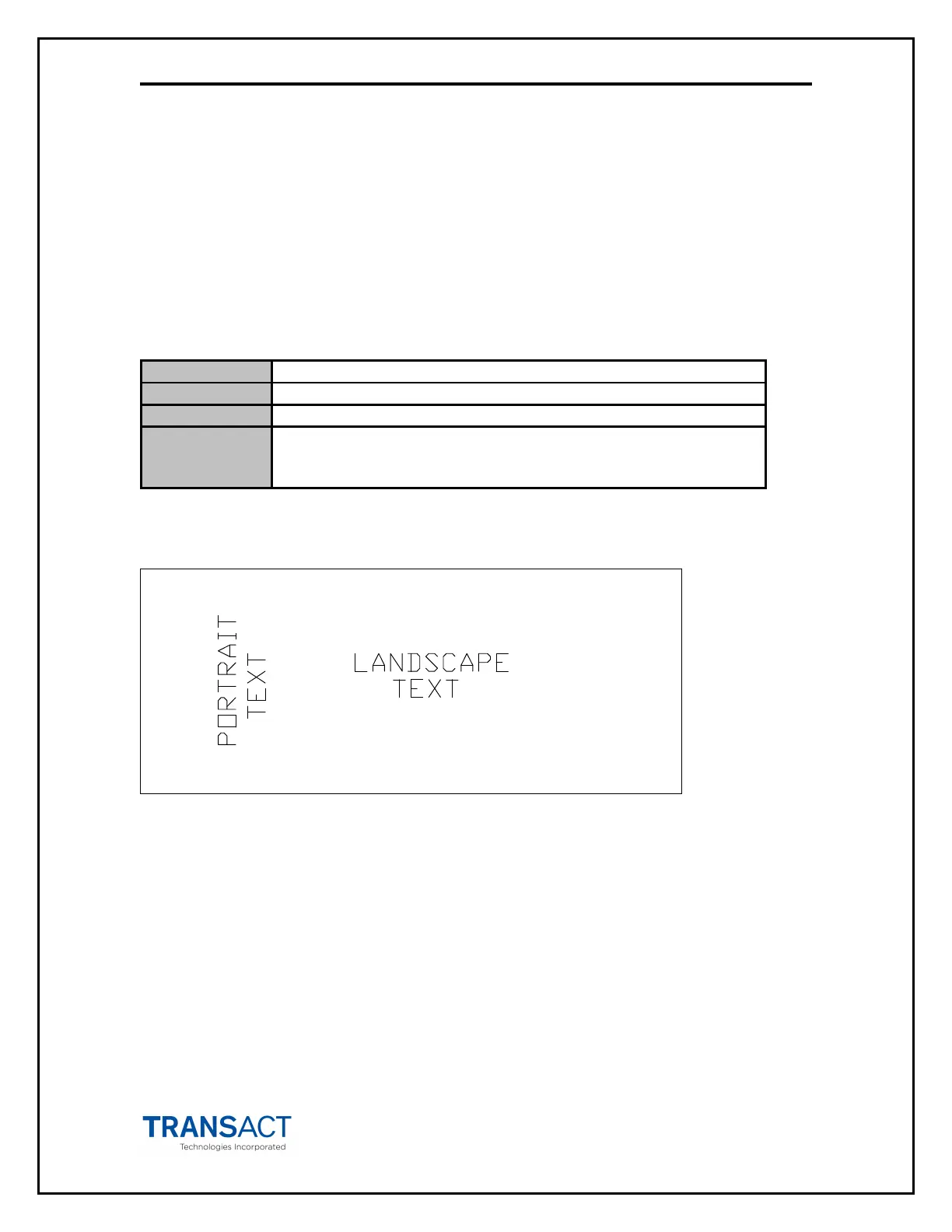
The figure below shows examples of the two different print orientations on a ticket.
INSERT THIS SIDE UP
INSERT THIS SIDE UP



 To Next Page