5-Electrical Connections Epic Edge OEM Integration Manual
100-14444 Rev B August 2018 Page 41
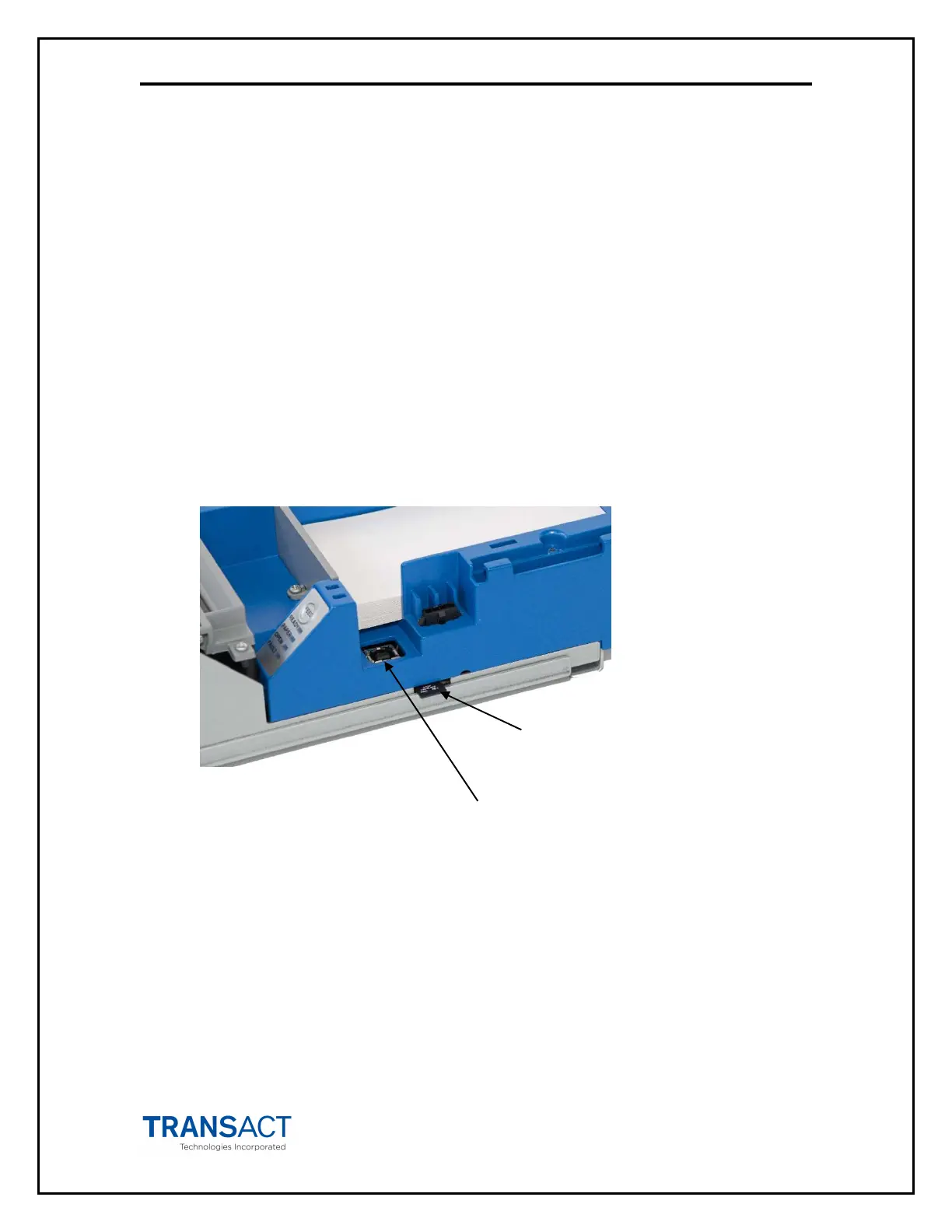
Firmware Maintenance Ports
The Epic Edge™ printer provides two methods for updating printer firmware.
Method 1 – USB Connection to the dedicated maintenance port
Method 2 – Micro SD Card
The firmware update procedure for each of these methods is described in Chapter 6
Printer Operation.
Note: The USB cable and micro SD card MUST NOT be present to enable EGM
communications.
Figure
14
. Firmware Update Ports.



 To Next Page