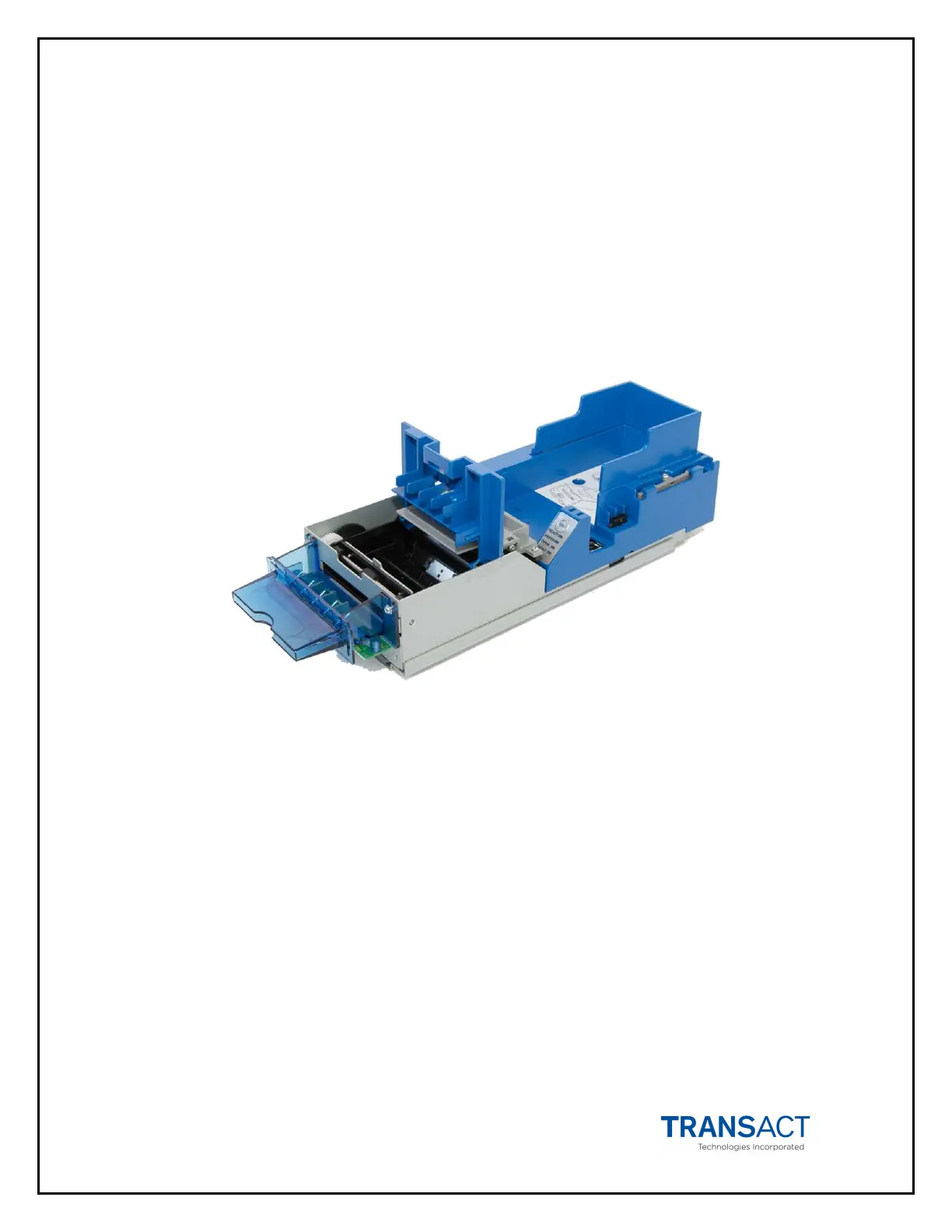
6-Printer Operation Epic Edge™ OEM Integration Manual
Page 50 August 2018 100-14444 Rev B
Removing Loaded Tickets
The Epic Edge™ printers have two ways to remove unused tickets from the printer
mechanism:
• The first way is to release the Ticket Cover by lifting and rotating backward, this
will relieve pressure to the platen allowing tickets to be removed from the rear.
This also will allow an opening that provides space to check the printer for ticket
jams or prepare the paper path for ticket replenishing.
• The second way is to use the feed button, which will feed out any remaining
tickets from within the printer mechanism.
Figure 17. Ticket Cover Shown Open for Ticket Removal
Unloading Tickets from the Printer by opening the Ticket Cover
1. Pull Inner Chassis away from the Outer Chassis until it stops in the open
position.
2. Lift and rotate the Ticket Cover backwards, towards the rear of the printer.
3. Remove all tickets from the ticket path and check for any debris.
4. Remove any remaining tickets from the ticket tray.
5. Rotate the Ticket Cover into its original closed and latched position.
6. Proceed with ticket loading procedure.



 To Next Page