6-Printer Operation Epic Edge™ OEM Integration Manual
Page 52 August 2018 100-14444 Rev B
Printing a Self-test Ticket
The Epic Edge™ printer has the ability to print a pre-defined self-test ticket, to test the
normal printing functionality of the unit, and create a printout of the current printer
configuration. To print a self-test ticket, load tickets in the printer, and then press and
hold the feed button until printing starts.
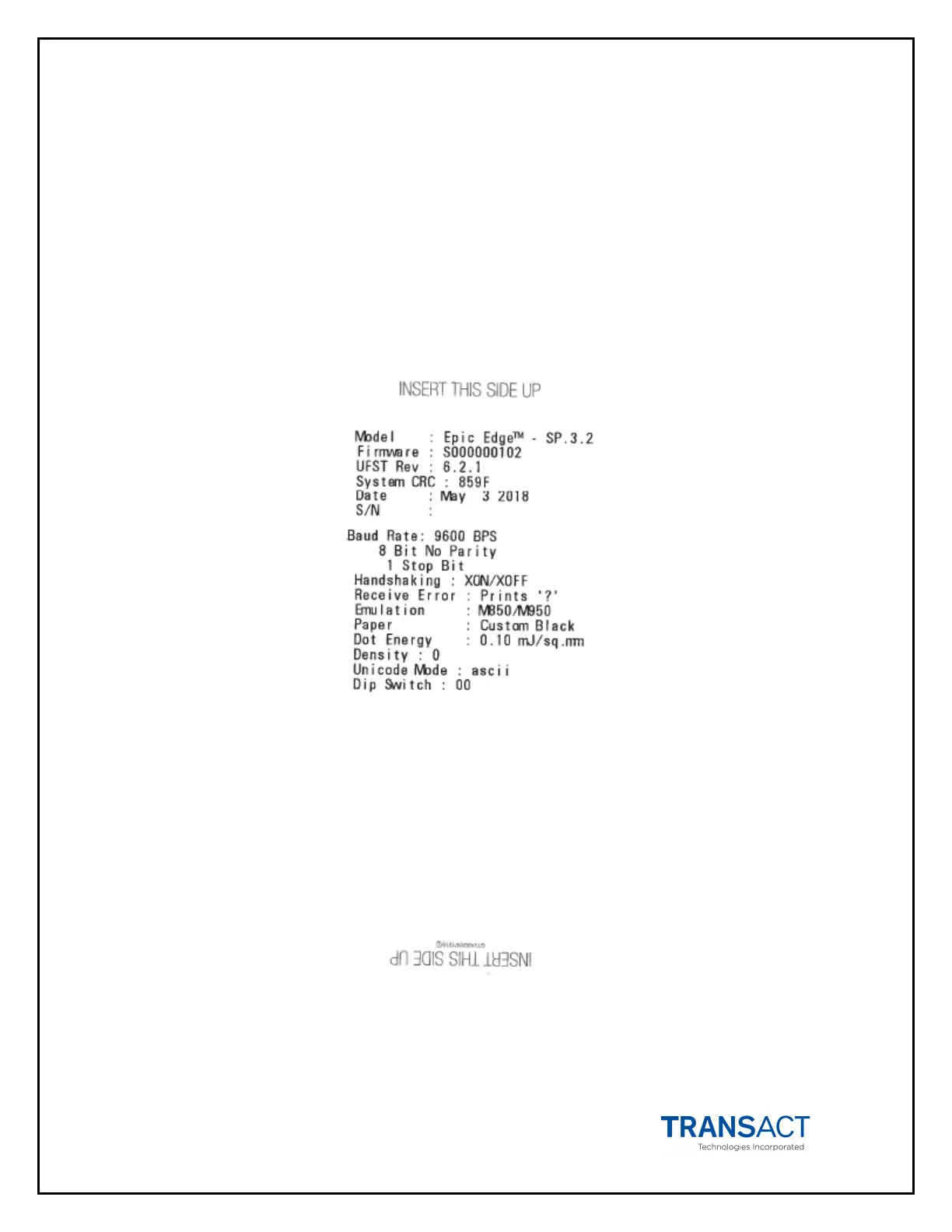
Figure 19 shows an example of the information printed. Your printer may print more or
less information, depending on the version and revision of the printer firmware.
Figure 19. Sample self-test ticket.



 To Next Page