9-Transact Template Language Epic Edge™ OEM Integration Manual
Page 138 August 2018 100-14444 Rev B
• Data tags provide two advantages over other template printing schemes:
o Template data may be sent from the host in any order. The data tag
identifies the data buffer associated with each region on the template
o Data tags reference specific data types. All Transact predefined
templates use consistent data tag assignments. Although this is not a
requirement for user defined templates it is highly recommended that thee
definitions be used for consistency.
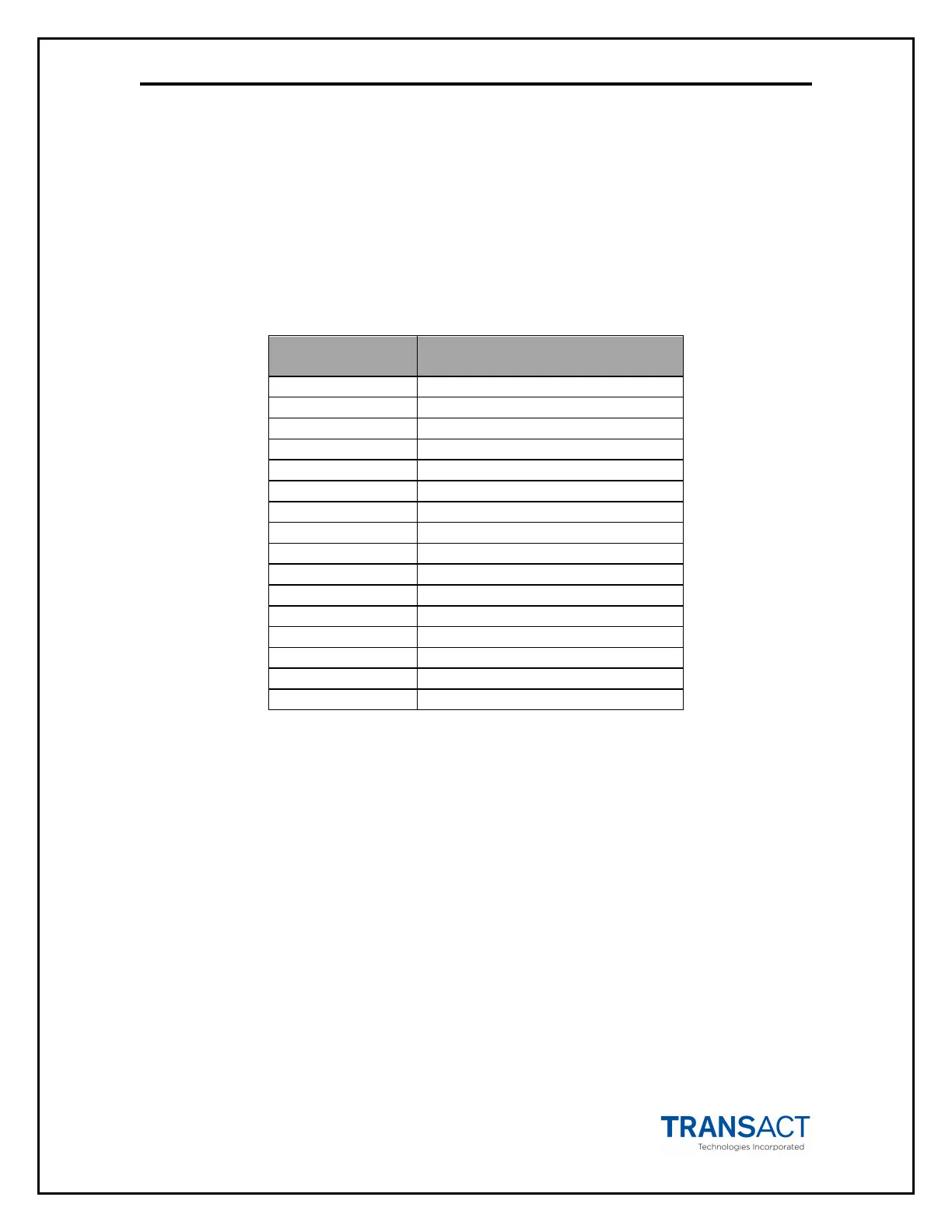
Table 4- Predefined Data Tags
Data Tag
Number
Data Type
2 Establishment Name
3 Street Address
5 Date
6 Time
8 Alphabetic Amount
Secondary Alphabetic Amount
11 Expiration
14 Secondary Barcode Number
o Example: Transact region 18 defines a bar code that is centered on the
ticket (machine readable) while Transact region 28 defines a bar code
that is offset to the bottom of the ticket (not machine readable). The data
sent from the host for each of these regions can be identified by data tag
13 rather than needing to know which regions are used on the tickets.



 To Next Page