4-Epic Edge™ Printer Sensors Epic Edge OEM Integration Manual
100-14444 Rev B August 2018 Page 31
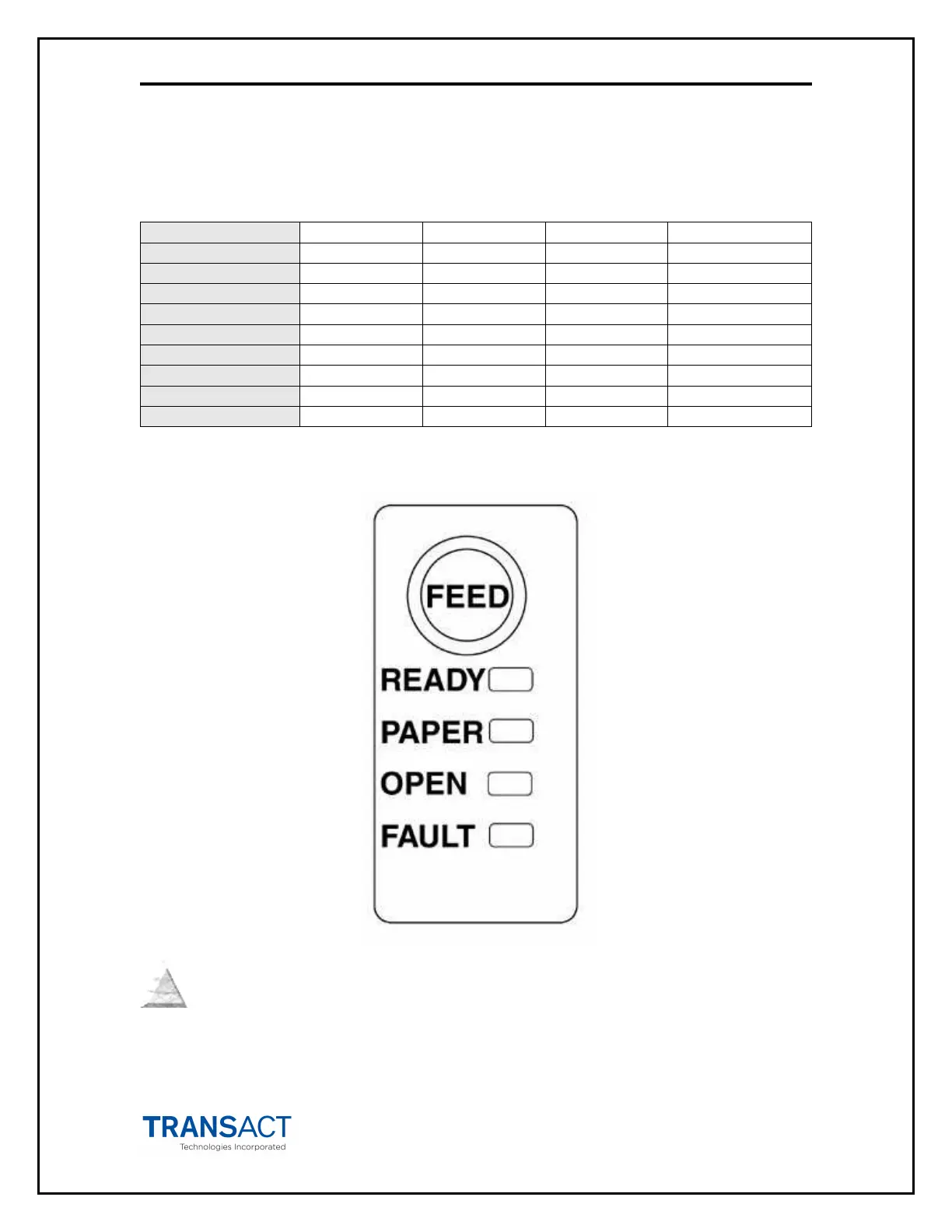
Printer Status LED
The printer has been outfitted with a LED panel system that provides the condition of the
printer by using solid or blinking status LEDs to communicate status information. The
following table lists the different LED states for specific conditions within the printer.
Unit Ready On Off Off Off
Chassis Open On Off Blink Off
Ticket Low On Blink Off Off
Ram Error 2-Blink Off Off On
Table 2 Printer Status LED Indication Descriptions



 To Next Page