4-Epic Edge™ Printer Sensors Epic Edge OEM Integration Manual
100-14444 Rev B August 2018 Page 29
Printer Sensors
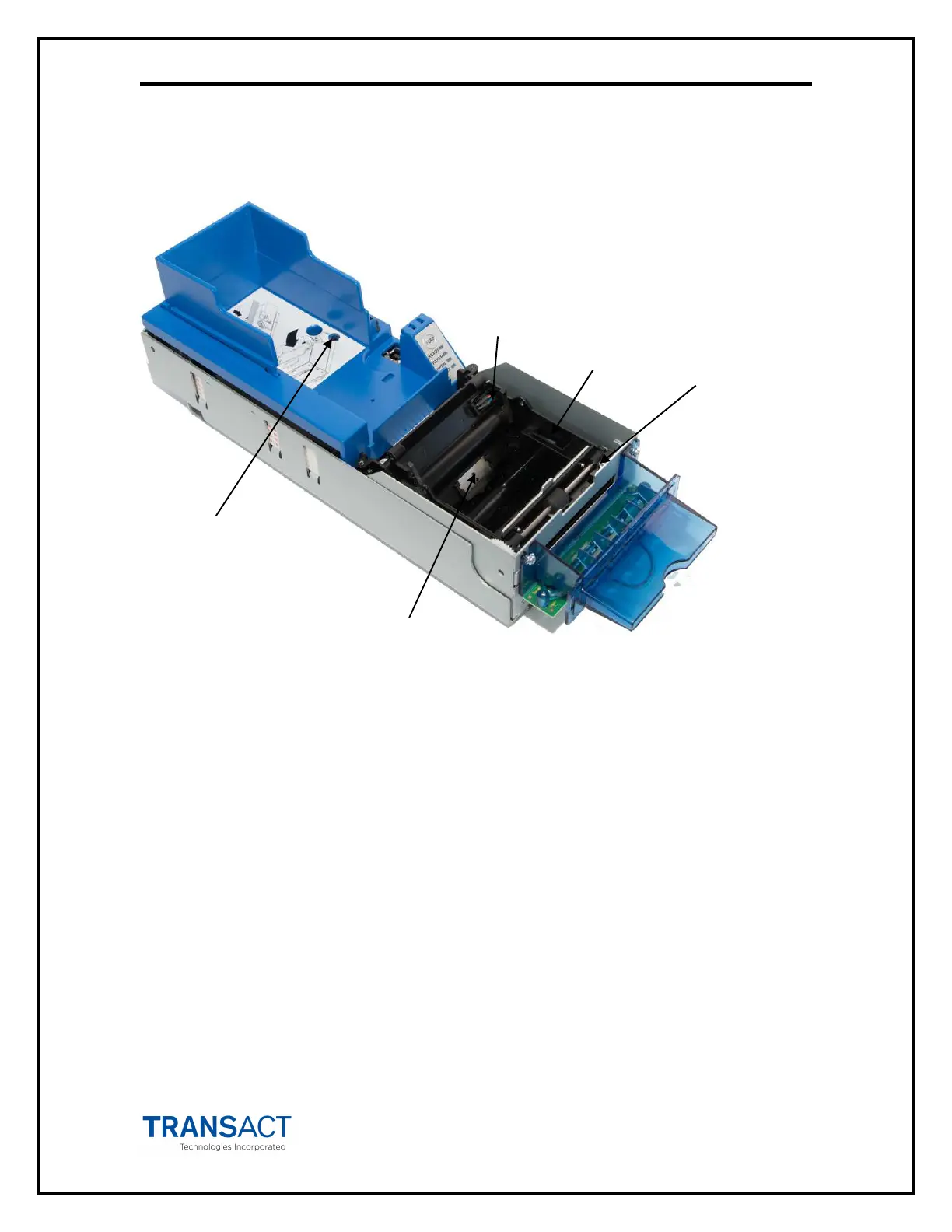
The Epic Edge™ printer uses several sensors to provide feedback to the host system.
(Covers not shown for clarity)
Figure 10. Sensor Breakdown and Locations
Cover Open Switch
The Cover Open switch detects the case where the Ticket Cover is open, and halts the
printing and ticket feeding process until the Ticket Cover is closed.
Ticket Low Sensor
A Ticket Low Sensor optically senses the number of tickets remaining in the printer’s
ticket bucket. The sensor will detect when there are 1-2 tickets remaining in the paper
bucket tickets. The ticket low status will be reported on the status byte when the host
issues a status request.
Ticket Taken
Sensor
Top of Form/
Ticket Out Sensor
Ticket Burst
Sensor
Ticket Low
Sensor
Cover open
Switch



 To Next Page