7-Programming-General Information Epic Edge™ OEM Integration Manual
Page 60 August 2018 100-14444 Rev B
first parameter should be sent with a value of 1. For values greater than 511 but less
than 768, the first parameter should be set to 2, and so on.
Conversions
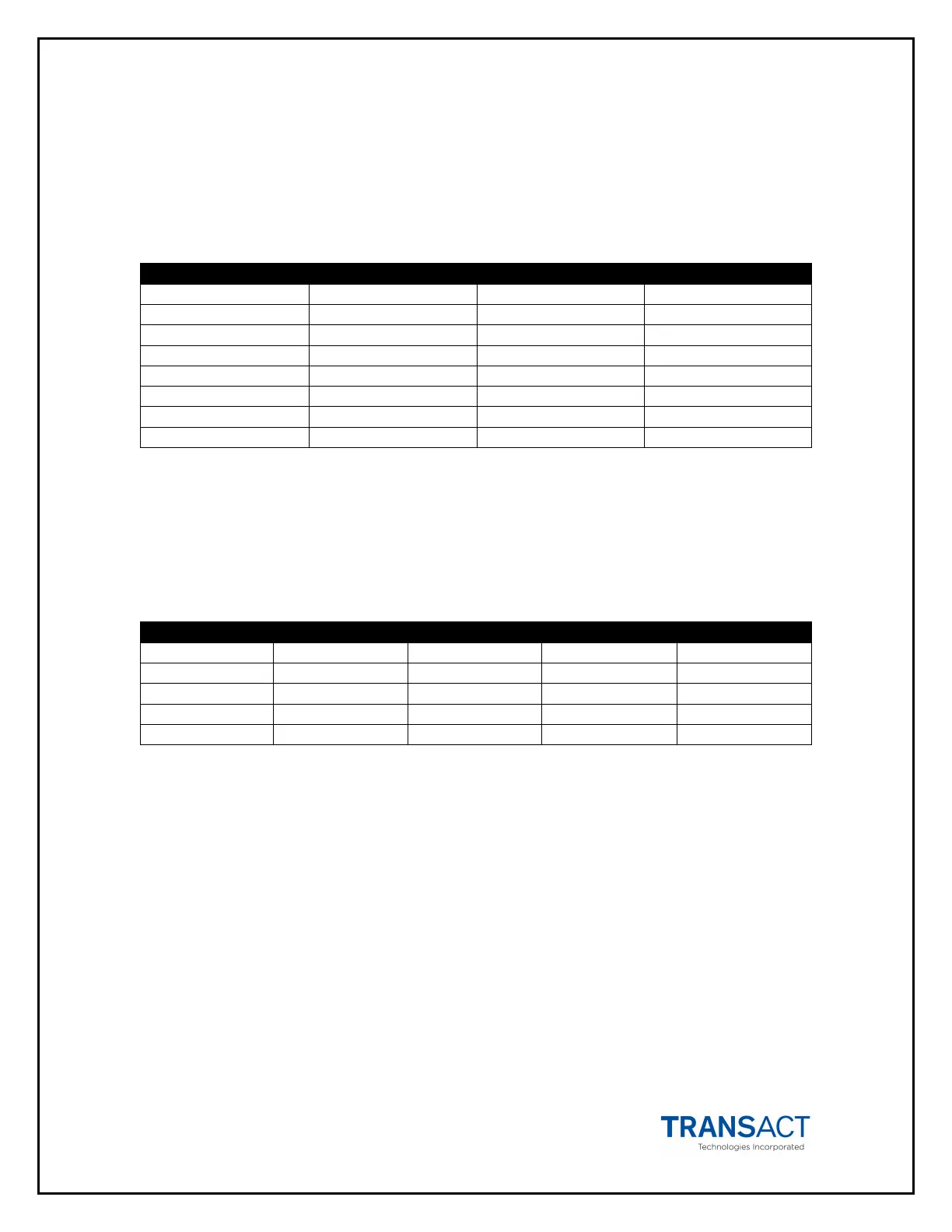
The table below lists some common values and their relationship for converting from
dots to inches using the n1 n2 parameters.
1.0 300 1 44
3.5 1050 4 26
Table 9. Conversion from Dots to Inches
Font Statistics
The information below lists the statistics for the five internal fonts the Epic Edge™
Printer supports. Height and width are expressed in terms of dots.
ESC S 24 10 20.0 8.4
ESC M 32 16 12.7 6.4
ESC T 56 28 7.3 3.6
Table 10. Font Statistics
Objects
Objects are the basic units that the Epic Edge™ prints. An object can be either a line of
text characters, a bar code, a landscape graphic, a landscape line, or a bitmap dot line.
Each of these objects has different rules relating to them, as discussed below.
Objects can also be either active or complete. An active object is one that is still
receiving the data that composes it. A completed object is one that has been terminated.
A line of text that has not yet received a line feed or carriage return is an example of an
active object. Until a terminator character, like a line feed, is sent, more text characters
can be added to the text object. Bar code and graphic objects do not require special
terminator characters (such as line feeds). Instead, they are considered complete as
soon as they receive the correct amount of data.



 To Next Page