5-Electrical Connections Epic Edge OEM Integration Manual
Page 36 August 2018 100-14444 Rev B
RS232 Serial/NETPLEX Interface Connections
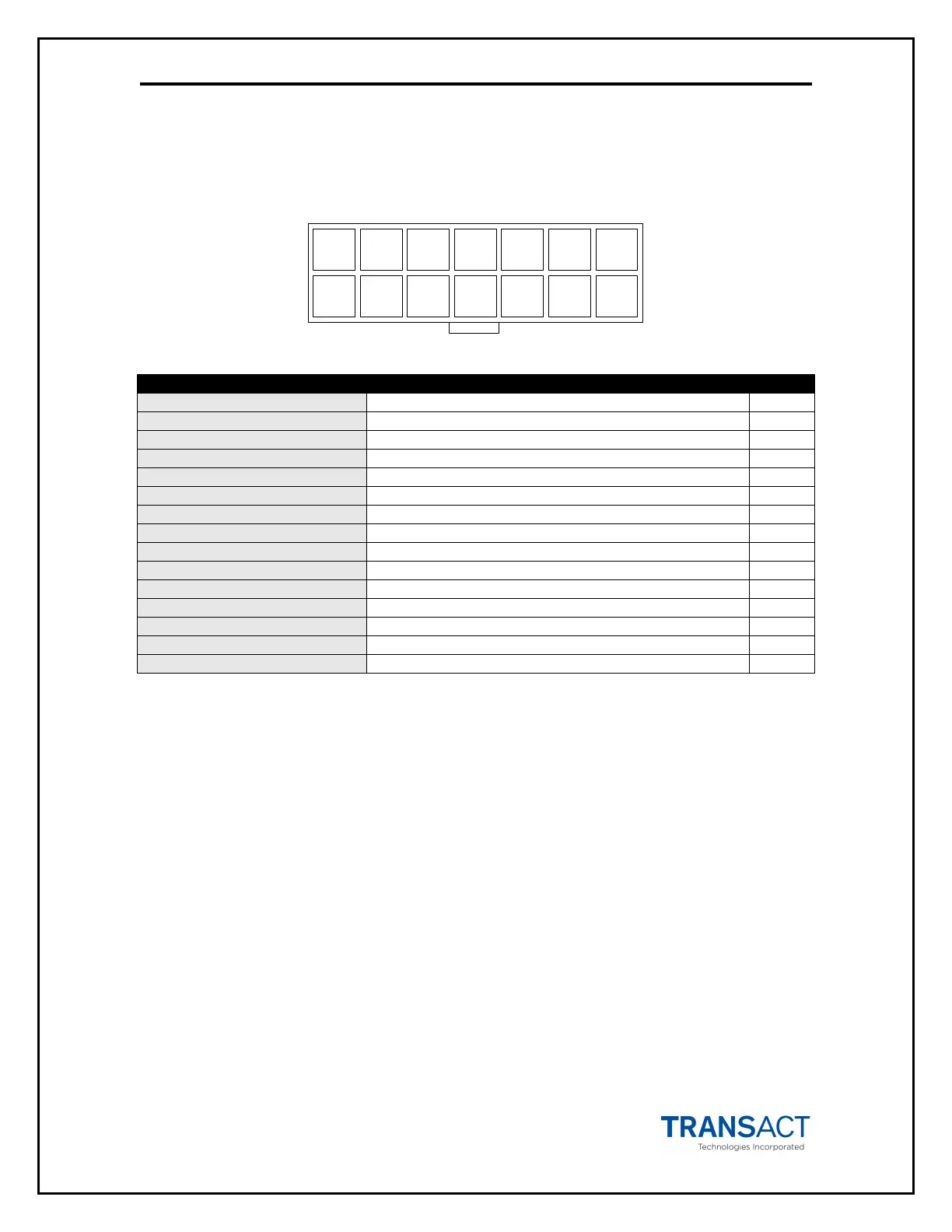
The RS232 Serial/NETPLEX interface connector is a 14 position Molex Minifit Jr®., part
number 39-30-1140, which mates with Molex part number 39-01-2140 or equivalent.
1 2 3 4 5 6 7
8 9 10 11 12 13 14
PIN # FUNCTION I/O
1 MRESET (Active low) I
2 NETPLEX TXD O
3 +12 VDC I
4 NETPLEX RXD I
5 GND -
6 +24VDC -
7 GND -
8 +24VDC -
9 Bezel Lamp – Switched +24VDC O
10 NETPLEX GND -
11 RS232 RXD I
12 RS232 TXD O
13 DTR O
14 RTS O
Table 1. Serial Communication PCB Pin-Outs
*NOTE: The definition of pin 10 (NEPTPLEX GND) differs from the Epic 950 RS232
interface (FRAME GND). Connecting Frame ground to pin 10 of the Edge printer
will have no adverse effects.
Default Communication Settings
The RS-232C interface default configuration settings are:
Baud Rate: 9600 BPS
Data Bits: 8 Bits
Parity: None
Stop Bits: 1
Handshaking: None
Receive Error: Prints
Input Buffer 8,192 bytes
These communications settings may be altered only through the use of the Transact
configuration utility . Contact TransAct Technical Support for further information on this
tool.



 To Next Page