EasyManua.ls Logo

Valleylab Force FX-C - Setting the Bipolar Output

Valleylab Force FX-C
214 pages
Print Icon
To Next Page IconTo Next Page
To Previous Page IconTo Previous Page
Loading...
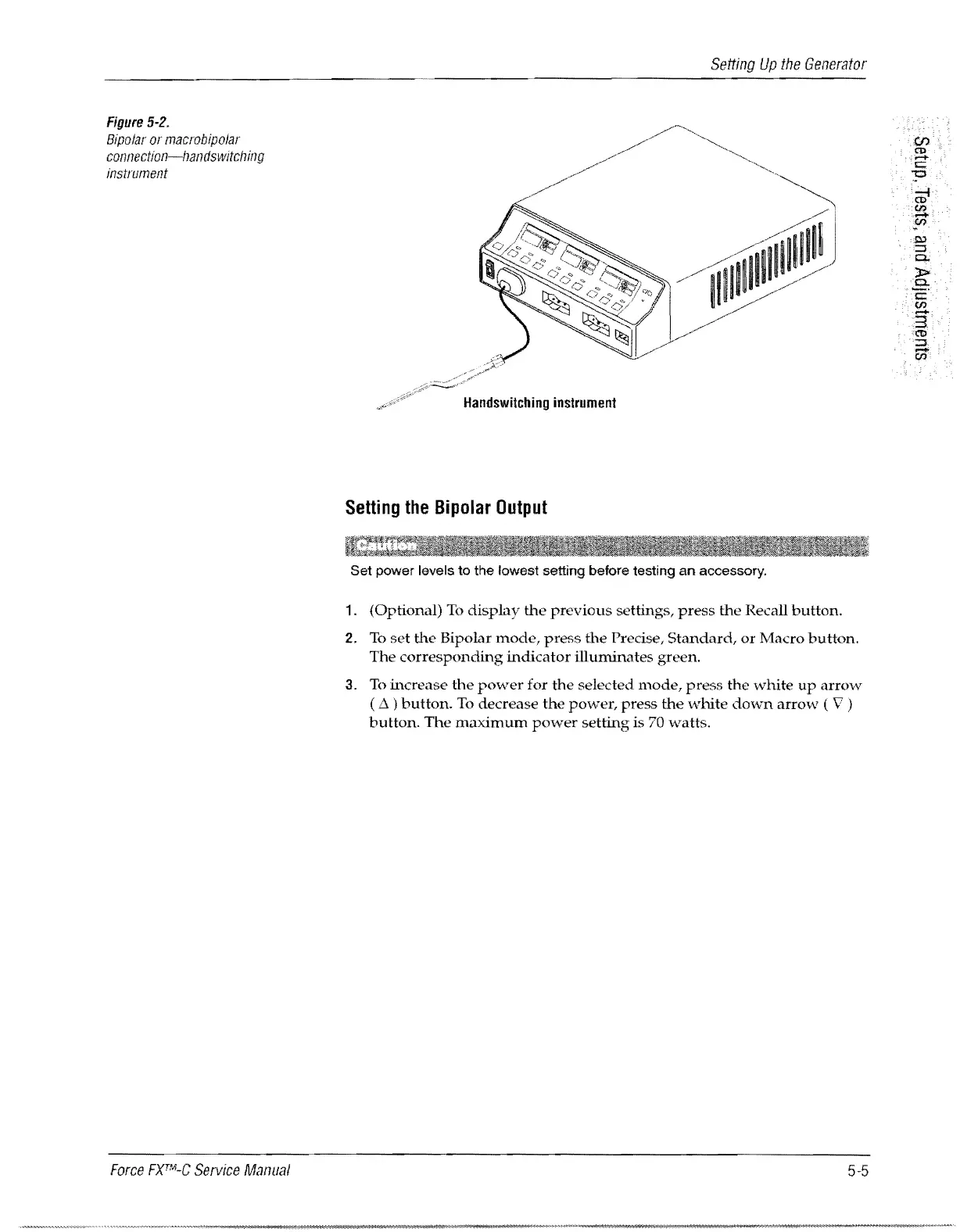
Figure
5-2.
Bipolar
or
macrobipolar
connection-/landswitcl7ing
instrument
Force
FXTIVI-C
Service
Manual
Setting
Up
the
Generator
Handswitching
instrument
Setting
the
Bipolar
Output
Set power levels to the lowest setting before testing
an
accessory.
1.
(Optional)
To
display
the
previous
settings,
press
the
Recall
button.
2.
To
set
the
Bipolar
mode,
press
the
Precise,
Standard,
or
Macro
button.
The
corresponding
indicator
illuminates
green.
3.
To
increase
the
power
for
the
selected
mode,
press
the
white
up
arrow
(
L1
)
button.
To
decrease
the
power,
press
the
v"bite
down
arrow
( V )
button.
The
maximum
power
setting
is 70
watts.
5-5

Table of Contents

Related product manuals