EasyManua.ls Logo

Valleylab Force FX-C - Disconnect the Computer from the Generator

Valleylab Force FX-C
214 pages
Print Icon
To Next Page IconTo Next Page
To Previous Page IconTo Previous Page
Loading...
Using
the
RS-232
Serial
Port
5-44
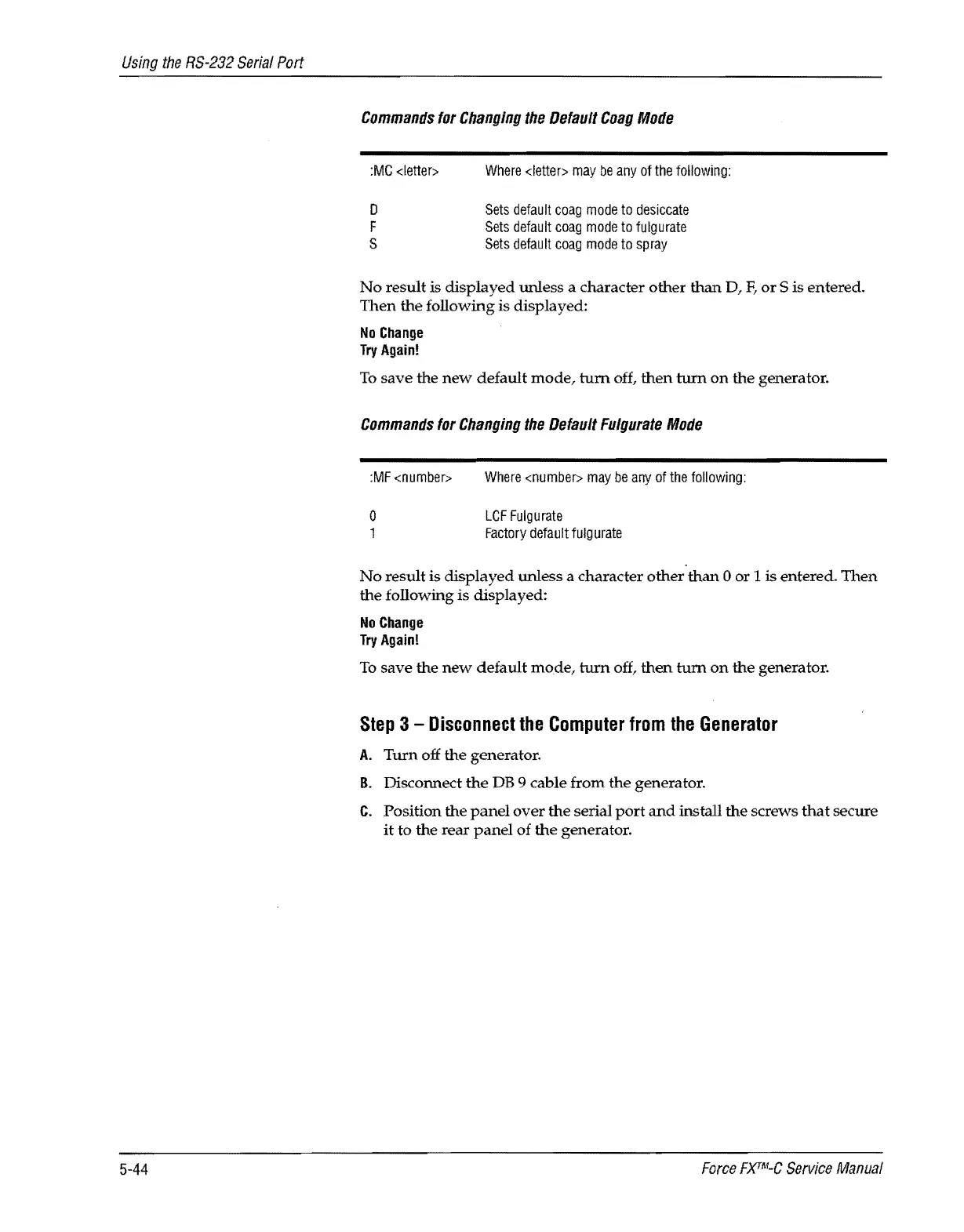
Commands
for
Changing
the
Default
Coag
Mode
:MC
<letter>
o
F
S
Where
<letter>
may
be
any
of
the
following:
Sets
default
coag
mode
to
desiccate
Sets
default
coag
mode
to
fulgurate
Sets
default
coag
mode
to
spray
No
result
is
displayed
unless a character
other
than
D,
F,
or
S is
entered.
Then
the
following is displayed:
No
Change
Try
Again!
To
save
the
new
default
mode,
tum
off,
then
turn
on
the
generator.
Commands
for
Changing
the
Default
Fulgurate
Mode
:MF
<number>
Where
<number>
may
be
any
of
the
following:
o
1
LCF
Fulgurate
Factory
default
fulgurate
No
result
is
displayed
unless
a character
other
than
0
or
1
is
entered.
Then
the
following
is
displayed:
No
Change
Try
Again!
To
save
the
new
default
mode,
tum
off,
then
tum
on
the
generator.
Step
3 -
Disconnect
the
Computer
from
the
Generator
A.
Tum
off
the
generator.
B.
Disconnect
the
DB 9 cable
from
the
generator.
C.
Position
the
panel
over
the
serial
port
and
install
the
screws
that
secure
it to the
rear
panel
of
the
generator.
Force
FXTM-C
Service
Manual

Table of Contents

Related product manuals