Vertiv™ NetSure™ Control Unit (NCU) User Manual
Web Interface User Privilege Levels
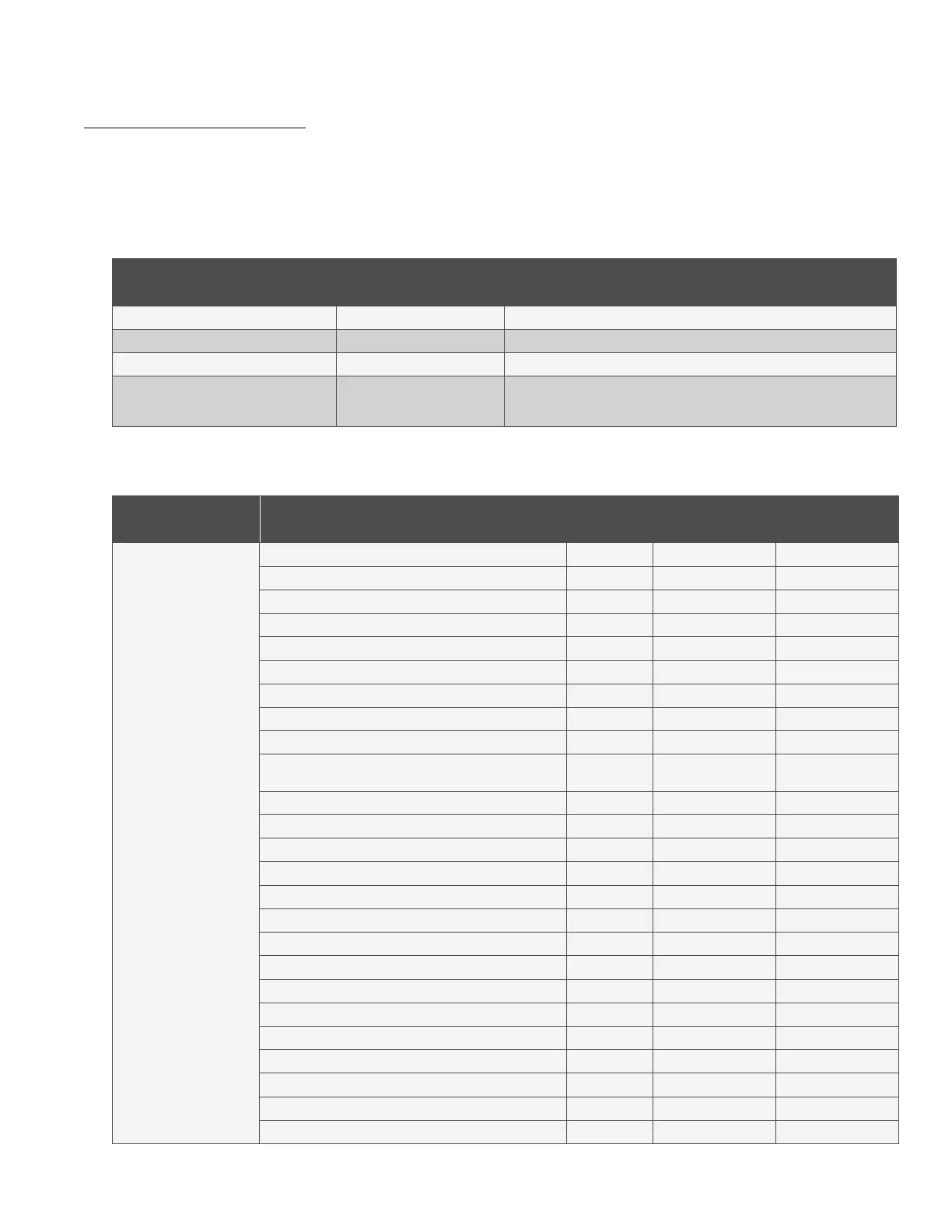
Users are programmed with a “privilege level” (see Table 5.1). Each privilege level gives a User Web access to specific menus, as
shown in Table 5.2. A User has access to his/her level menus, plus all menus of the lesser privilege levels.
Table 5.1 User Privilege Levels
Access Level
(Privilege Level)
Default User Name
and Password
Authority
Level A (Browser) none set The User can only read (browse) information in the menus.
Level B (Operator) none set The User has access to the system "Manual Mode Control Settings" menus.
Level C (Engineer) none set The User has access to the system "Settings" menus.
Level D (Administrator) admin, 640275
The User has full access to all menus; including downloading the
"SettingParam.tar" file, updating the OS application, and modify/add/delete
Users.
Table 5.2 Authority Level
Web
Interface Tab
Signal Manual Mode
Authority Level
Required - Web
Authority Level
Required - LCD
Settings / System Under Voltage 1 (V) -- Engineer Operator
Under Voltage 2 (V) -- Engineer Operator
Over Voltage 1 (V) -- Operator Operator
Over Voltage 2 (V) -- Engineer Operator
System Current Alarm (A) -- Engineer not available
High Load Level 1 (%) -- Engineer not available
High Load Level 2 (%) -- Engineer not available
Relay Test (type) -- Engineer not available
Relay Test Time (sec) -- Engineer not available
Main Ambient Temp Sensor
(select from list)
-- Engineer not available
Fail Safe Mode (enable/disable) -- Engineer not available
Rectifier Expansion (disable or type) -- Engineer Operator
Power Split Mode (enable/disable) -- Operator not available
Power Split Current Limit (%) -- Engineer not available
Delta Voltage (V) -- Engineer not available
Outgoing Alarms Blocked (normal/blocked) -- Engineer Operator
Estop/EShutdown (disable or type) -- Operator not available
Audible Alarm (on/off/time) -- Engineer Operator
Auto/Manual State (auto/manual) -- Operator Operator
Manual Mode Time Limit (hr) -- Operator not available
Maintenance Cycle (enable/disable) -- Engineer Operator
Clear Maintenance Run Time (yes) Yes Operator not available
LCD Rotation (0deg/90deg/big screen) -- Engineer Operator
Solar Mode (disable/solar/rect-solar) -- Engineer not available
HTD Point (deg) -- Operator Operator



 To Next Page