Chapter 3 Starting up
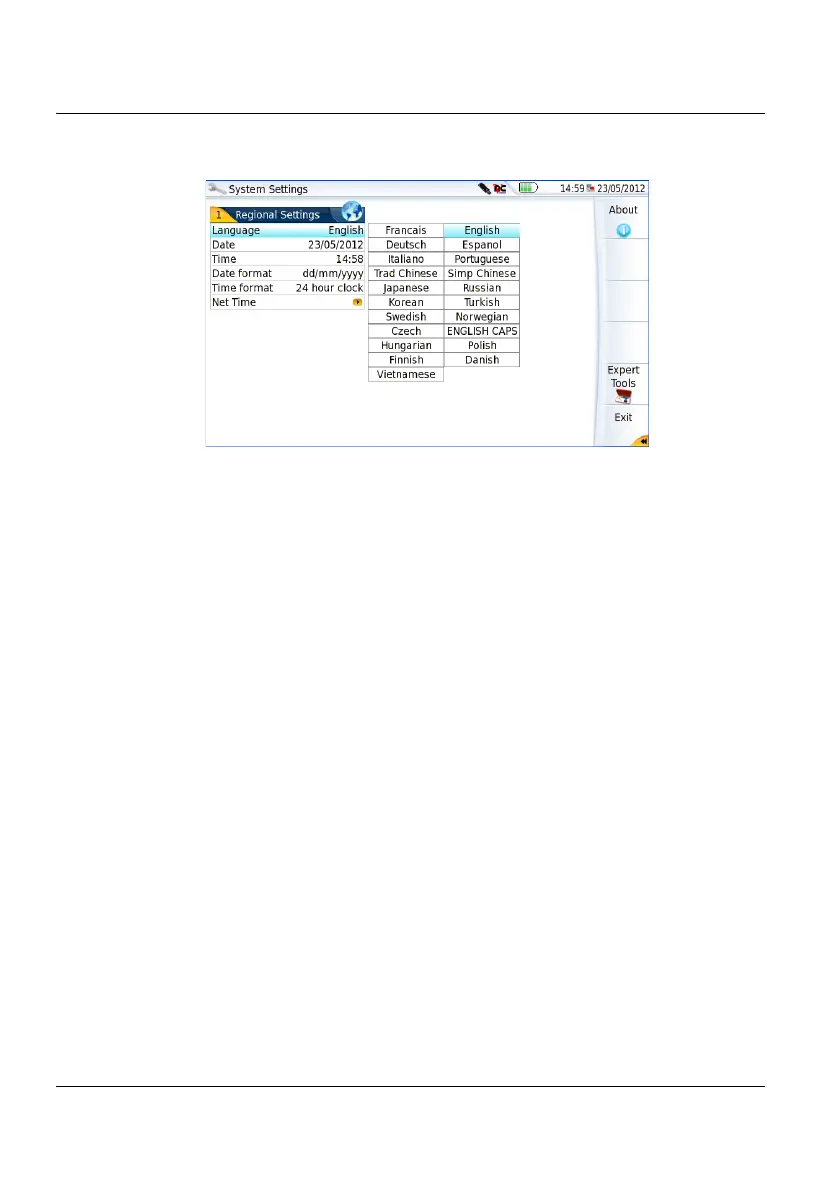
First start: configuring your regional settings
22 User Manual 79000000203 Rev. 005
1 Click on Language and select the language to be used for the equip-
ment.
2 Click on Date and enter the current date, using the numeric keypad
displayed using the menu key Edit Number.
3 Click on Time and enter the current time, using the numeric keypad
displayed using the menu key Edit Number.
The date and time are displayed on the upper right side of the
screen.
4 Click on Date Time Format and configure the following parameters:
– Date format: select one of the option dd/mm/yy or mm/dd/yy.
– Time format: select one of the option 24 hour clock or 12 hour clock.
5 Click on Net Time parameter to configure the date and time
according to a network.
Dynamic Mode: the time is synchronized according to the local
network.
The two lines Server Name are displayed but cannot be modified.
Static Mode: in this case, the time is synchronized to the network
server which is defined in the two following parameters.
Figure 8 Regional Settings











 To Next Page