Rev AB Touch To Edit 6-17
Videojet 8520 Operator Manual
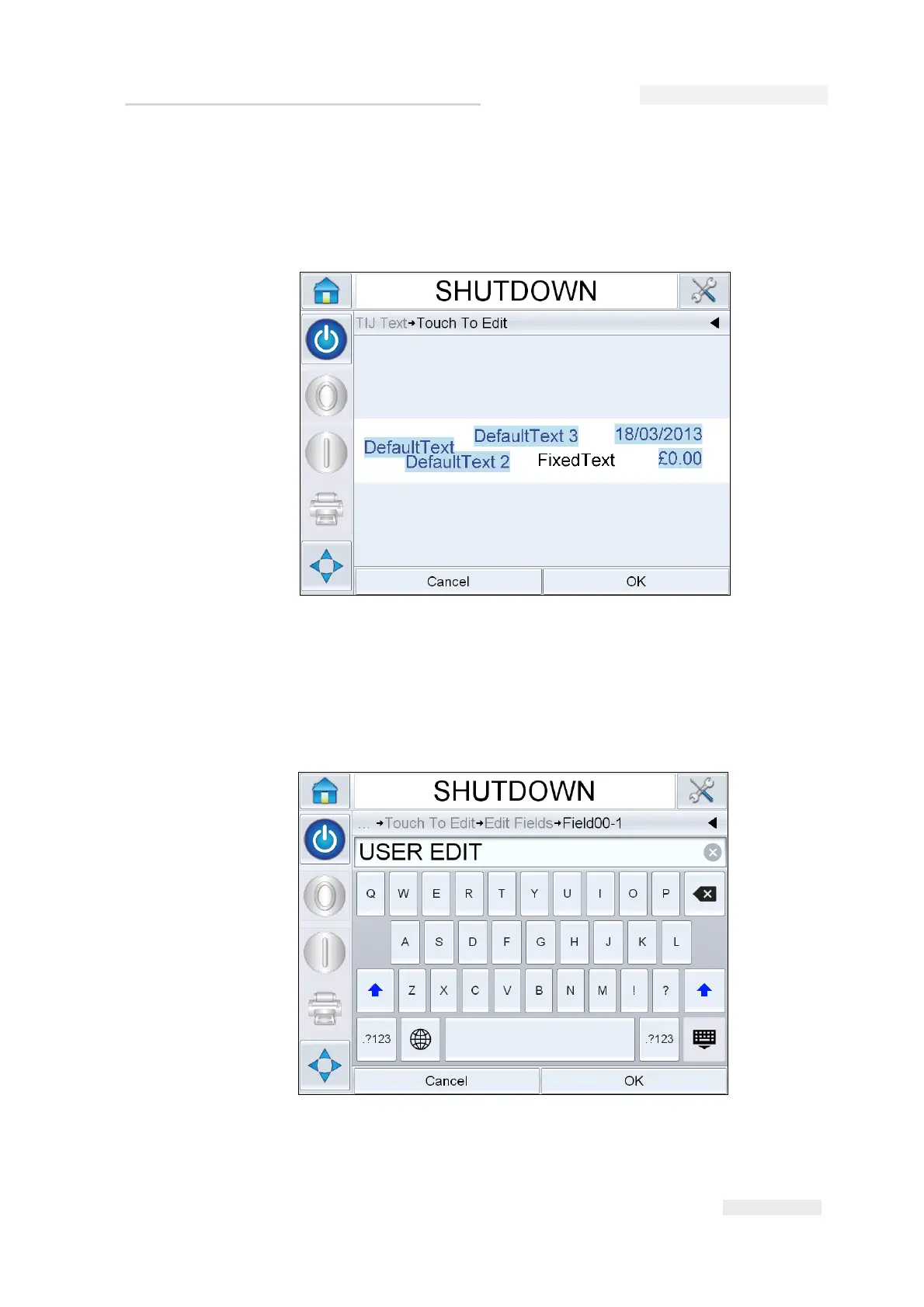
3 The job opens, with the user editable fields highlighted.
Note: Only jobs that have user editable fields can be edited using Touch to
Edit feature. These are set up in CLARiSOFT during message creation.
4 To edit a user field, touch the user field.
5 The appropriate user field editor, based on the user field type, is
displayed for the update. Update the user field as required and touch
OK.
Figure 6-20: User Editable Fields Highlighted
Figure 6-21: User Field Editor



 To Next Page