6-16 Touch To Edit Rev AB
Videojet 8520 Operator Manual
Touch To Edit
To update and change user fields quickly and easily in a printing job, the
user can use the ‘Touch To Edit’ feature.
Note: Touch to Edit feature is turned off by default and needs to be activated in
Clarity Configuration Manager.
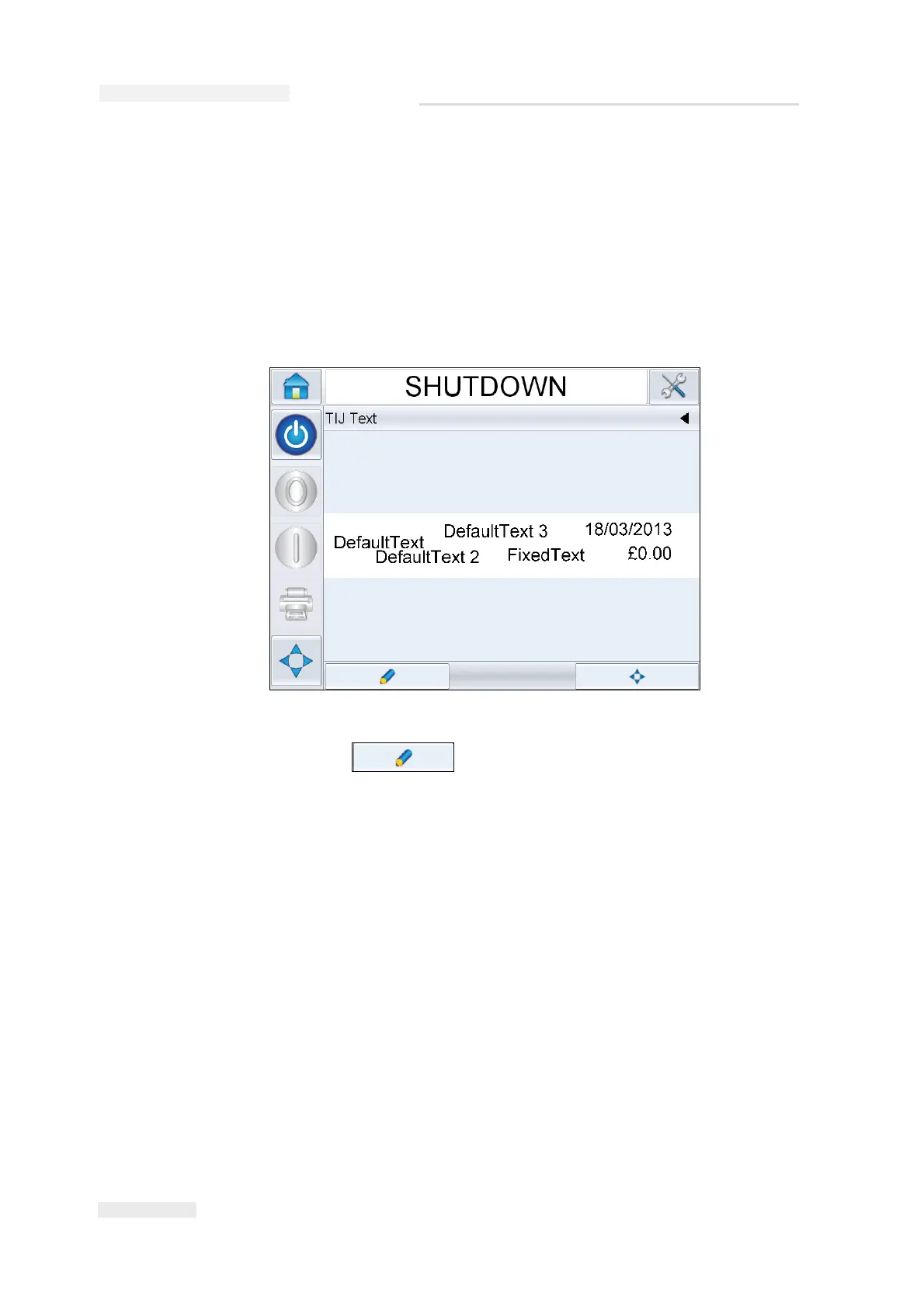
1 Select the ‘Current Job Details Bar’ to display the job preview.
2 Touch the button.
Figure 6-19: Message preview- Touch to edit



 To Next Page