4-4 Using the Tools Screen Rev AB
Videojet 8520 Operator Manual
Using the Tools Screen
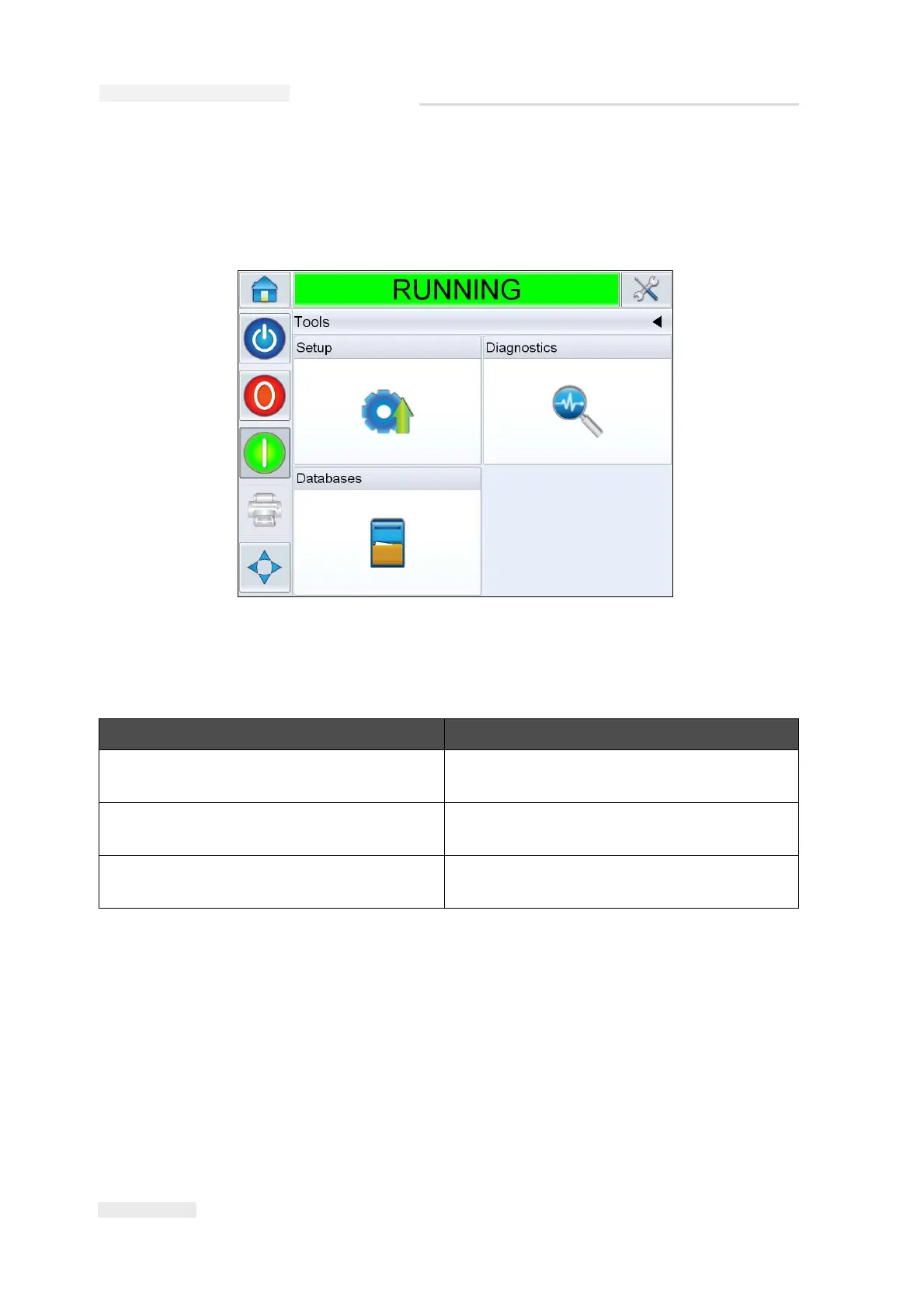
Touch the Tools button on the Home screen to access the Tools screen
(Figure 4-2).
The Tools screen allows the user to access the following screens:
Option Description
Setup screen Permits the user to modify a small subset of
the printer setup parameters.
Diagnostics screen Provides on-line fault finding routines and
diagnostic functions.
Databases screen Provides control over the jobs database of
the printer.
Table 4-2: Tools Screen



 To Next Page