6-22 How to Set up Counters Rev AB
Videojet 8520 Operator Manual
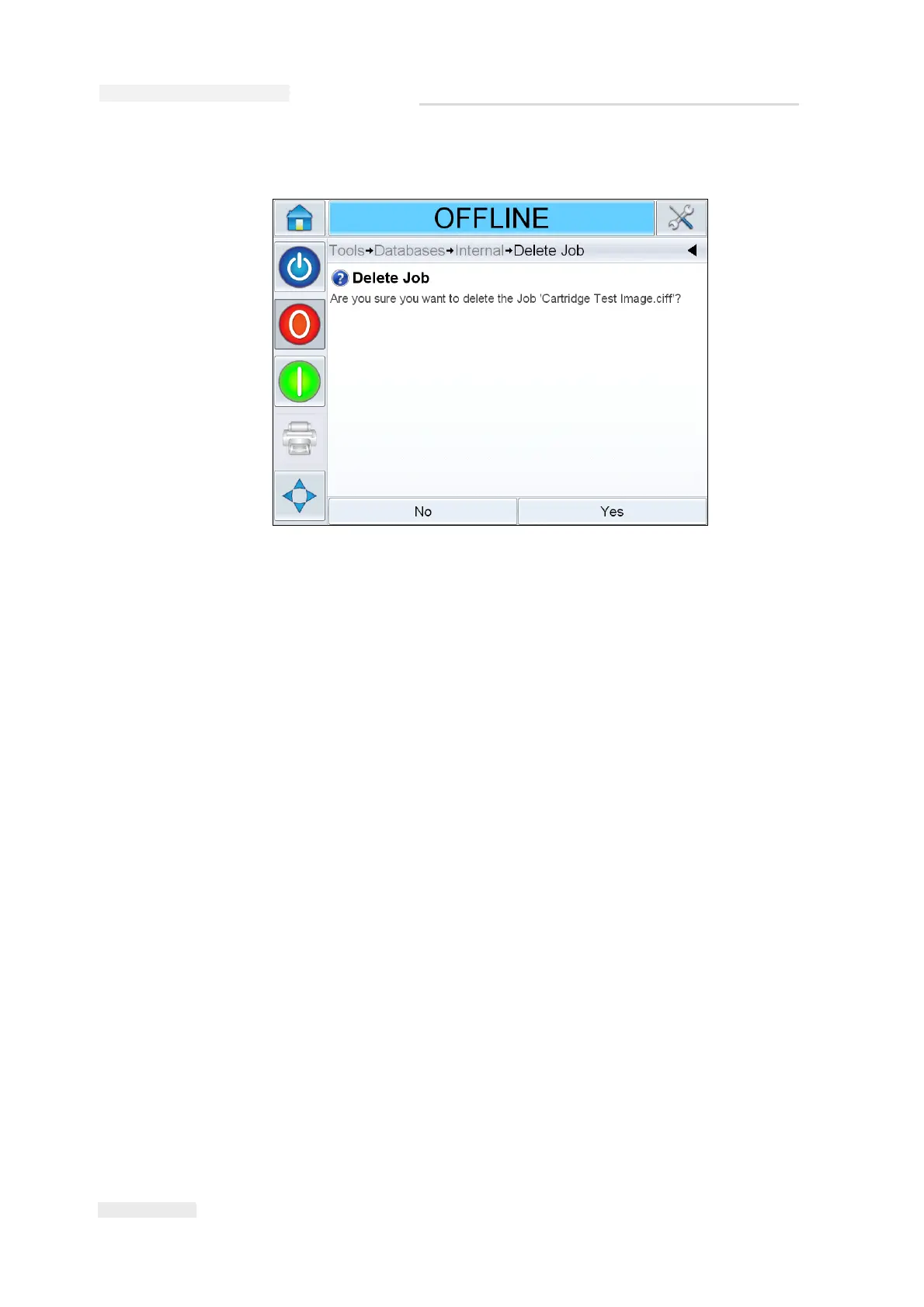
6 Confirm the job to be removed (Figure 6-27).
7 Touch Yes to remove the job.
8 Repeat steps 4 to 7 to remove other jobs that are not required.
Note: You can touch Select All to remove all the jobs from the list. The job
preview will not be displayed if more than one job is selected.
9 Touch the Home button to return to the Home screen.
How to Set up Counters
Counters will be set up in CLARiSOFT (for example, consecutive
numbering).
Counter status
Counter status defines the starting value for the counter. The starting
value can be entered as variable data by the user. The maximum counter
value is 999,999,999. The counter value will be stored in the memory as
long as the job is selected. The counter is reset to the starting value, once
the job is reselected. The starting value can either be the default value or
the value entered by the user.
Figure 6-27: Confirmation Screen


 To Next Page