6-32 Production Audit Log Rev AB
Videojet 8520 Operator Manual
Production Audit Log
The production audit log shows the log of machine changes and user
changes made.
Note: Production Audit Log is turned off by default and needs to be activated in
Clarity Configuration Manager. The logging mode can be set to “None”,
“Normal” or “Advanced”.
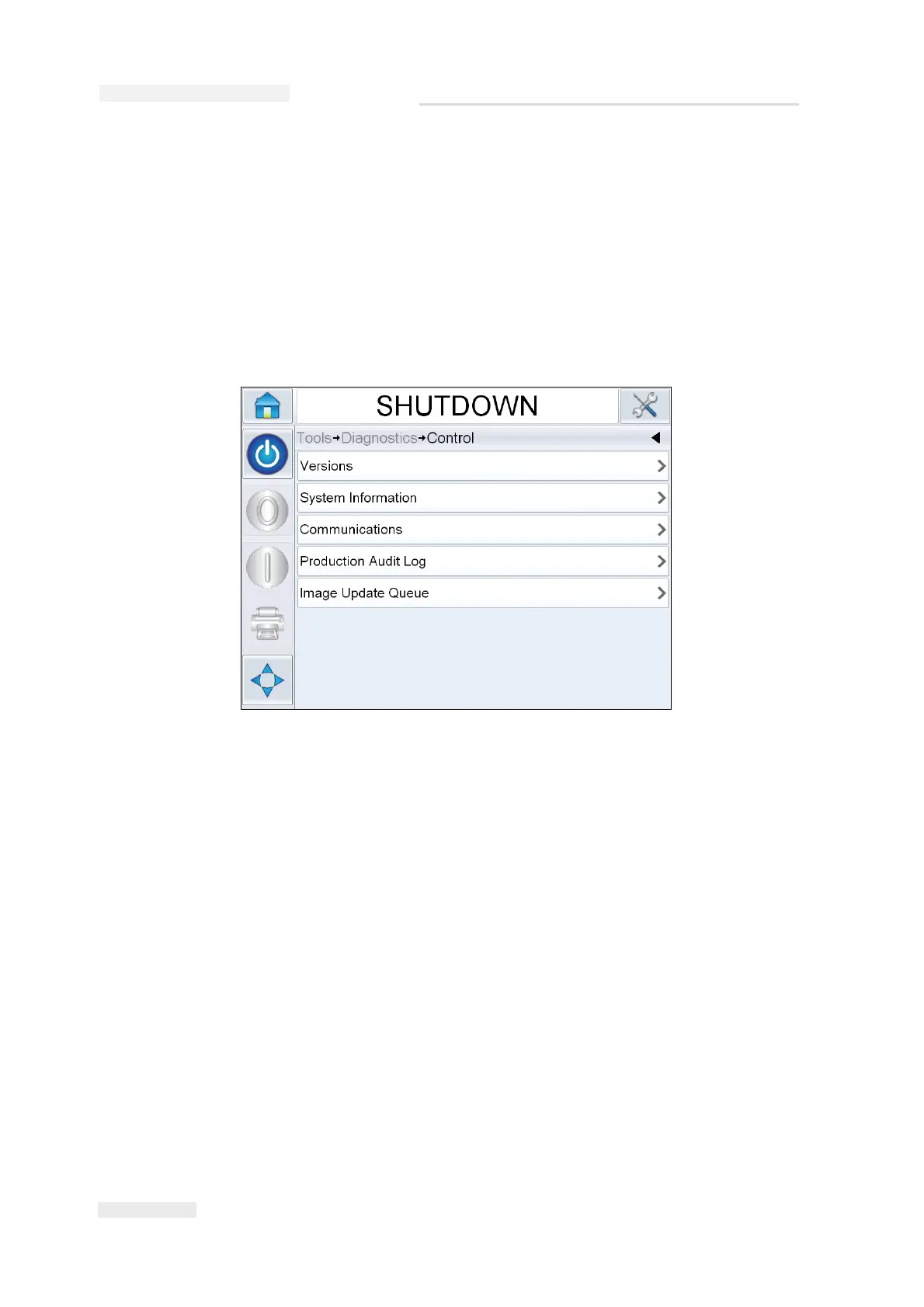
Navigate to Tools > Diagnostics > Control.
Note: ‘Production Audit Log’ appears in the menu when the logging mode is set
to either ‘Normal’ or ‘Advanced’.
In Normal logging mode, the log entries are deleted if there are over 500
log entries and older than 90 days.
In Advanced logging mode, entries must be archived to a USB stick before
logs will be deleted.
Figure 6-40: Production Audit Log



 To Next Page