8-16 Alarms Rev AB
Videojet 8520 Operator Manual
Alarms
Displayed alarms must be acknowledged.
Diagnostics
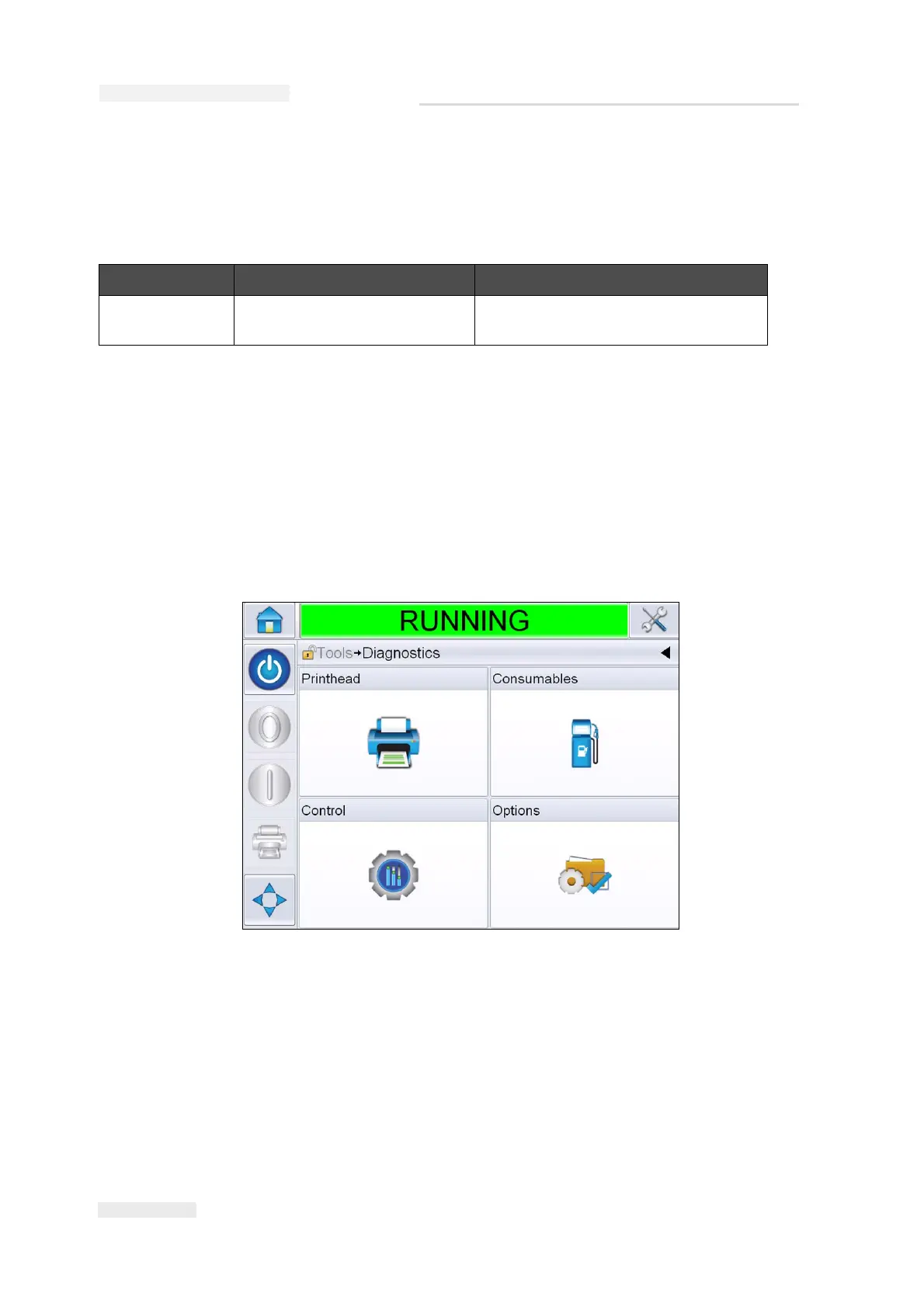
The diagnostic screens show the current value of different parameters
which help you in troubleshooting the printer. To access the Diagnostics
screen, Navigate to Tools > Diagnostics (Figure 8-4). For more information,
refer “Working with Diagnostics” on page 4-10.
Message Possible Cause Solution
Ink alarm Ink level has reached the preset
alarm trigger threshold.
Replace the cartridge and reset the
level.
Table 8-8: Alarms
Figure 8-4: Diagnostics Screen



 To Next Page