Rev AB How to Download a Job File 6-5
Videojet 8520 Operator Manual
4 Click the OK button.
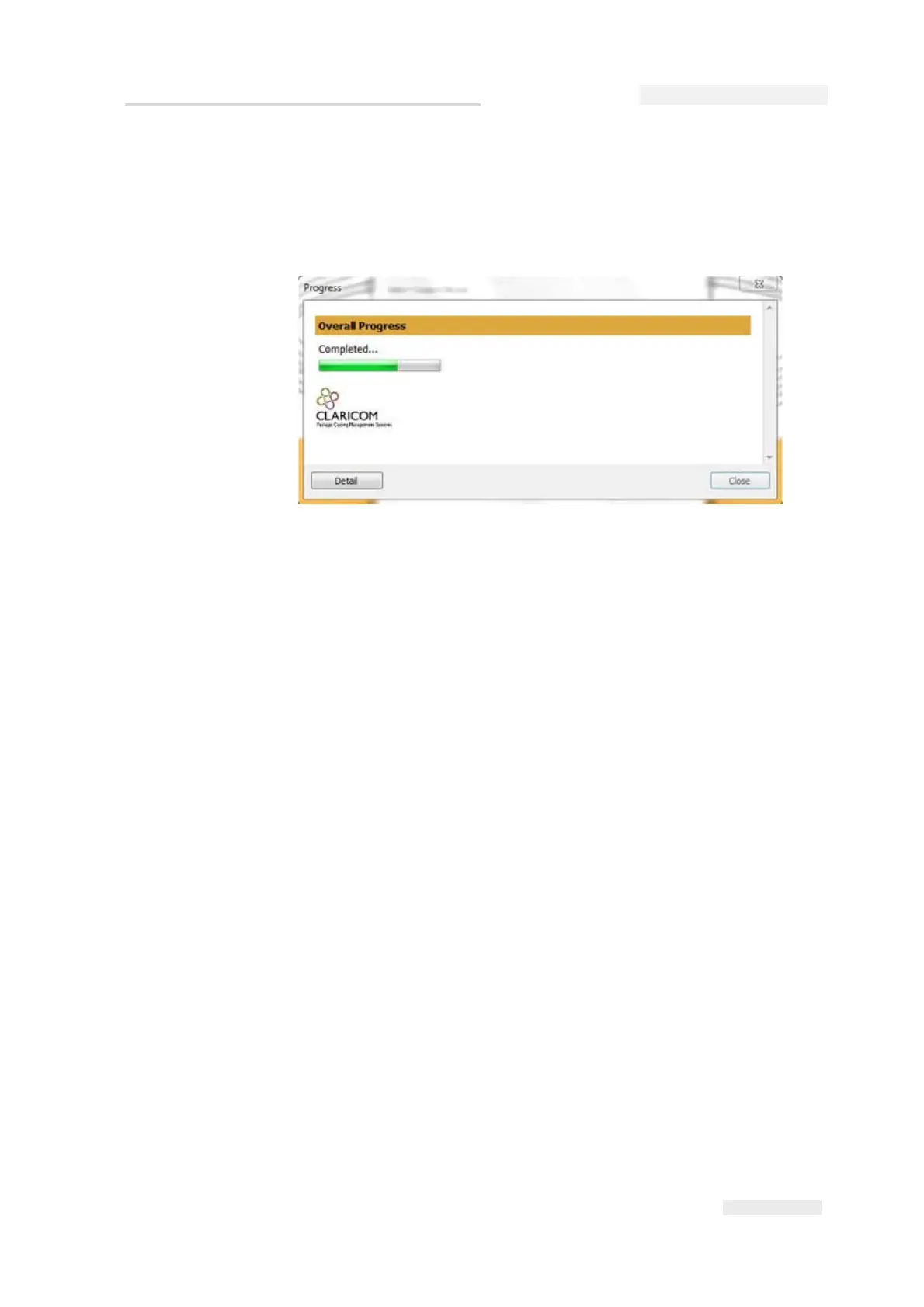
The Progress window which displays the status bar appears. The
status bar indicates the status of the job downloading process (see
Figure 6-5).
5 Remove the null modem cable after the job is downloaded completely.
The job file exists on the board memory of the printer.
Download a Job from the PC to USB Memory Stick
Note: To download the job file to a memory stick, the job file must exist in the PC.
Do the following tasks to download a job from the PC to a USB memory
stick:
1 Insert the USB memory stick into the PC.
Figure 6-5: Progress Window



 To Next Page