6-28 How to Replace the Ink Cartridge Rev AB
Videojet 8520 Operator Manual
Input Settings
In case of reverse printing, an input is configured to be used to control the
printing direction. Refer to the Videojet 8520 Service Manual for more
information.
In the preferred direction, the printing direction is determined by setting
in the installation settings. If printing is required contrary to the preferred
printing direction, this input must be assigned a high level. This changes
over the printing direction prior to the print trigger signal. This
assignment must be maintained until the production line switches back to
the preferred direction.
How to Replace the Ink Cartridge
If the ink cartridge needs to be replaced, proceed as follows:
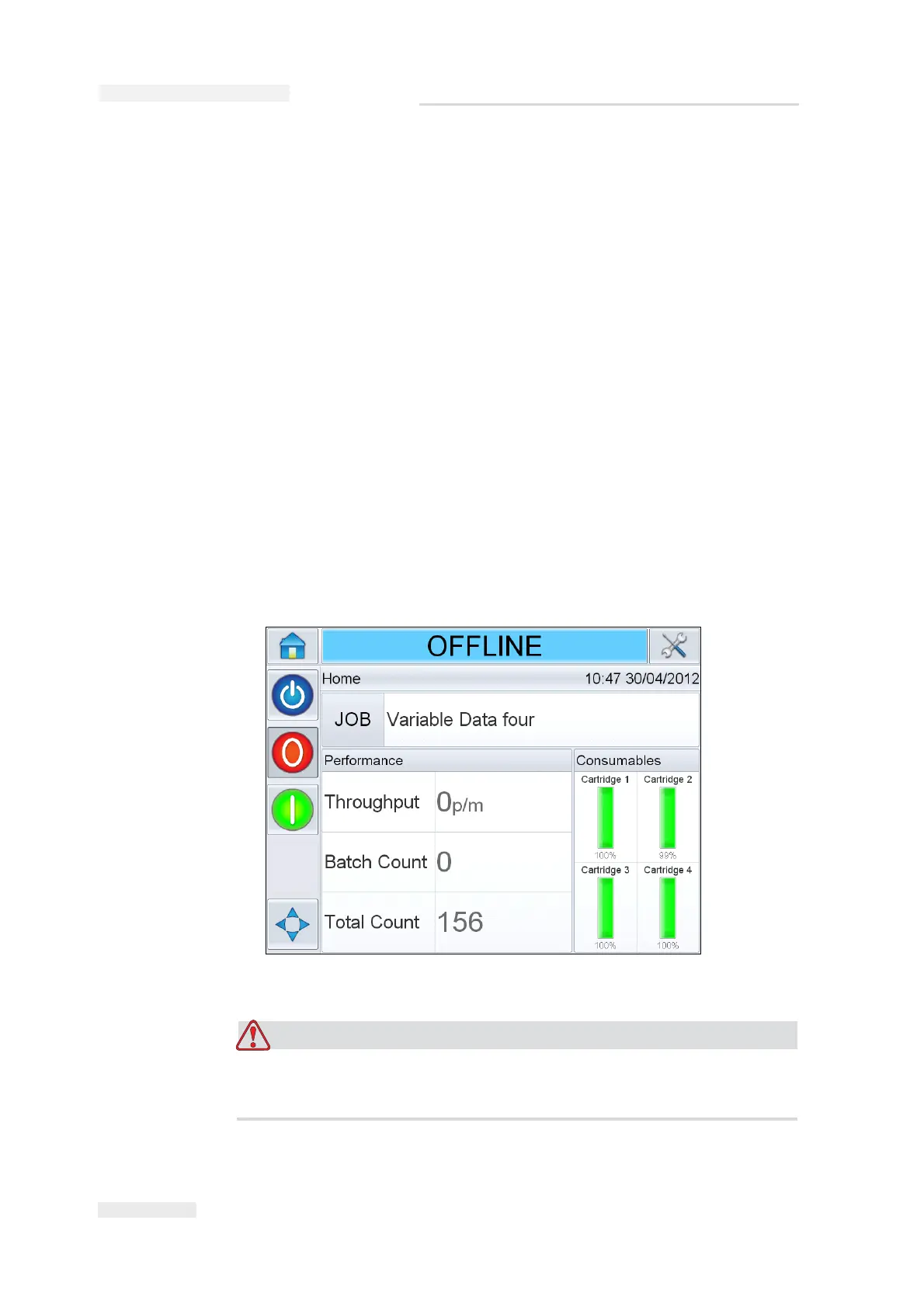
1 Touch the individual cartridges on the Home screen. This will display
the consumables screen with the list of information (Figure 6-35 on
page 6-29).
PERSONAL INJURY. While changing the cartridge, make sure that
the printer is offline.
Figure 6-34: CLARiTY Home Screen



 To Next Page