Rev AB How to Replace the Ink Cartridge 6-29
Videojet 8520 Operator Manual
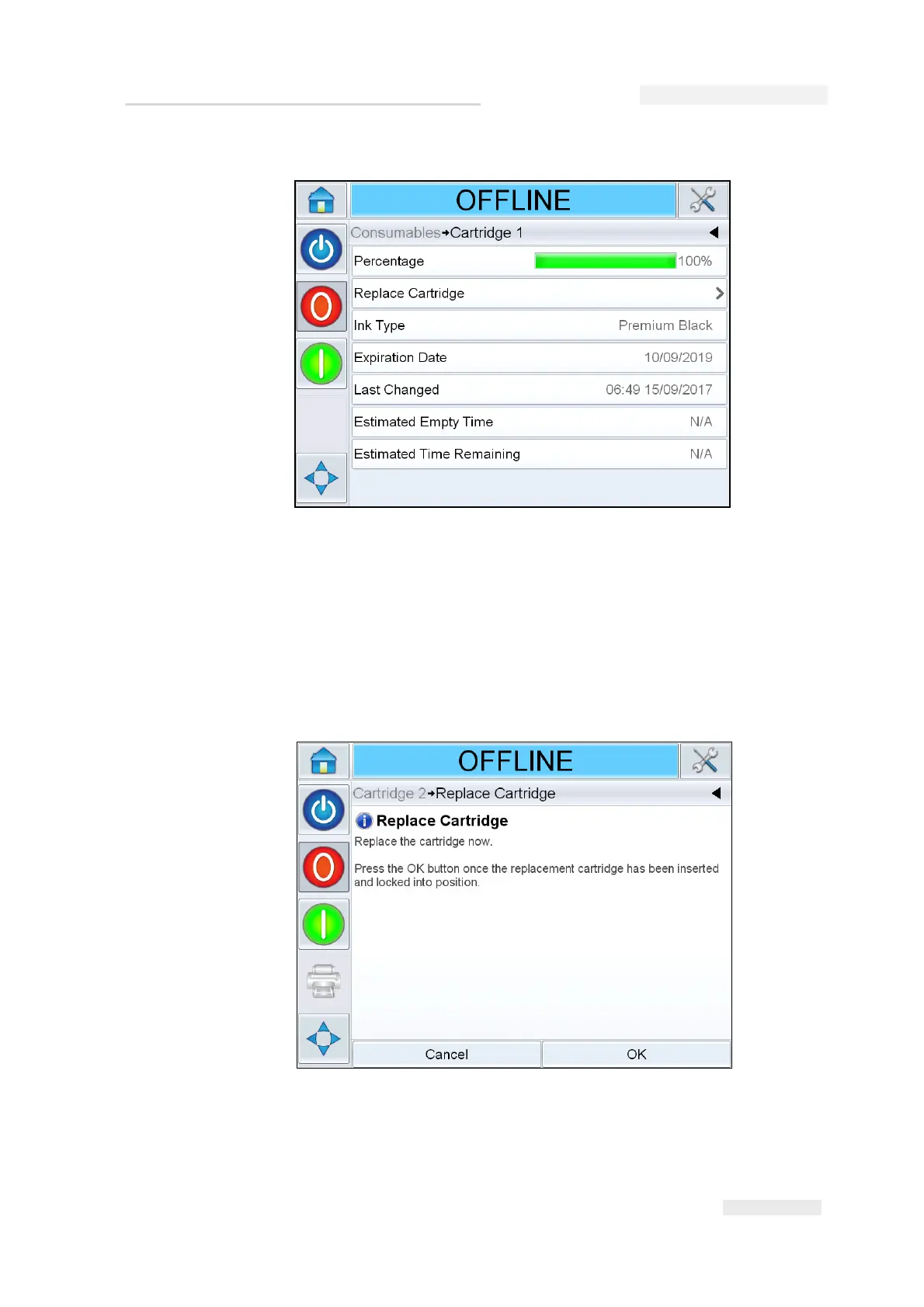
Note: Detailed Ink Information is available for authenticated cartridges.
Note: Expiry date of the cartridge is shown only when the printer is in offline
or running state.
2 Touch Replace Cartridge. The power is turned off to the cartridge to
allow the safe replacement of the cartridge. Ensure that the following
screen is displayed before continuing.
Figure 6-35: Cartridge Details Display (Authenticated Cartridge)
Figure 6-36: Replace Cartridge


 To Next Page