6-30 How to Replace the Ink Cartridge Rev AB
Videojet 8520 Operator Manual
3 Remove the protective tape from the gold contactor and nozzle plate
on the new cartridge.
Note: Do not touch the contactor plate. Any soiling will have an adverse
effect on the printed image.
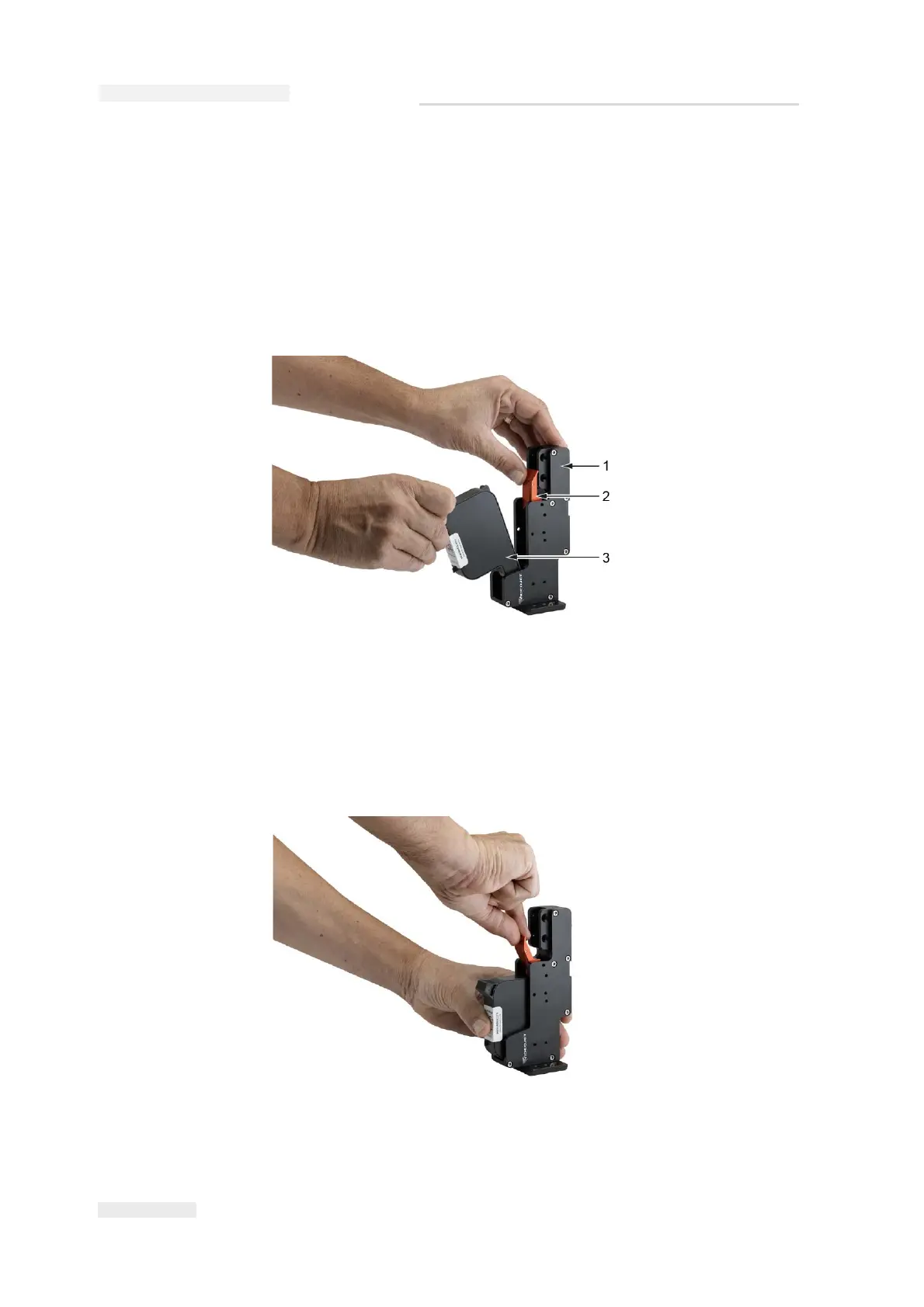
4 Flip the locking lever (item 2, Figure 6-37) back and insert the
cartridge (item 3).
5 Press the cartridge inside towards the back in a straight line (see
Figure 6-38).
Figure 6-37: Insert Ink Cartridge
1. Printhead
2. Lock Lever
3. Cartridge
Figure 6-38: Fix Ink Cartridge


 To Next Page
 Loading...
