Rev AB How to Replace the Ink Cartridge 6-31
Videojet 8520 Operator Manual
6 Secure the cartridge to the printhead by pressing the locking lever
down.
7 Touch OK button to complete the replacement of the ink cartridge.
Note: Touching OK button applies power to the printhead.
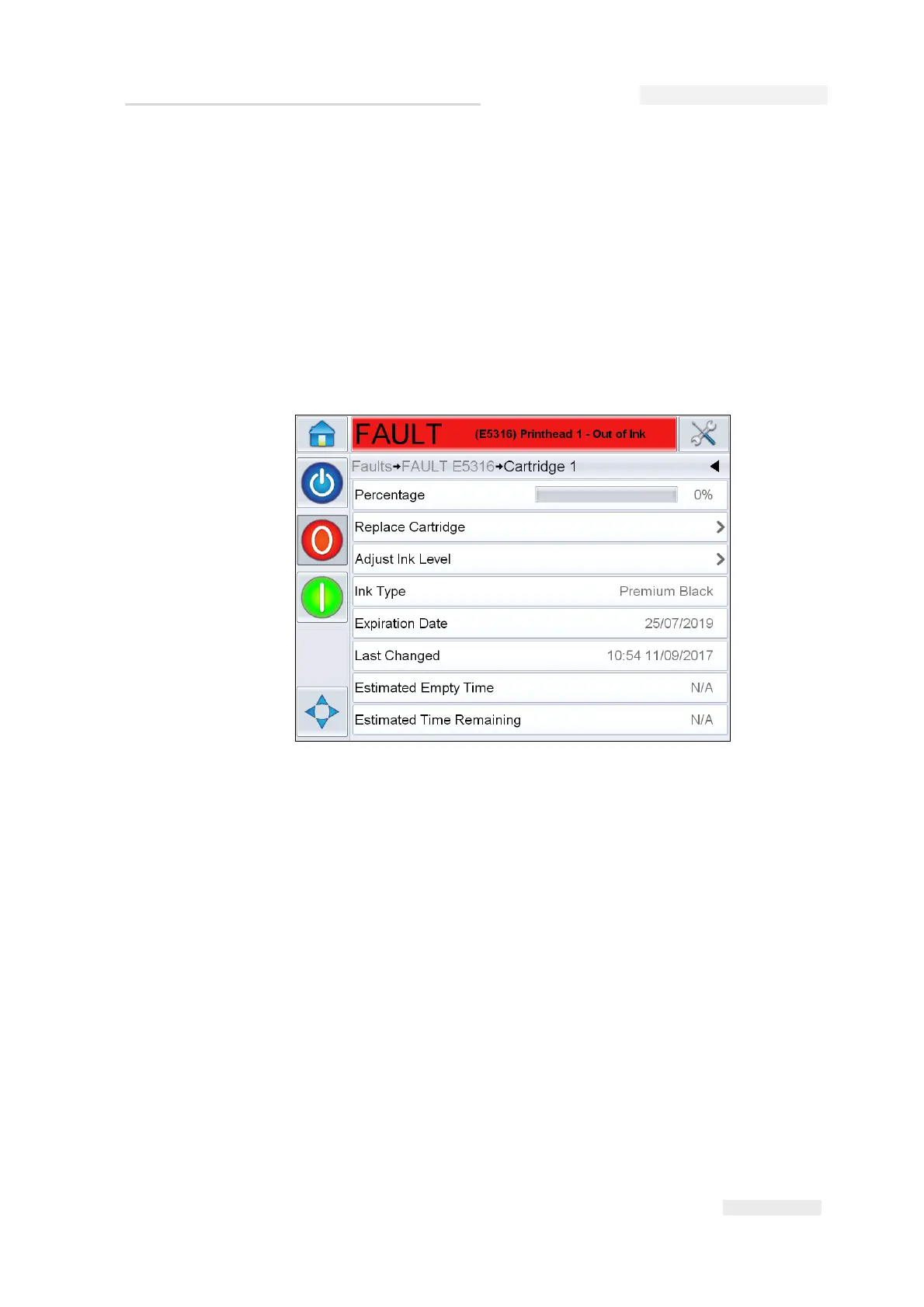
Note: For authenticated cartridges, if the ink percentage level is at or below
the ink out level which is set at 0% (default), the ink level can be adjusted to
remove any remaining ink from the cartridge, by selecting the Adjust Ink
Level in the Cartridge 1 screen as shown in Figure 6-39.
Figure 6-39: Adjust Ink Level


 To Next Page
 Loading...
