8-2 Fault Messages and Warnings Rev AB
Videojet 8520 Operator Manual
Reading a Fault Message or Warning
When a fault or warning occurs, CLARiTY displays the fault message in
the status window at the top of all screens.
When a fault occurs, the printer’s fault output relay will open. If this relay
is wired into the packaging machine’s stop circuit, it can be used to ensure
that the packaging machine is stopped in the event of an error. This
prevents the uncoded product from being produced when the printer has
a fault.
Several faults and warnings may occur at the same time. Faults will
always be displayed first.
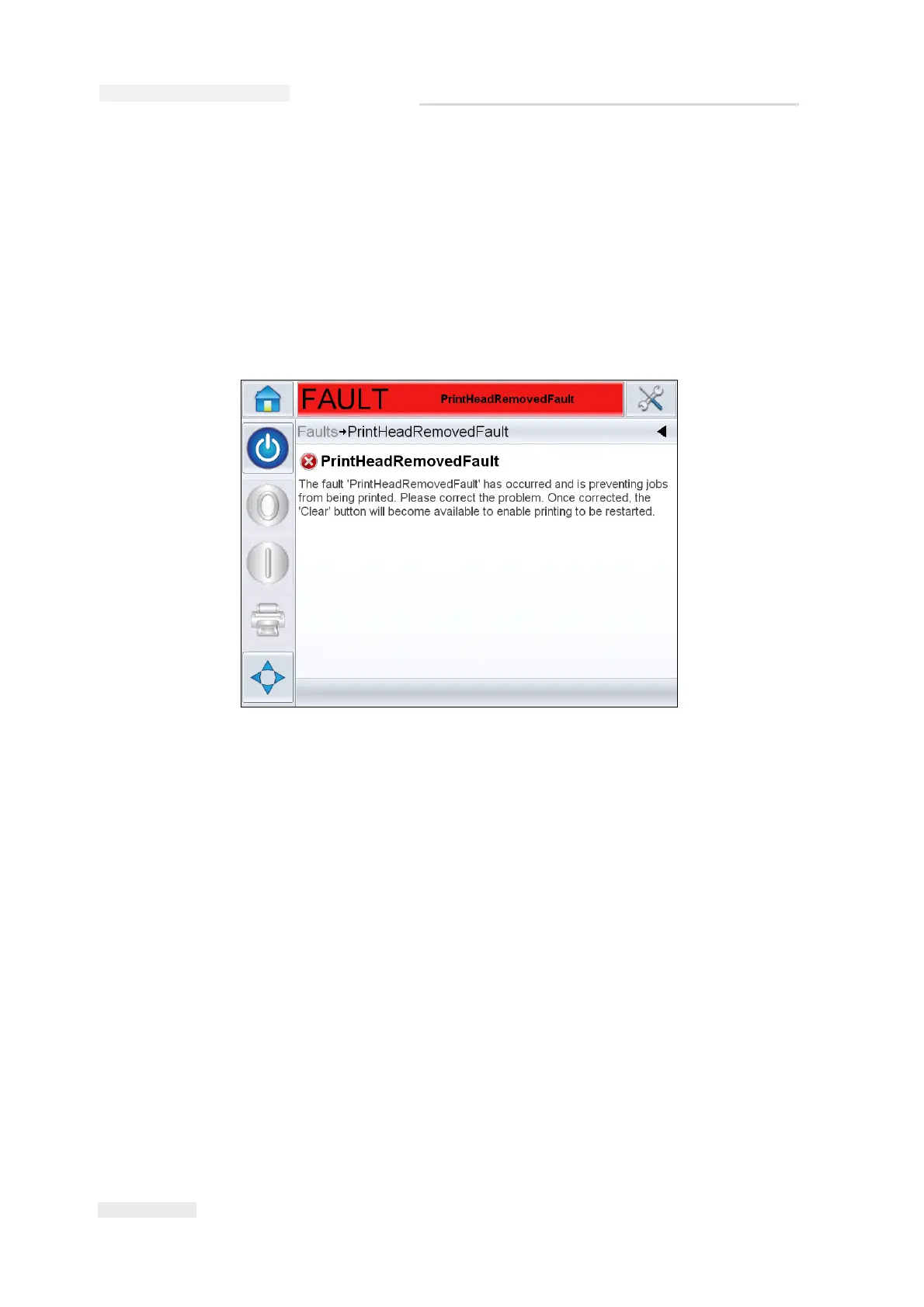
To view the faults/warnings in more detail and to view instructions on
what to do about them, touch the red or yellow area in the status window
at the top of the CLARiTY display.
Figure 8-1: Fault Display


 To Next Page