6-24 Line Select Mode Rev AB
Videojet 8520 Operator Manual
The following barcodes can be printed on the Videojet 8520:
•EAN8
•EAN13
•UPC-A
•UPC-E
•CODE128
•EAN128
•2/5i
•Codabar
•Code39
• Datamatrix
• GS1-Datamatrix
•QR Code
•GS1 Databar Composite
Line Select Mode
If the Line Selection is enabled on the controller, you can assign a specific
job to the correct line.
To assign the correct job to the correct line, do the following tasks:
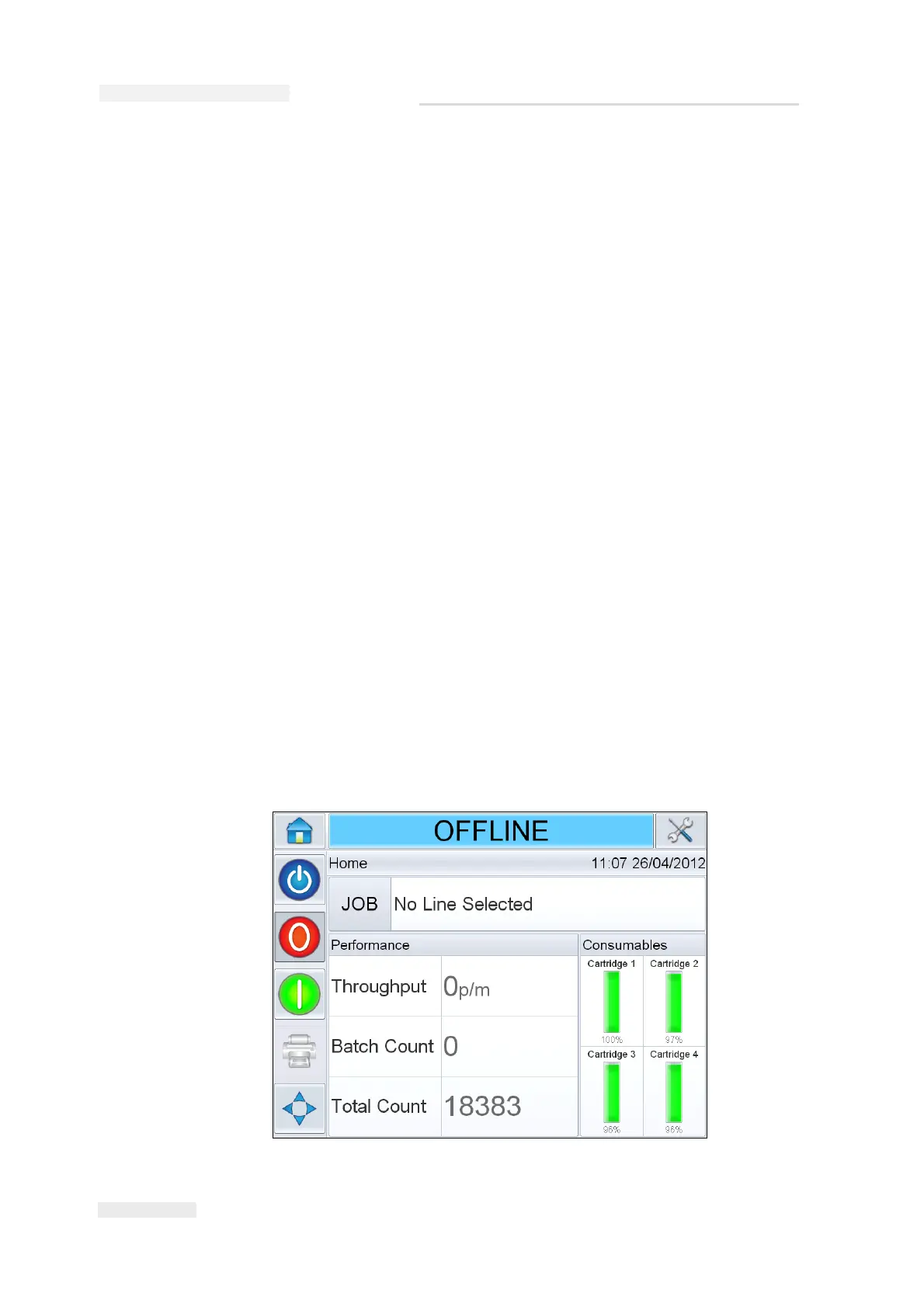
1 Select Job from the Home screen (Figure 6-28).


 To Next Page