Rev AB Line Select Mode 6-25
Videojet 8520 Operator Manual
2 To assign a particular job to Line 1:
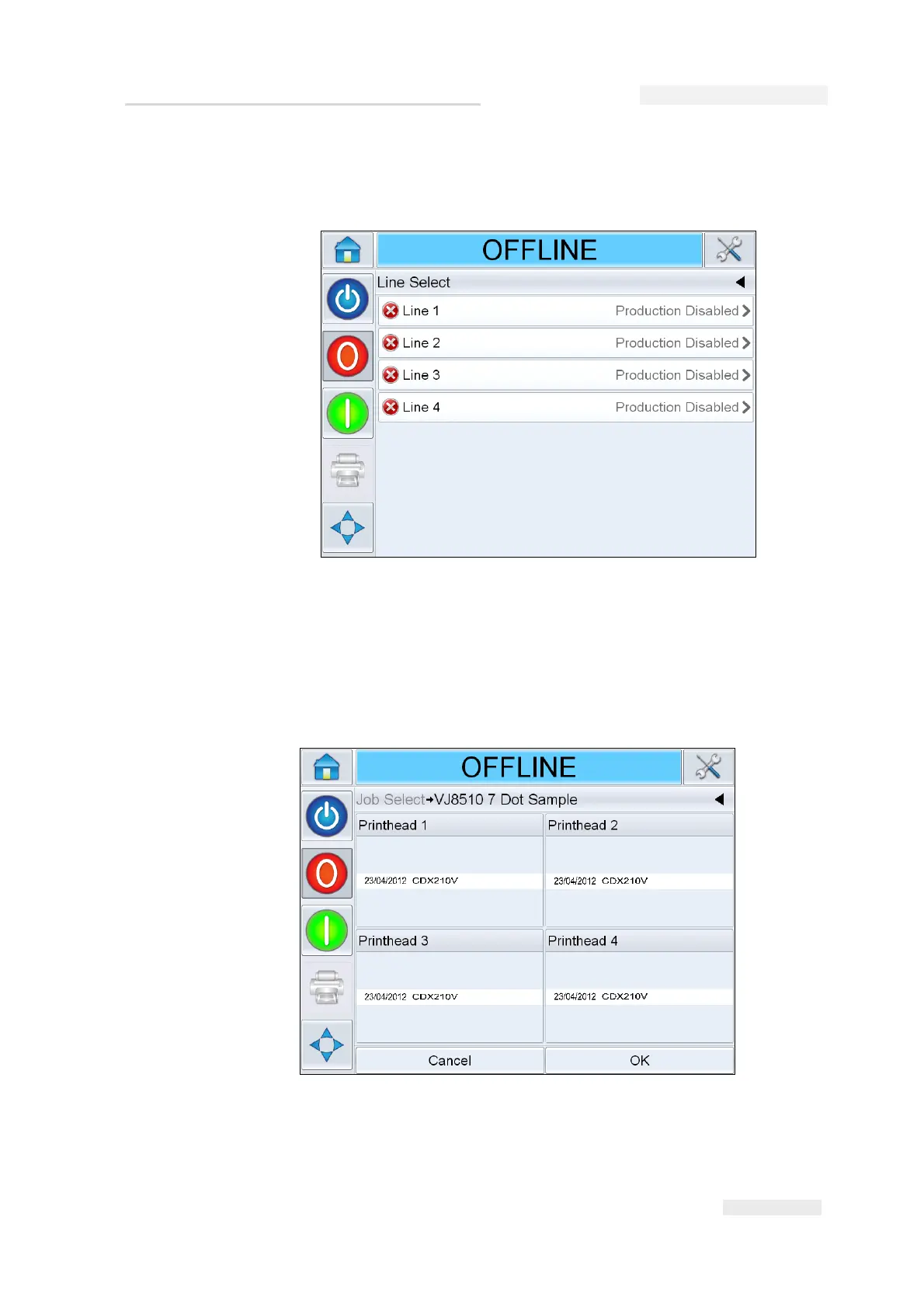
a. Select Line 1 (Figure 6-29).
b. Select the correct job from the job list and touch OK.
c. You can preview the assigned job (Figure 6-30).
d. Touch OK and Home screen appears.
The job selected is shown on the Line Select screen.
Figure 6-30: Job Select Preview


 To Next Page