Rev AA How to Setup the Printhead Settings 5-17
Videojet 8520 Operator Manual
How to Purge Printhead
To purge the printhead, proceed as follows.
3 Touch the Status Bar to put the printhead in OFFLINE mode or press
STOP button.
Note: The printhead cannot be purged, if external sensor is configured and
the product is positioned in front of the sensor.
4 Navigate to Tools > Setup >Consumables > Purge. The Purge Printhead
screen appears.
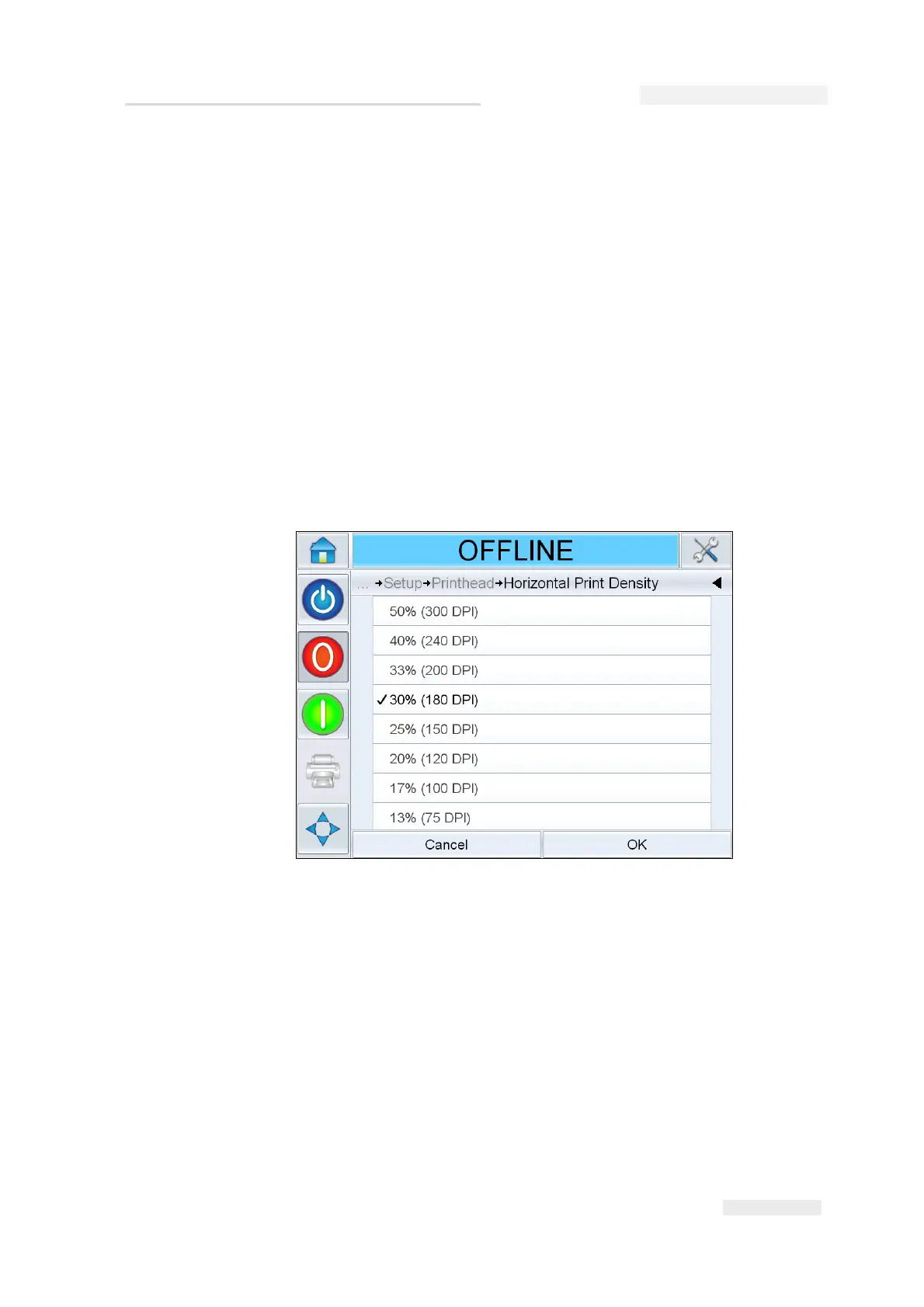
How to Adjust Print Resolution
5 Navigate to Tools > Setup > Printhead > Horizontal Print Density. Select
the appropriate print density value and touch OK to confirm.
6 Navigate to Tools > Setup > Printhead > Vertical Print Density. Select the
appropriate print density value and touch OK to confirm.
Figure 5-22: Print Resolution



 To Next Page