Rev AA How to Configure the Job Settings 5-19
Videojet 8520 Operator Manual
How to Configure the Job Settings
The print job (.CIFF file), image and job settings will be configured in
CLARiSOFT.
Size & Resolution
Printheads
When a new file is created in CLARiSOFT, the corresponding number of
print fields is defined by the user. One printhead corresponds to one print
field. The job can be user-defined within this print field (no restrictions in
terms of number of lines, etc.). Only the maximum print heights are
predefined.
One printhead = maximum print height 12.7 mm (0.5”)
Two printheads = maximum print height 25.4 mm (1”)
Three printheads = maximum print height 38.1 mm (1.5”)
Four printheads = maximum print height 50.8 mm (2”)
On selecting the number printheads, the grouping will also be
determined.
Examples:
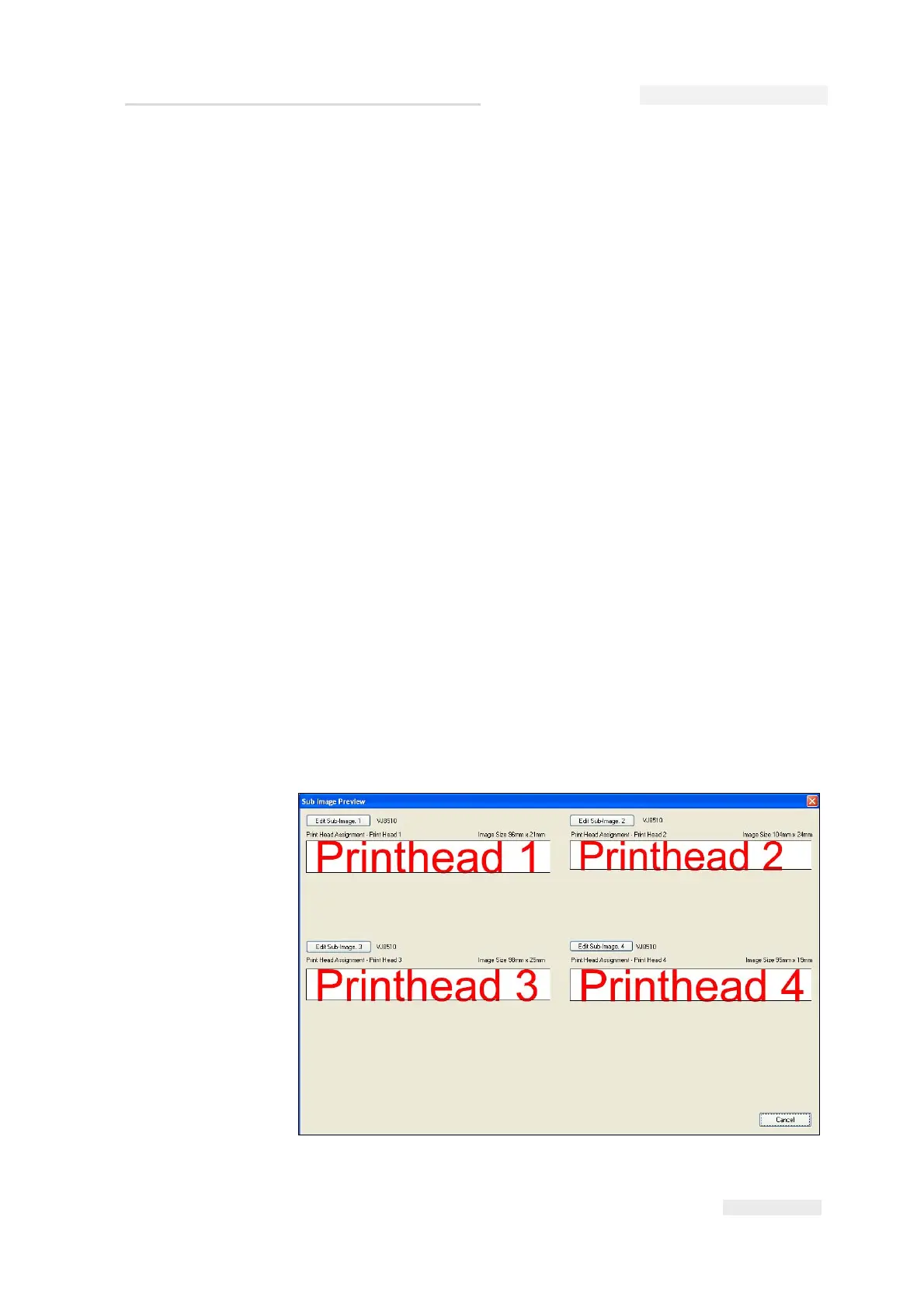
• All individually: Each head prints different data within a job. If this
setting is selected, whenever you create a new job you will be given
exactly the number of print fields that were set in Number of printheads.
Each field is an individual sub-image, and the image can be edited
through the sub-image screen (see Figure 5-24).



 To Next Page