5-20 How to Configure the Job Settings Rev AA
Videojet 8520 Operator Manual
• All like head 1: All the printheads print the same data as head 1. In
this setting, only one print field is made available. The text entered
there applies automatically to all the heads which were predefined for
this job under Number of printheads.
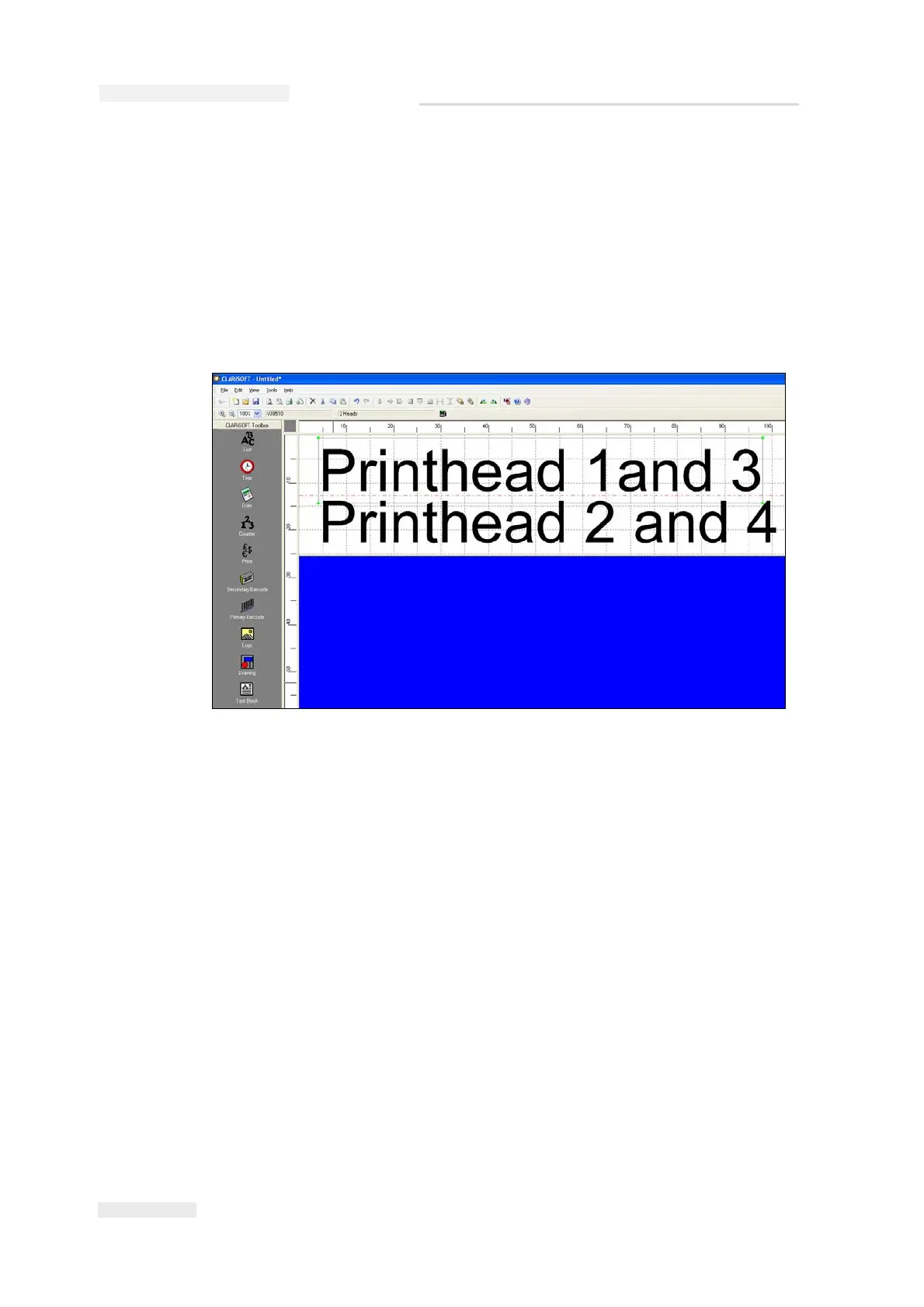
• Heads 3/4 like heads 1/2: Heads 3 and 4 print the same data as heads
1 and 2 (example, two-sided carton printing). In this case only two
fields will be available for entering the print data. The text entered
there applies equally to heads 1/2 and 3/4 (see Figure 5-25).
Note: For more information, refer Videojet 8520 Service Manual.
Note: The job file set up must correspond to the printer set up.
Figure 5-25: Printhead Settings



 To Next Page