6-12 Selecting a New Job Rev AB
Videojet 8520 Operator Manual
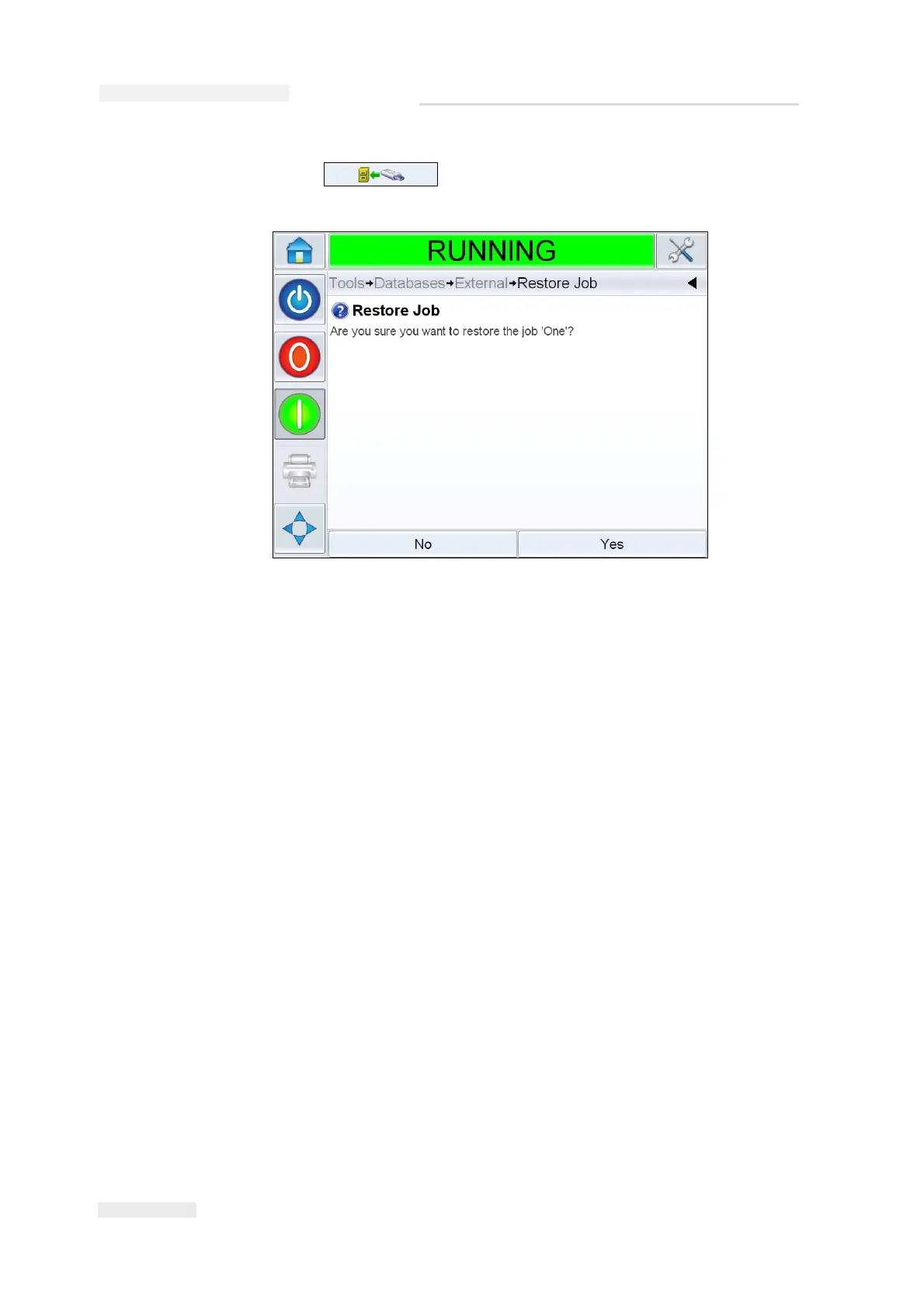
6 Touch to restore a job. A confirmation appears
(Figure 6-15). Touch Yes to confirm.
Selecting a New Job
If you want to print a job that is not the current job, you can select a
different one. Refer “How to Select and Print the Test Job” on page 5-14.
You can modify the information before printing the job.
Refer “User Editable Fields” on page 6-12 for information on how to
change it.
To exit the job selection menu at any stage without making any changes,
touch the Cancel button.
User Editable Fields
Some jobs contain user editable fields. These fields are part of the job that
can be changed. There are two types of user editable fields:
• Variable TEXT fields.
For example, they are used for batch codes, product names, and other
text jobs.
• Variable DATE fields.
For example, they are used for sell by dates.
Figure 6-15: Confirmation Screen



 To Next Page