Rev AB Fault Messages and Warnings 8-3
Videojet 8520 Operator Manual
Clearing a Fault Message or Warning
The instructions in this section provides information on how to clear a
fault message. A similar procedure is used to clear warnings.
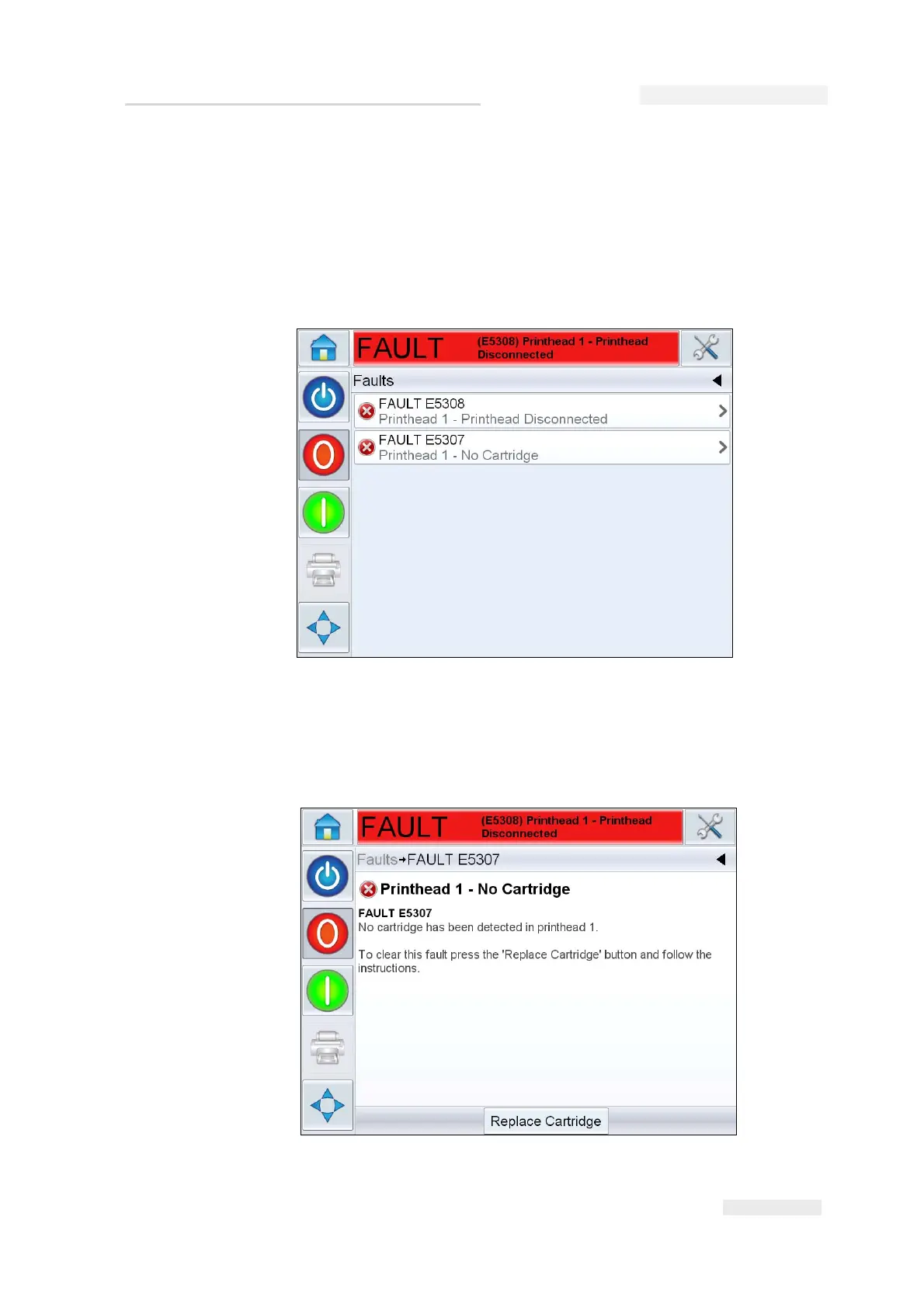
To view the details of the fault list, proceed as follows:
1 Touch the red FAULT message to view the list of faults (Figure 8-2 on
page 8-3).
2 Touch the fault name in the list to read more details about the fault.
3 Read the details of the fault and the on screen instructions that tell you
what to do about the fault.
Figure 8-2: Fault Selection
Figure 8-3: Fault Details Display



 To Next Page