5-4 How to Turn ON the Printer Rev AA
Videojet 8520 Operator Manual
How to Turn ON the Printer
To turn ON the printer, do the following tasks:
1 Make sure that the ink cartridge is available and inserted correctly.
2 Make sure that all the cables are not damaged and are connected
correctly.
3 Turn ON the mains supply to the printer.
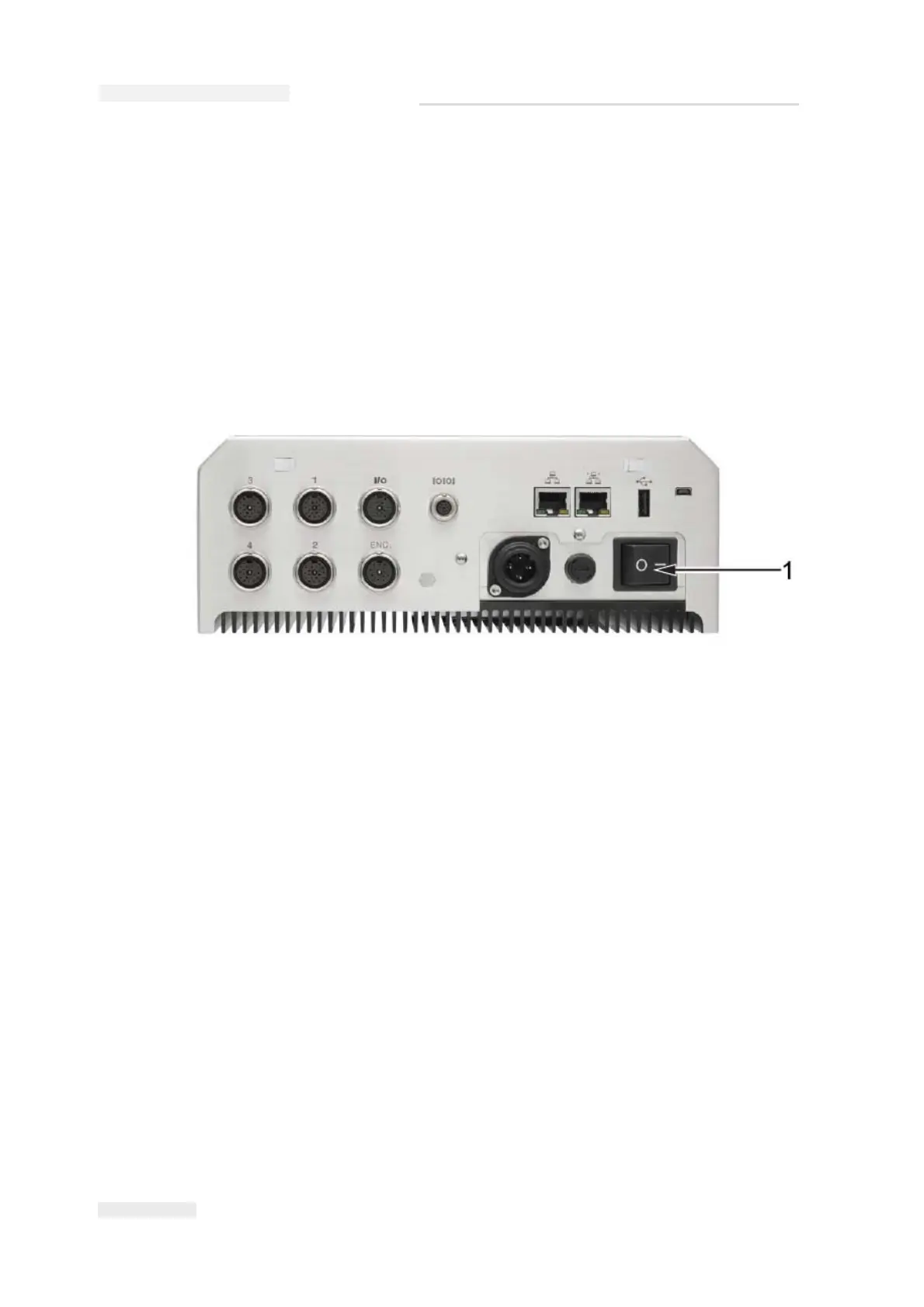
4 Turn the power switch ON the CLARiTY controller to ON position
(Figure 5-4).
Once power is switched ON, the controller will boot-up. This will take
approximately 90 seconds, during which CLARiTY startup screens
appear.
On successful boot up, the CLARiTY Home screen appears.
Note: Following successful boot up, and on the first start up, the system
configuration wizard starts and the user is asked to set up the system. Follow
the on-screen instructions and refer to “Setting up the Printer” on page 5-7.
Figure 5-4: Printer Power Switch
1. Power Switch



 To Next Page